
How to Use HelpKnow AI with CloudTalk: Setup & Workflow
Most support teams now handle two very different channels: text conversations that scale easily and phone calls that don't. CloudTalk gives you the calling infrastructure — local numbers in 160+ countries, smart routing, dialers, and AI voice agents. HelpKnow AI gives you the knowledge-driven agent that actually resolves the questions behind those calls. Used together, they close the gap between "the phone rang" and "the customer's problem is solved."
This guide explains how the two platforms complement each other, walks through a practical setup, and shows what the combined workflow looks like in real support scenarios.
Why pair HelpKnow AI with CloudTalk?
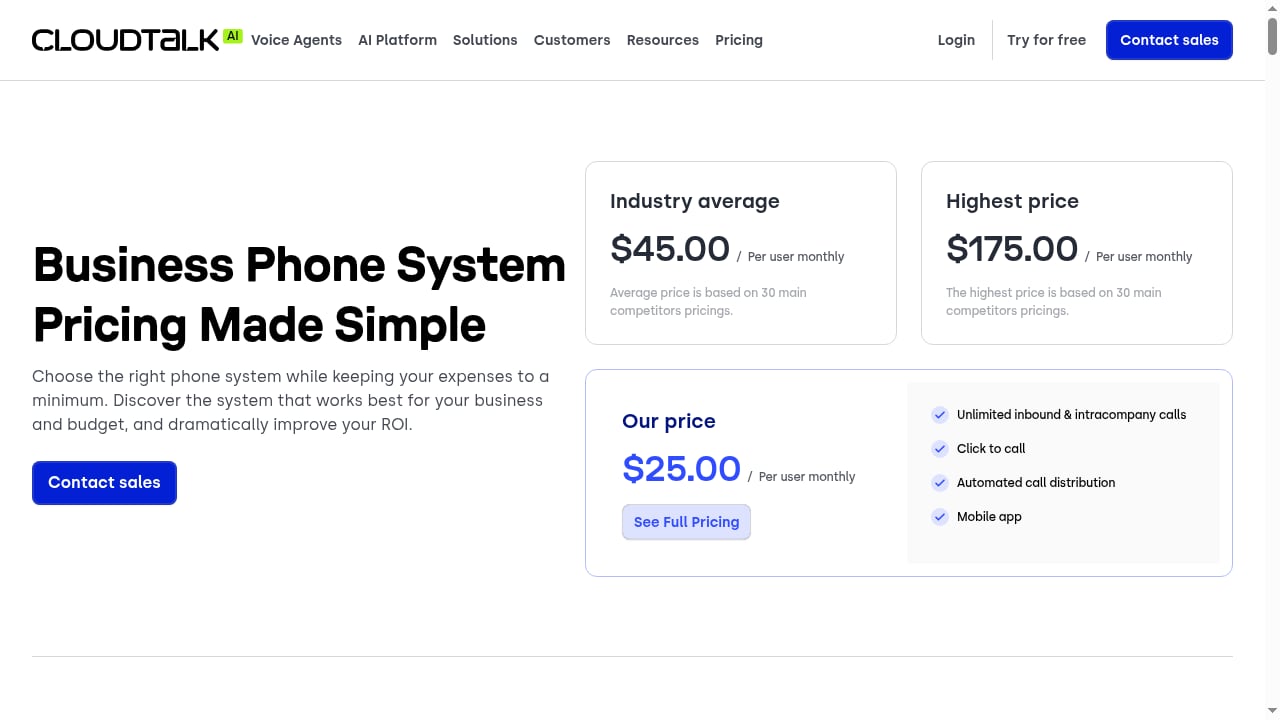
First viewport screenshot of www.cloudtalk.io.
HelpKnow AI is an enterprise AI agent platform: you upload documents, FAQs, and product catalogs, and the AI learns your business to answer customer questions with 24/7, second-level responses. It also ships super skill plugins — express tracking, order processing — so the agent can act, not just reply.
CloudTalk is an AI-powered business calling platform. It handles the telephony layer: IVR with a visual call flow designer, skill-based routing, automated call distribution, outbound dialers, and AI voice agents that share the same queues, integrations, and numbers as your human reps. It's trusted by 30,000+ users worldwide and offers local numbers in 160+ countries from $6 a month.
The division of labor is clean:
- CloudTalk owns the call. It answers, routes, records, and logs every conversation.
- HelpKnow AI owns the answer. It interprets the customer's intent, retrieves the right knowledge, and executes tasks like order lookups.
- Your team owns the exceptions. Humans step in for escalations, negotiations, and anything the AI flags as low-confidence.
That split solves a specific problem: voice agents that can hold a conversation but can't resolve anything beyond a script. Pairing a telephony platform with a knowledge-grounded AI agent turns phone support from a cost center into a resolution channel.
What the combined workflow looks like
A typical inbound call moves through five stages:
- Call arrives. CloudTalk answers via IVR or an AI voice agent on a local number, then routes by skill, queue, or time of day.
- Intent is captured. The caller's request — order status, billing question, product compatibility — is passed to HelpKnow AI as a conversation.
- Knowledge is retrieved. HelpKnow AI matches the intent against your uploaded knowledge base and generates an answer grounded in your actual documentation.
- Action is taken. If the request needs a transaction, a super skill plugin (express tracking, order processing) runs it and returns the result.
- Outcome is logged. The call record, transcript, and resolution sync back to CloudTalk and your helpdesk, so the next agent — human or AI — has full context.
Example: an order status call
A customer calls your local number asking where their package is. CloudTalk routes the call to the AI voice agent. HelpKnow AI recognizes the intent as order tracking, asks for the order number, runs the express tracking plugin, and reads back the delivery status. If the package is delayed, the agent offers to open a ticket — and the call log in CloudTalk carries the transcript and outcome so a human can follow up.
Example: after-hours coverage
Your team works 9 to 6. CloudTalk's AI voice agent answers overnight calls on the same numbers your reps use during the day. HelpKnow AI handles the knowledge-heavy questions — return policy, warranty terms, account changes — and escalates anything ambiguous to a morning callback queue. You cover the calls you can't staff without hiring a night shift.
Example: outbound follow-up
CloudTalk's dialers run follow-up campaigns on leads or open tickets. When a customer answers with a question, HelpKnow AI can supply the answer from your knowledge base instead of leaving the rep to improvise. That's the practical version of CloudTalk's claim of roughly 40% fewer live support calls: the calls that still happen get resolved faster.
Setup: connecting the two platforms
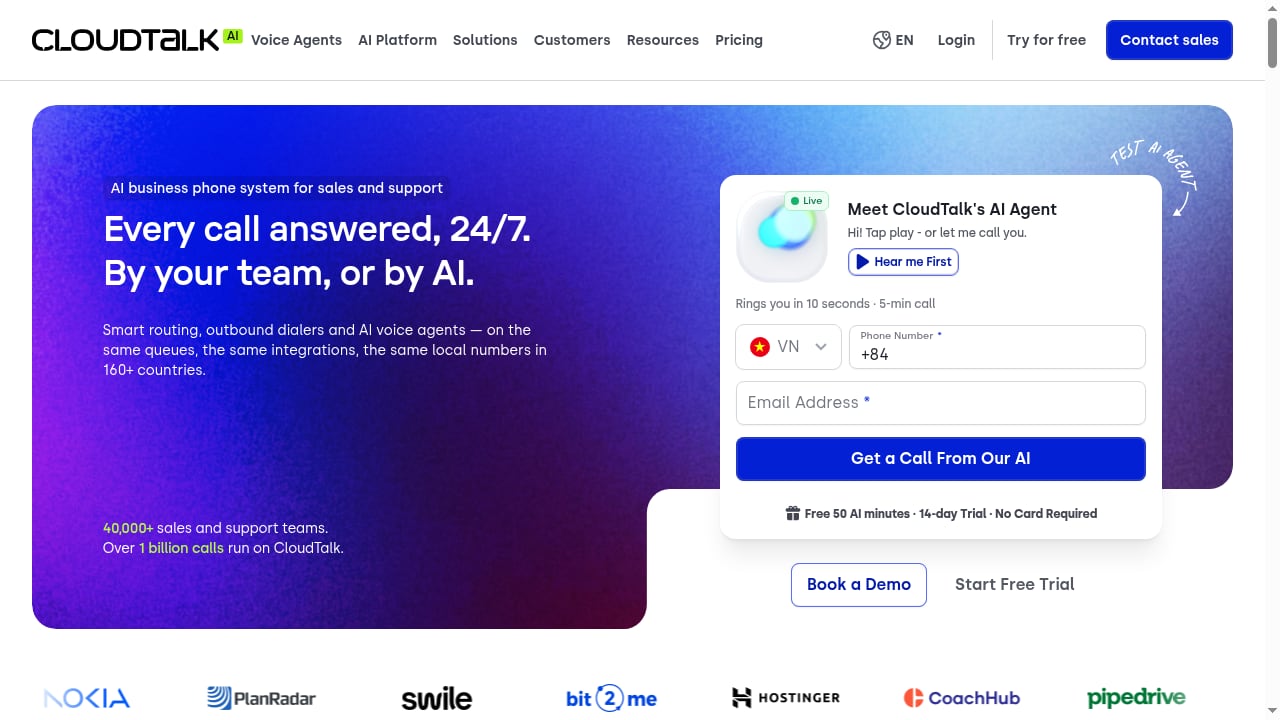
First viewport screenshot of www.cloudtalk.io.
Exact menu labels vary by plan and release, so treat this as a workflow checklist rather than a click-by-click script. The sequence matters more than the button names.
Step 1: Prepare the HelpKnow AI knowledge base
Before touching telephony, make sure the AI has something accurate to work with:
- Upload product catalogs, policy documents, and FAQs.
- Remove outdated versions — conflicting documents produce conflicting answers.
- Test the agent on your ten most common phone questions.
- Enable the super skill plugins you need (order processing, express tracking) and confirm they can reach your order system.
Step 2: Configure CloudTalk numbers and routing
- Port or provision local numbers in the countries you serve.
- Build an IVR flow in the visual designer: business hours, language selection, and a branch for AI handling.
- Decide which queues the AI voice agent covers — after-hours, overflow, first-touch leads — and which stay with humans.
- Set up skill-based routing so escalations land with the right team.
Step 3: Connect the AI agent to the call flow
Point the relevant CloudTalk numbers or queues at the AI agent, and configure HelpKnow AI to receive the conversation context. If you already run a helpdesk integration, the pattern will feel familiar — CloudTalk's helpdesk connectors pass caller details, call direction, duration, recording links, and notes into the ticket system. HelpKnow AI slots into that same data flow as the resolution layer.
Step 4: Define escalation rules
Decide up front what the AI must not handle alone: refunds above a threshold, legal or compliance topics, angry callers, and anything below a confidence score. Route those to a human queue with the transcript attached.
Step 5: Test, then measure
Run test calls for each scenario — order status, billing, returns, after-hours — and check that the transcript, outcome, and any ticket land where your team expects. Then track four numbers weekly:
- Automated resolution rate
- Average call duration
- Escalation rate and reasons
- Missed-call rate
Where the combination fits — and where it doesn't
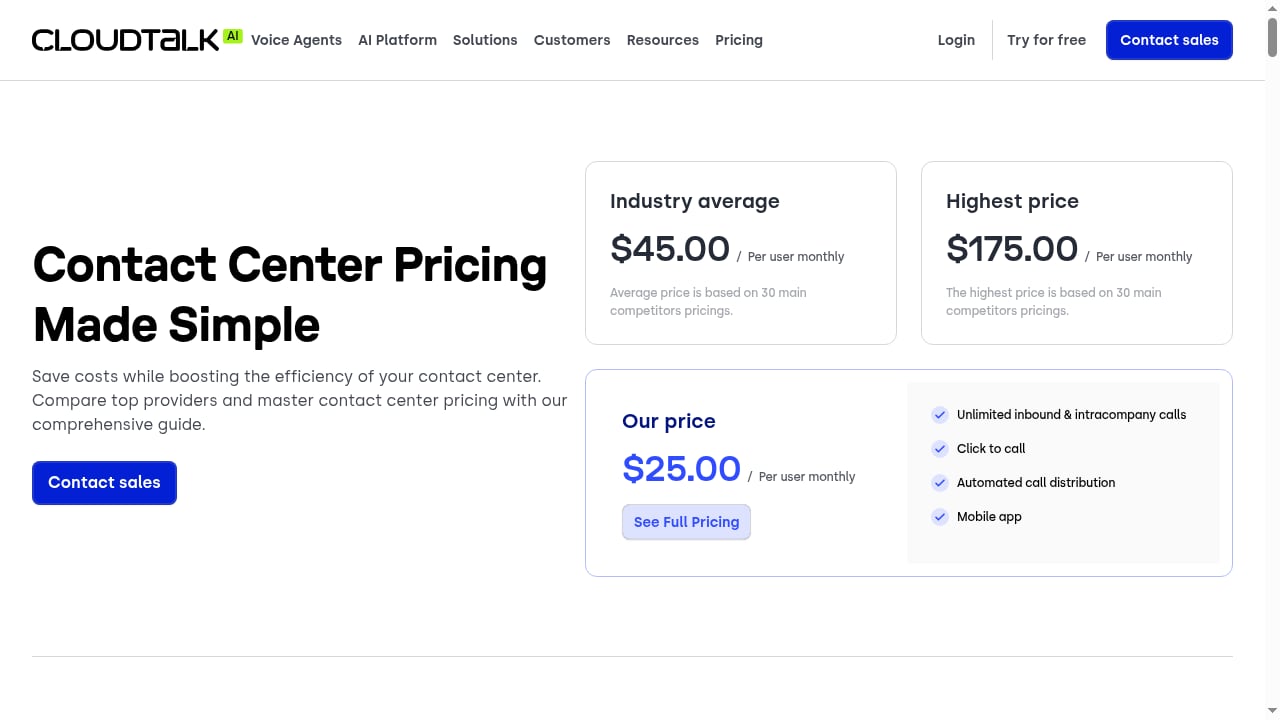
First viewport screenshot of www.cloudtalk.io.
| Need | Better fit |
|---|---|
| High-volume phone support with knowledge-heavy questions | HelpKnow AI + CloudTalk |
| Pure chat/email automation with no voice channel | HelpKnow AI alone, or compare options in our HelpKnow AI vs Help Scout vs ChatBot.com comparison |
| Full contact-center suite with workforce management | Evaluate broader platforms in our HelpKnow AI vs Genesys Cloud CX analysis |
| Sales-led outbound calling with light support | CloudTalk's dialers, with HelpKnow AI as a knowledge assistant |
A few honest limits: CloudTalk's AI voice agents and HelpKnow AI's plugins both depend on clean data — messy order systems or stale documentation will surface in call quality. And if your support is almost entirely text-based, adding a phone layer may be unnecessary complexity. If you're weighing broader platform choices, our HelpKnow AI vs Decagon vs Issuetrak comparison covers the trade-offs in more depth.
Pricing signals to budget for
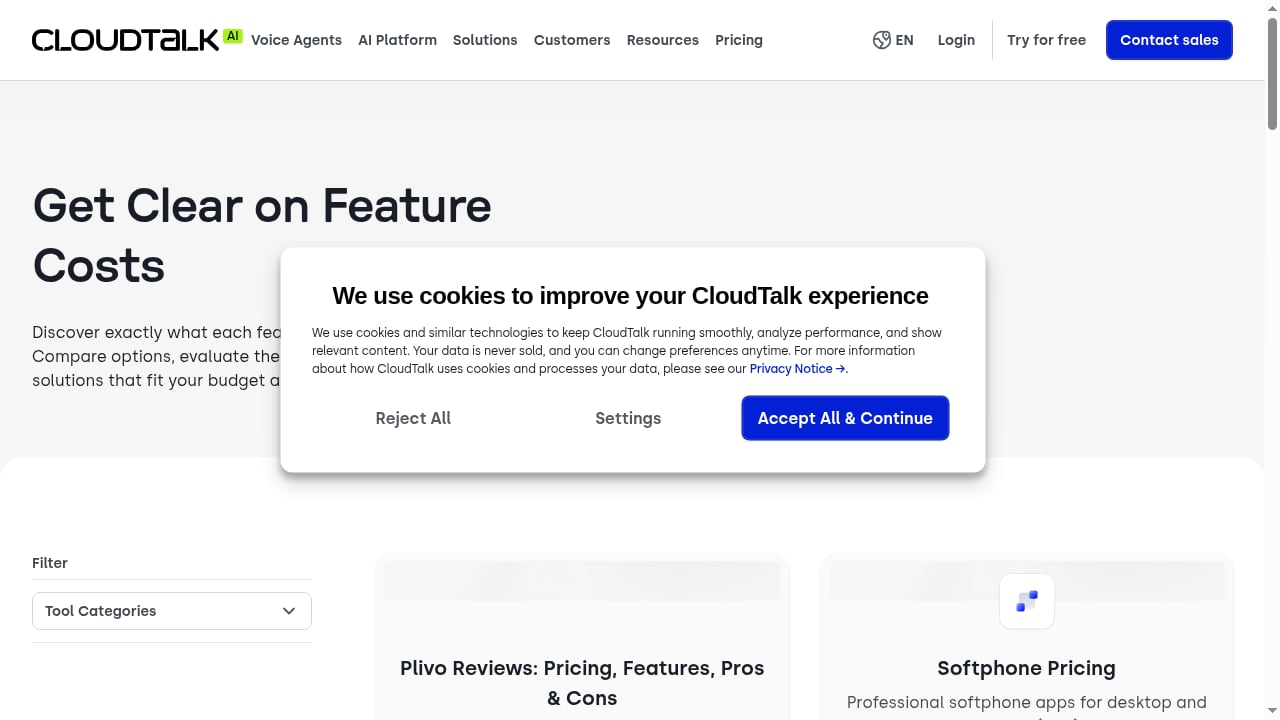
First viewport screenshot of www.cloudtalk.io.
CloudTalk pricing starts at $25 per user per month, with plans ranging from $25 to $50 per user per month billed annually, plus a custom tier. A 14-day free trial is available, and all plans include SOC 2, GDPR, and HIPAA compliance, anti-spam number registration, and 24/7 chat and email support. Geographic numbers start at $6 a month.
HelpKnow AI's published claims — 1,000+ enterprise customers, 70% customer service cost reduction, and a 95% automated resolution rate — are the numbers to validate against your own pilot. Budget for both layers: telephony plus AI agent. The combined cost is usually justified by the calls you stop missing and the tickets the AI closes without a human.
Related reading
- Chatbase Review 2026: Features, Pricing, Pros & Limits - Hands-on Chatbase review for 2026: AI agent features, setup, pricing signals, real user feedback, limitations, and who should choose it.
- Top 10 AI CRM Software Products 2026: Ranked & Reviewed - Discover the top 10 AI CRM software products for 2026, ranked by AI depth, usability, and value. Compare features, pricing, and best-fit use cases.
FAQ
Does HelpKnow AI replace CloudTalk's AI voice agent?
No. They operate at different layers. CloudTalk handles telephony, routing, and voice interaction; HelpKnow AI supplies the knowledge retrieval and task execution behind the conversation. Some teams use CloudTalk's voice agent as the front door and HelpKnow AI as the resolution engine.
Can HelpKnow AI handle calls without a human?
For well-documented, high-volume intents like order status, returns policy, and account questions, yes. Set escalation rules for anything outside that scope so customers always have a path to a person.
How long does setup take?
The knowledge base preparation is usually the long pole — a few days for a focused product set, longer for large catalogs. Telephony configuration in CloudTalk is typically faster, especially if you're porting existing numbers.
What about compliance?
CloudTalk states that all plans include SOC 2, GDPR, and HIPAA compliance, with encryption in transit and at rest. Confirm your own regulatory requirements with both vendors before going live, particularly if you handle health or financial data.
Can I test before committing?
Yes. CloudTalk offers a 14-day free trial, and you can run HelpKnow AI against test knowledge bases and sample call scenarios before connecting production numbers.
Conclusion
HelpKnow AI and CloudTalk solve complementary halves of the same problem. CloudTalk makes sure every call gets answered on a local number, routed sensibly, and logged with context. HelpKnow AI makes sure the questions inside those calls actually get resolved — with knowledge grounded in your own documentation and plugins that can act on real orders.
The practical path: clean your knowledge base first, configure routing and escalation second, then measure automated resolution rate and missed calls weekly. If the pilot shows the AI closing the routine questions while humans handle the exceptions, you've built a phone support operation that scales without scaling headcount.
For a closer look at how this pattern works with another telephony provider, see our HelpKnow AI with RingCentral setup guide.
Sources: CloudTalk AI call center platform, CloudTalk helpdesk integration documentation, CloudTalk Help Center.