
How to Use HelpKnow AI with RingCentral: Setup & Workflow
RingCentral gives your business a modern voice stack: cloud telephony, AI call handling, messaging, and contact center tools. HelpKnow AI gives you an enterprise AI agent that learns your knowledge base and resolves customer issues end to end. Used together, they close a common gap: the phone channel answers calls, but the actual problem resolution still lands on human agents.
This guide explains how the two products complement each other, how to set up a working integration, what a real call-to-resolution workflow looks like, and where the combination pays off.
Why pair HelpKnow AI with RingCentral?
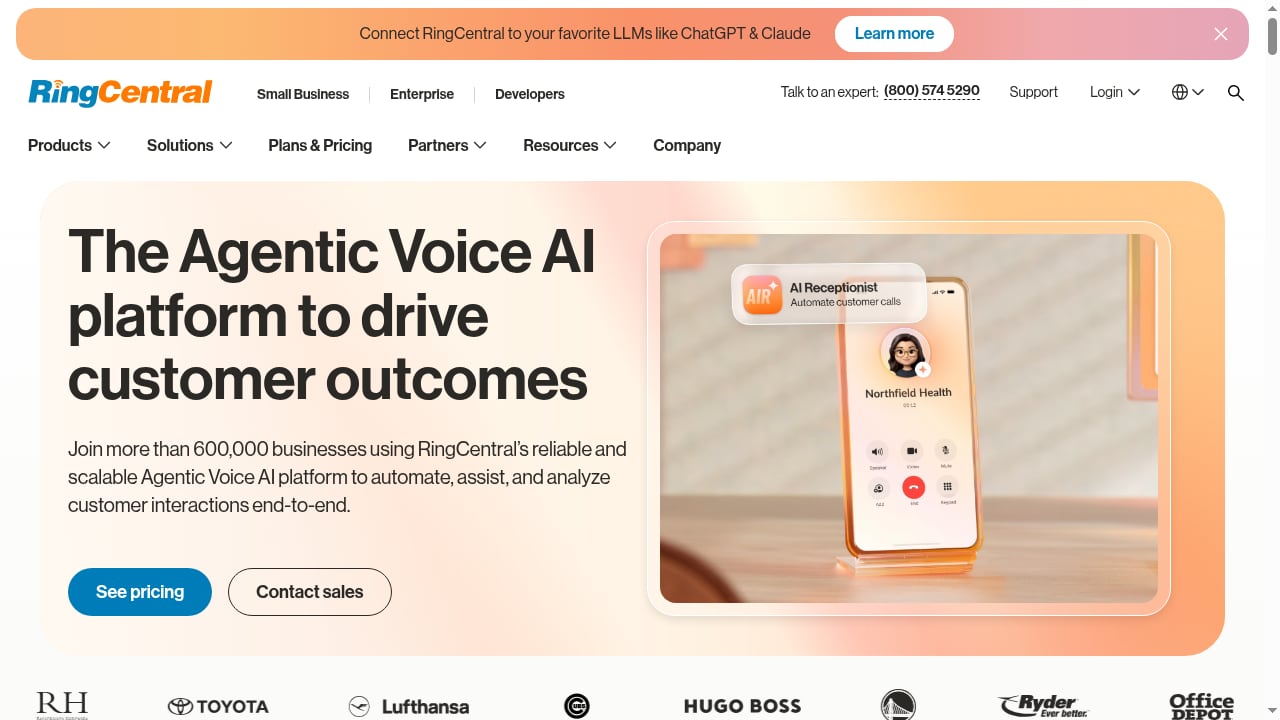
First viewport screenshot of RingCentral: The Voice of Your Business.
RingCentral is strong at the conversation layer. Its AI Receptionist (AIR), AI Virtual Assistant (AVA), and AI Conversation Expert (ACE) capabilities help answer, route, and automate voice interactions, and the platform bundles telephony, team messaging, video, and contact center functionality in one subscription service.
HelpKnow AI is strong at the resolution layer. It ingests documents, FAQs, and product catalogs, recognizes customer intent, and can execute business tasks through skill plugins such as order processing or shipment tracking. The platform reports a 95% automated resolution rate and a 70% reduction in customer service costs across more than 1,000 enterprise customers.
Put simply:
- RingCentral owns the call, the number, the routing, and the voice experience.
- HelpKnow AI owns the answer, the action, and the follow-through.
Without an AI resolution layer, RingCentral's voice AI can greet and route, but complex questions still queue for a person. Without a voice front end, HelpKnow AI can resolve issues in chat and email but misses the customers who pick up the phone. Together they cover the full path from ring to resolution.
What the combined workflow looks like
First viewport screenshot of RingCentral Meetings Terms of Service.
A typical setup follows five stages.
1. Call arrives and is qualified
A customer dials your RingCentral number. RingCentral's AI voice capabilities greet the caller, capture basic context (account number, order ID, reason for calling), and decide whether the request is routine or needs escalation.
2. Intent is handed to HelpKnow AI
The call context—transcript, caller identity, and stated issue—is passed to HelpKnow AI. Its smart intent recognition classifies the request: billing question, delivery status, return request, technical issue, or something else.
3. HelpKnow AI retrieves the answer
HelpKnow AI searches the knowledge you have fed it: support documents, FAQs, product catalogs, and policy pages. Because it learns from your own material, answers reflect your actual products and procedures rather than generic model output.
4. The AI agent takes action
If the issue requires more than an answer, HelpKnow AI invokes a skill plugin. It can look up a shipment, process an order change, or trigger a refund workflow—tasks that would otherwise require a human to switch between systems.
5. Resolution or warm handoff
If the issue is resolved, the customer gets a clear answer and the interaction is logged. If not, HelpKnow AI escalates to a human agent with the full conversation history, so the customer does not repeat themselves. RingCentral's routing then delivers the call to the right queue or specialist.
Setup steps
First viewport screenshot of Privacy Notice: August 2026 - RingCentral Legal.
Exact configuration depends on your RingCentral plan and how your HelpKnow AI tenant is provisioned. The sequence below reflects the standard pattern for connecting an AI resolution layer to a cloud voice platform.
Step 1: Define the scope
Before touching settings, list the intents you want the AI to own. Good first candidates are high-volume, low-ambiguity requests: order status, password resets, return eligibility, store hours, and billing explanations. Leave complex or sensitive cases—complaints, legal matters, retention offers—with human agents at first.
Step 2: Feed HelpKnow AI your knowledge
Upload the documents, FAQs, and product catalogs that cover your chosen intents. Keep the source material current; stale policy pages are the most common cause of wrong answers. Test the agent against real questions from your support history before going live.
Step 3: Configure RingCentral call handling
In RingCentral, set up the number or queue that will front the AI agent. Decide which calls route to the AI first and which go straight to humans. Use RingCentral's call routing and AI voice features to capture caller context early, so HelpKnow AI receives a clean handoff rather than a cold start.
Step 4: Connect the two systems
Establish the data path between RingCentral and HelpKnow AI. Depending on your architecture, this may use RingCentral APIs, webhooks, or a middleware layer that passes call transcripts and metadata to HelpKnow AI and returns resolution status. If you are building this layer yourself, the patterns in our guide to connecting HelpKnow AI with conversational AI and APIs apply directly to voice.
Step 5: Enable skill plugins
Turn on the plugins that match your scope. If order status is in scope, connect the order management system. If returns are in scope, connect the returns workflow. Plugins are what separate an AI that explains from an AI that resolves.
Step 6: Test, monitor, and expand
Run a pilot on one queue or one region. Track automated resolution rate, escalation reasons, and customer satisfaction. Expand scope only after the agent handles the first set of intents reliably.
Practical examples
Example 1: Delivery status call
A customer calls about a late order. RingCentral captures the order number through its voice AI. HelpKnow AI recognizes the intent, queries the carrier through a tracking plugin, and tells the customer the package is delayed by two days with a new delivery date. No human agent is involved.
Example 2: Return request
A customer wants to return a defective item. HelpKnow AI checks the return policy in your knowledge base, confirms eligibility, generates a return label through a plugin, and emails the instructions. RingCentral logs the call and the outcome.
Example 3: Complex billing dispute
A customer disputes a charge. HelpKnow AI recognizes the intent but detects a policy exception. It escalates to a billing specialist through RingCentral routing and passes the transcript, account context, and the customer's stated concern, so the human agent starts informed rather than from scratch.
Where the combination solves real problems
- After-hours coverage. RingCentral keeps the line open; HelpKnow AI resolves routine requests 24/7 instead of sending callers to voicemail.
- Queue pressure. Deflecting high-volume intents before they reach a human reduces wait times for the calls that genuinely need people.
- Context loss on transfer. Passing transcript and intent data between systems eliminates the "can you repeat that?" experience.
- Inconsistent answers. A single knowledge source behind the AI agent keeps phone answers aligned with chat and email.
- Cost per contact. Automated resolution on the voice channel lowers the cost of handling routine calls without reducing availability.
Decision guidance: when this pairing fits
First viewport screenshot of Terms of Services (June 2021) - RingCentral Legal.
| Situation | Recommended approach |
|---|---|
| High call volume, mostly routine questions | Pair RingCentral voice with HelpKnow AI for automated resolution |
| Complex, relationship-driven sales calls | Keep human agents in RingCentral; use AI for pre-qualification only |
| Multi-channel support (phone, chat, email) | Use HelpKnow AI as the resolution layer across channels, with RingCentral owning voice |
| Early-stage AI rollout | Start with one intent category and one RingCentral queue, then expand |
If you are still evaluating the AI layer itself, our comparison of HelpKnow AI, Help Scout, and ChatBot.com and our roundup of the top AI customer service platforms can help you benchmark resolution rates, knowledge feeding, and pricing before committing.
Related reading
- HelpKnow AI vs Neople: Enterprise AI Agent Comparison 2026 - HelpKnow AI vs Neople compared: automation rates, knowledge feeding, action plugins, integrations, pricing transparency, and which AI customer service agent fits your team.
- Neople Review 2026: AI Customer Support Tested - Evidence-based Neople review for 2026: ideal users, use cases, strengths, limits, pricing signals, setup, and decision criteria for AI support automation.
Sources and further reading
- Yoodli Review 2026: Free AI Communication Coach for Sales Teams - Best AI communication coach with unique real-time meeting nudges. FedRAMP and HIPAA compliance at an affordable price point. English-only is the main limitation.
- Elvis Tata Tanghang - @CMU Alum, MCF Scholar, LLM ... - LinkedIn - CMU Alum, MCF Scholar, LLM, GenAI, Speech Researcher · Elvis Tata is an AI ... Use clasic ML techniques like SVD, KNN ,SVM, filtering and sentiment ...
- Terry LaPointe - High Point Networks - LinkedIn - ... AI-powered UCaaS and CX platforms… Show more. Cloud UC/CX & Carrier Services ... - Evaluate and recommend top-tier providers (Zoom, RingCentral, 8x8, Intermedia, ...
Frequently asked questions
Does HelpKnow AI replace RingCentral?
No. RingCentral remains the voice and communications platform—telephony, routing, messaging, and meetings. HelpKnow AI adds an AI resolution layer that answers and acts on customer issues. They are complementary, not substitutes.
Do I need RingCentral's AI features to use HelpKnow AI?
Not strictly, but they help. RingCentral's AI voice capabilities can capture caller context and route calls intelligently before HelpKnow AI takes over the resolution step. The cleaner the handoff, the better the AI agent performs.
How long does setup take?
A pilot covering one or two intents on a single queue can typically be configured in days, not months, assuming your knowledge base is ready and the integration path is defined. Full rollout across intents and regions takes longer and should be staged.
What happens when HelpKnow AI cannot resolve an issue?
It escalates to a human agent through RingCentral routing and passes the conversation context. The customer does not need to repeat their issue.
Can the AI agent handle order changes and refunds?
Yes, if the relevant skill plugins are enabled and connected to your business systems. Answering questions requires knowledge; changing an order requires a plugin.
Is this suitable for small businesses?
It can be, but the value is clearest for organizations with meaningful call volume and a substantial knowledge base. Smaller teams may start with a narrow scope—such as order status—and expand as volume grows.
Conclusion
HelpKnow AI and RingCentral solve different halves of the same problem. RingCentral ensures the customer reaches your business and gets routed intelligently. HelpKnow AI ensures the customer's actual issue gets resolved—automatically when possible, with full context when a human is needed. Start with a narrow set of intents, feed the AI agent accurate knowledge, enable the plugins that let it act, and measure resolution and escalation rates before expanding. That staged approach is what turns a voice platform and an AI agent into a support system that genuinely closes tickets.