
Chatbase Review 2026: Features, Pricing, Pros & Limits
Chatbase has become one of the most visible names in AI customer support, promising to turn your documentation into an agent that resolves tickets rather than just answering FAQs. This review examines what the platform actually does well, where it falls short, and how to decide whether it fits your support operation in 2026. We draw on vendor documentation, independent testing write-ups, and aggregated user feedback from review platforms.
What Chatbase is and who it is for
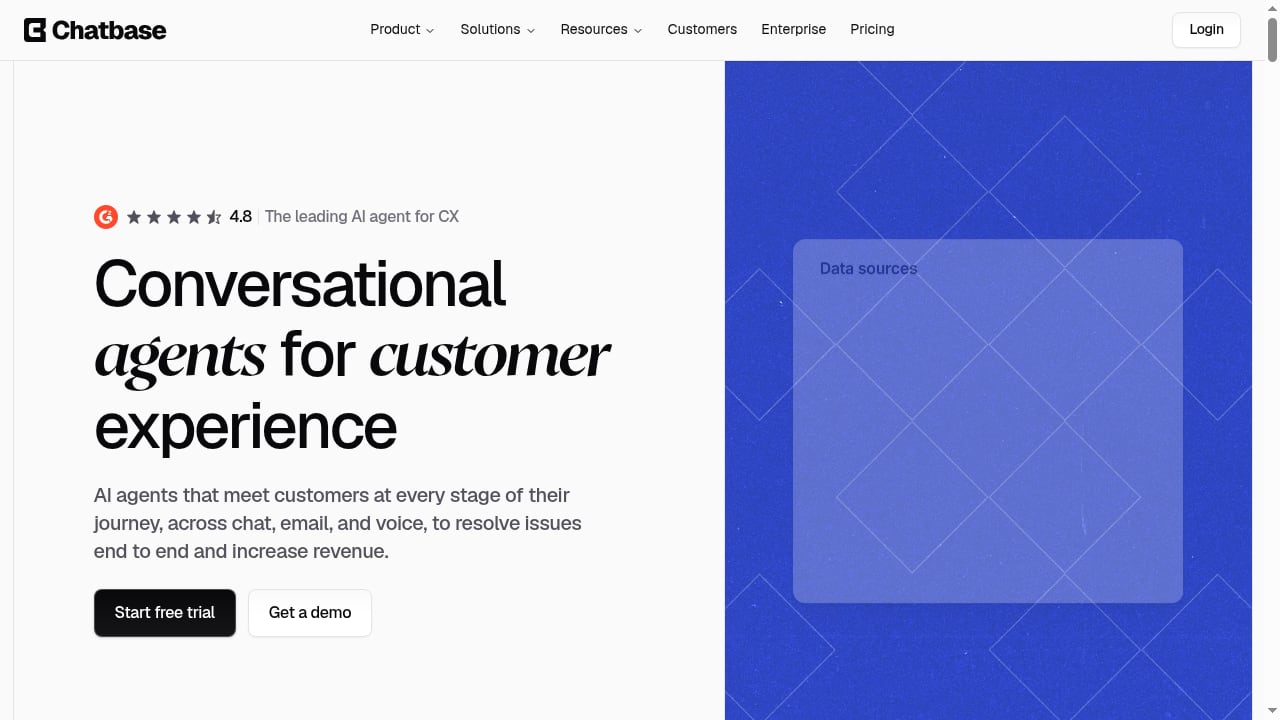
First viewport screenshot of AI Agents for Customer Experience & Support | Chatbase.
Chatbase is an AI customer experience platform for building and deploying AI agents that handle customer support queries. Founded in 2023 by Yasser Elsaid, the company positions itself as an AI support platform for more than 10,000 businesses. The core promise is ticket deflection: agents trained on your content resolve complex queries across channels, reducing the volume that reaches human teams.
The platform is aimed at support leaders and operations teams who want a branded, self-serve front door to their knowledge base. It is not a general-purpose workflow automation tool, and it is not designed to run internal back-office processes across sales or operations. That focus is both its strength and its boundary.
Ideal users
- SaaS and e-commerce support teams with a substantial help center or product documentation that can be used as training material.
- Shopify merchants who want product recommendations, order tracking, and cart actions inside a chat widget. The Shopify app listing shows a 4.9 average from 39 reviews, with most reviewers praising quick setup and accurate product answers.
- Teams without dedicated engineers that need to launch an agent in days rather than months.
- Organizations that want a branded agent page as a public entry point to documentation, with real-time answers and quick links.
Less ideal for
- Teams that need one AI system to automate work across many internal business tools and departments.
- Companies with highly complex, multi-system support flows that require deep custom orchestration from day one.
- Buyers who need fully predictable, flat-rate pricing at high conversation volumes.
Core features tested and reviewed
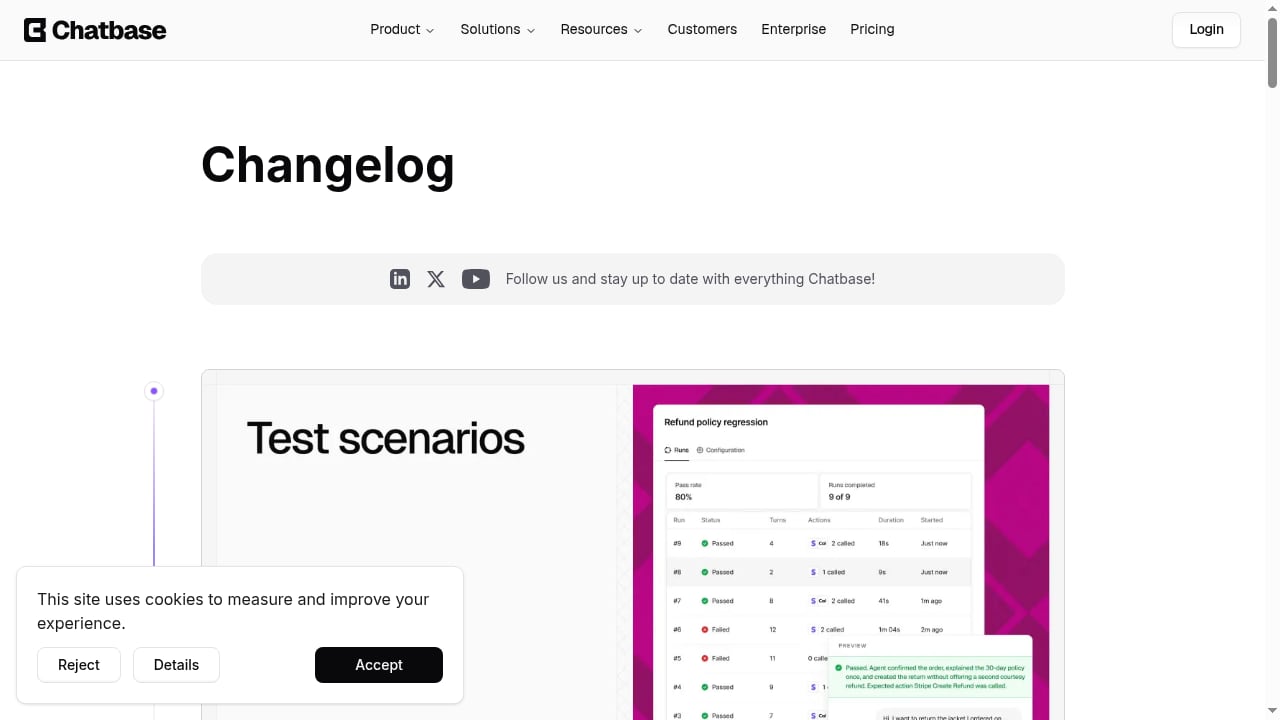
First viewport screenshot of Changelog - Chatbase.
Knowledge training and the Agent Page
Chatbase ingests website pages, files, text, and Q&As to ground its answers. On higher plans, past support tickets from systems such as Zendesk or Salesforce can also be used as training sources. The platform supports large knowledge bases, with agent size limits increased to 33 million characters, which addresses an earlier pain point. One Shopify reviewer, however, flagged a 20 MB limit on training data as restrictive even for a small catalog, so it is worth verifying current limits against your content volume before committing.
The branded Agent Page acts as a front door to your documentation. It delivers real-time AI answers trained on your content, with quick links and custom instructions. For teams whose support load is dominated by "how do I..." questions, this is the highest-leverage feature in the product.
Channels and deployment
Agents can be deployed across web chat, email, WhatsApp, social messaging, and voice, depending on your plan. The practical benefit is consistency: customers reach the same agent regardless of entry point. Setup is generally described as fast, with users reporting agents handling support tickets without a long implementation process.
Actions, Procedures, and human handoff
Chatbase agents can take actions such as collecting information, creating tickets, looking up data, or calling your own APIs. Procedures add structure for multi-step requests, so the agent follows a defined process instead of relying on a single prompt. Human handoff works inside Chatbase or through connected tools such as Zendesk, Salesforce, Gorgias, and Help Scout. The built-in Helpdesk gives human agents a place to take over, route conversations, and manage statuses.
The number of Actions and Procedures available depends on your plan, which matters if your support flows are complex. For a broader comparison of how platforms handle action-taking and resolution, see our roundup of the top AI customer service platforms.
Testing, governance, and operations
Operational controls are stronger than many buyers expect from a tool in this category. Chatbase offers automated test conversations to verify agent behavior, A/B testing to gradually roll out agents to website visitors, agent-level permissions to control workspace member access, audit logs for enterprise users, and a trust portal. Team members can be added on any plan. Backstage provides an AI-powered operations center to manage agents through conversation from the Chatbase dashboard, Slack, or iMessage.
Model flexibility
The platform integrates with multiple AI models, including DeepSeek, OpenAI o3, Gemini 2.0, and Cohere. Model choice can be adjusted per agent, which lets teams balance cost, latency, and answer quality. This is a meaningful advantage over platforms locked to a single provider.
Pricing signals: what to watch
Chatbase uses message credits on its self-serve plans. Independent testing reports a free tier with 50 message credits and paid plans starting around $40 per month, with allowances increasing by tier. The Hobby plan is reported to include 700 monthly credits, while Enterprise offers more flexible billing.
The key pricing signal is usage-based cost growth. Reviewers and testers consistently flag that credit consumption becomes harder to predict as conversation volume rises. Before committing, model your expected monthly conversations against credit allowances, and ask how overages are billed. If your support volume is high and stable, a flat-rate enterprise agreement may be more economical than self-serve credits. For a side-by-side look at how pricing models differ across vendors, see our HelpKnow AI vs Help Scout vs ChatBot.com comparison.
What real users say
Aggregated feedback from Trustpilot and the Shopify App Store points to a consistent pattern.
Strengths reported by users:
- Fast setup and a clean, approachable interface that non-technical teams can manage.
- Quick, accurate answers to product and support questions.
- Responsive customer support from the vendor.
- Reduced repetitive support work and smoother shopping experiences for e-commerce stores.
Weaknesses reported by users:
- Costs can rise with usage, and credit-based pricing is harder to forecast at scale.
- Answer quality drifts when the underlying knowledge base is thin or outdated.
- Training data limits can feel restrictive for content-heavy catalogs.
- The platform runs out of room beyond customer-facing support; it is not built to carry requests into broader business systems.
Setup: what to expect
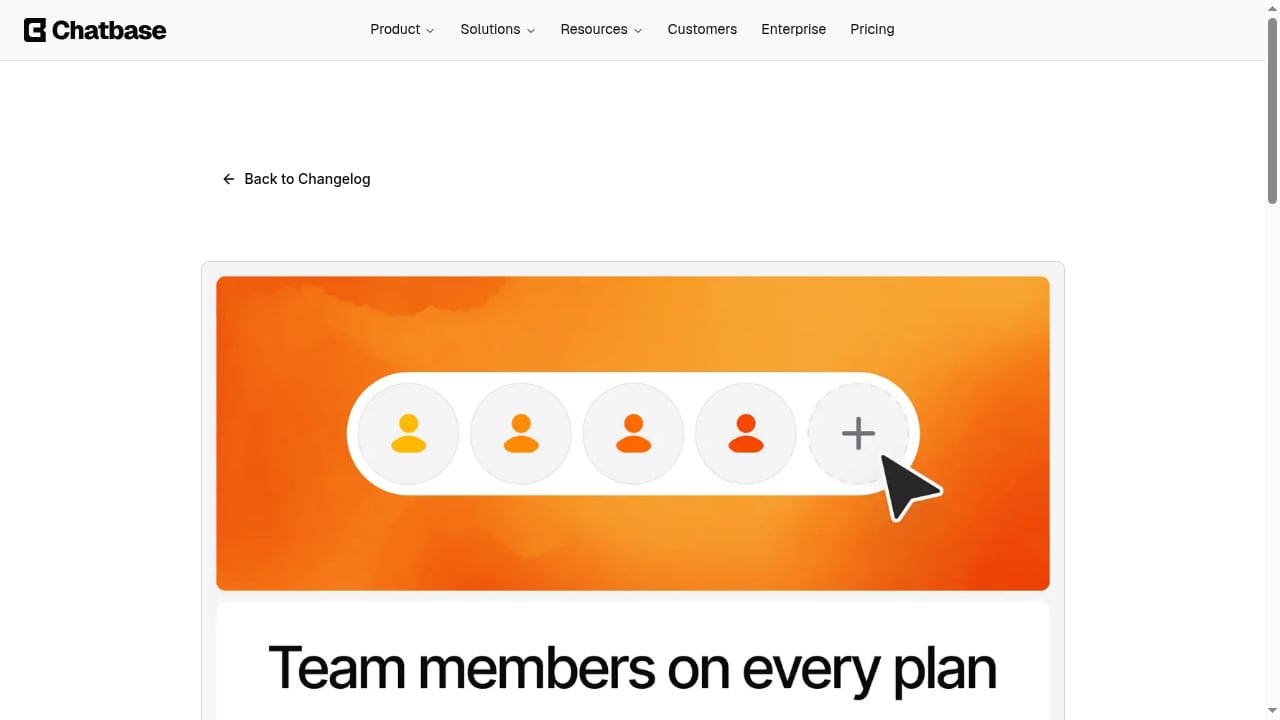
First viewport screenshot of Add Team Members on Any Plan.
A typical implementation follows four steps:
- Connect knowledge sources. Add website pages, files, and Q&As. Import past tickets if you are on a plan that supports it.
- Configure the agent. Set instructions for tone, escalation rules, and what the agent should avoid. Voice conversations can have separate instructions.
- Define actions and procedures. Connect APIs or ticketing systems for lookups, ticket creation, and multi-step flows.
- Test and roll out. Use automated test conversations and A/B testing to validate behavior before exposing the agent to all visitors.
Most teams can get a basic agent live quickly. The real work begins after launch: reviewing conversation logs, spotting knowledge gaps, and refining procedures. Chatbase's Suggestions feature and Backstage help surface these gaps, but the underlying content still needs ongoing maintenance.
Strengths and limitations at a glance
| Area | Assessment |
|---|---|
| Speed to launch | Strong. Users report fast setup without long implementation cycles. |
| Knowledge grounding | Strong for documentation-heavy teams; quality depends on source accuracy. |
| Action-taking | Good within support conversations; limited beyond customer-facing workflows. |
| Governance | Above average for the category, with audit logs, permissions, and A/B testing. |
| Pricing predictability | Weak point. Credit-based costs scale with volume. |
| Breadth of automation | Narrow by design. Not a general business workflow tool. |
How Chatbase compares to alternatives
First viewport screenshot of Announcing the Chatbase Trust Portal.
Chatbase sits in a crowded field. If your priority is customer-facing resolution with fast setup, it is a strong contender. If you need deeper action plugins, broader integrations, or more transparent enterprise pricing, compare it against other options.
- For enterprise-focused AI agents with different automation and pricing models, read our HelpKnow AI vs Neople comparison.
- For a broader view of how AI support platforms are scored on autonomous resolution and governance, see the top 10 AI customer service platforms.
- If your support stack includes CRM integration, our AI CRM software ranking covers how AI depth varies across vendors.
Decision criteria: is Chatbase right for you?
Use these questions to decide:
- Is most of your support volume customer-facing? If yes, Chatbase fits. If most automation happens behind the scenes across internal tools, look elsewhere.
- Do you have a substantial, accurate knowledge base? Answer quality tracks source quality. Thin documentation produces weak answers.
- Can you forecast conversation volume? Model credit consumption before committing to a self-serve plan.
- Do you need multi-step support procedures? Check plan limits on Actions and Procedures.
- How important is governance? If you need audit logs and granular permissions, confirm they are available on your tier.
- Do you sell on Shopify? The integration is well reviewed for product search, order tracking, and cart actions.
Related reading
- How to Use HelpKnow AI with RingCentral: Setup & Workflow - Learn how to connect HelpKnow AI with RingCentral: setup steps, call-to-ticket workflows, practical examples, and the support problems this combo solves.
Sources and further reading
- Read Customer Service Reviews of chatbase.co - Trustpilot - Chatbase Reviews · Customer service. Reviewers highlight positive aspects of customer service, frequently praising the support team for being... · User experience.
- Chatbase Review 2026: Features, Pros, Cons, and Pricing - I tested Chatbase in 2026, breaking down its features, pricing, pros and cons, and real limits. Find out when it fits and when teams may need an option like Lindy.
- Reviews: Chatbase - AI agent for support and sales | Shopify App Store - AI customer support for Shopify stores with product recommendations, order tracking and creation, shopping assistance, cart actions, and human handoff.
Frequently asked questions
Is Chatbase good for customer support?
Yes, for teams with strong documentation and customer-facing support needs. Users consistently praise fast setup and accurate answers. The main caveats are usage-based costs and the need to maintain knowledge sources.
How much does Chatbase cost?
Independent testing reports a free tier with 50 message credits and paid plans starting around $40 per month. Credit allowances increase by tier, and enterprise billing is more flexible. Confirm current pricing on the vendor site before budgeting.
Does Chatbase work with Shopify?
Yes. The Shopify app listing shows a 4.9 average from 39 reviews, with merchants highlighting product recommendations, order tracking, and quick setup.
What are the main limitations of Chatbase?
Credit-based pricing can become hard to predict at scale, answer quality depends on knowledge base accuracy, and the platform is purpose-built for customer-facing support rather than broad internal workflow automation.
Can Chatbase hand off to a human agent?
Yes. Handoff works inside Chatbase's built-in Helpdesk or through connected tools such as Zendesk, Salesforce, Gorgias, and Help Scout.
Conclusion
Chatbase is a focused, fast-to-deploy AI support platform that does one job well: resolving customer-facing queries using your own knowledge. Its strengths are setup speed, knowledge grounding, model flexibility, and governance features that exceed what many small teams expect. Its limitations are equally clear: usage-based pricing that scales with volume, a narrow scope beyond support, and answer quality that is only as good as your documentation.
For support leaders who want a branded AI front door and can invest in knowledge maintenance, Chatbase is a credible choice in 2026. For teams that need broad workflow automation or highly predictable costs at scale, compare alternatives carefully before committing.