
How to Use HelpKnow AI with Amazon Web Services (AWS)
Customer service teams face a constant challenge: deliver fast, accurate, and personalized support at scale without exploding costs. HelpKnow AI, an enterprise AI agent platform, automates customer service by learning from your knowledge base and handling complex queries 24/7. Amazon Web Services (AWS) provides the reliable, scalable cloud infrastructure to host and extend that AI agent. Together, they create a powerful combination: HelpKnow AI's intelligent automation running on AWS's global, secure, and cost-efficient cloud.
This article explains how HelpKnow AI and AWS work together, walks through the setup, shares practical examples, and helps you decide if this integration fits your business.
Why Combine HelpKnow AI with AWS?
First viewport screenshot of aws.amazon.com.
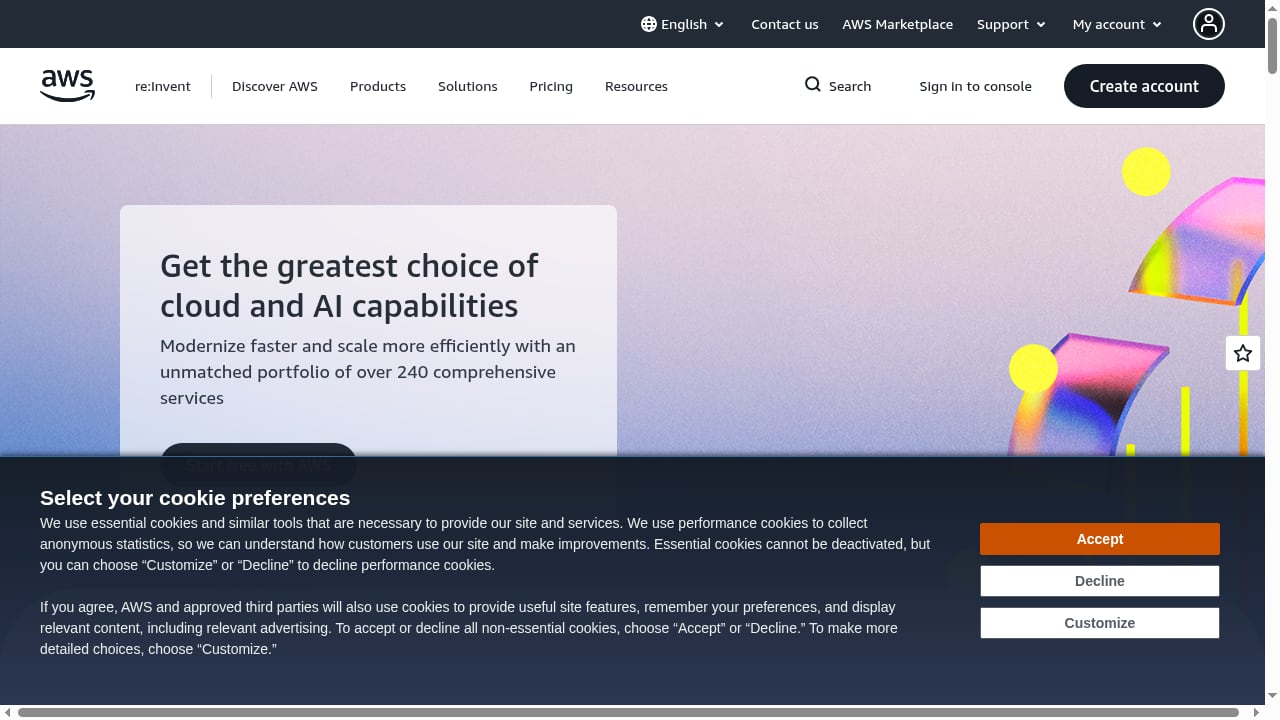
HelpKnow AI excels at understanding your business and resolving customer questions automatically. AWS offers over 240 services, from compute (Amazon EC2) to generative AI (Amazon Bedrock) and content delivery (Amazon CloudFront). By integrating the two, you get:
- Scalability: AWS's elastic infrastructure ensures HelpKnow AI can handle traffic spikes without downtime.
- Reliability: AWS's global network and redundancy keep your AI agent available 24/7.
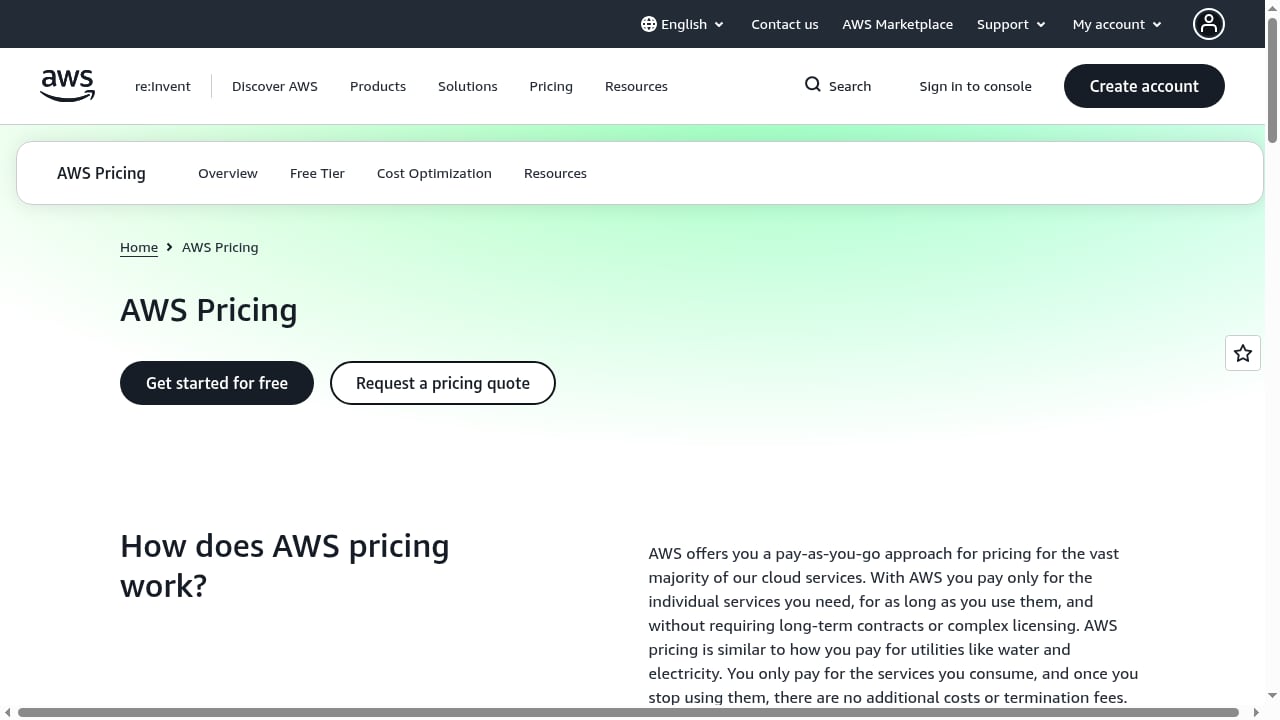
- Cost efficiency: Pay-as-you-go pricing and savings plans (up to 72% with Savings Plans, up to 90% with Spot Instances) align with HelpKnow AI's cost-reduction goals.
- Advanced AI capabilities: Leverage AWS services like Amazon Bedrock for foundation models or Amazon Connect for contact center integration.
- Security and compliance: AWS's robust security framework protects customer data processed by HelpKnow AI.
How HelpKnow AI and AWS Work Together
First viewport screenshot of aws.amazon.com.
HelpKnow AI is the brain that learns from your documents, FAQs, and product catalogs to answer customer queries. AWS is the muscle that provides the compute, storage, networking, and AI services to run and scale that brain.
Typical workflow:
- Knowledge ingestion: Upload your knowledge base to HelpKnow AI. The platform learns your business logic and product details.
- AI agent deployment: Deploy the HelpKnow AI agent on AWS infrastructure (e.g., Amazon EC2 instances or containers on Amazon EKS).
- Integration with customer service systems: Connect HelpKnow AI to your existing helpdesk, CRM, or contact center (e.g., via APIs). AWS services like Amazon API Gateway can manage these connections.
- Real-time interaction: Customers interact with the AI agent through chat, email, or voice. HelpKnow AI resolves queries using its knowledge and super skill plugins (e.g., express tracking, order processing).
- Continuous learning: HelpKnow AI logs interactions; you can use AWS analytics services (e.g., Amazon QuickSight) to monitor performance and refine the knowledge base.
Step-by-Step Setup Guide
First viewport screenshot of aws.amazon.com.
Prerequisites
- An AWS account with appropriate permissions (IAM roles for EC2, S3, API Gateway, etc.).
- A HelpKnow AI account (enterprise plan recommended for full integration features).
- Your knowledge base files (documents, FAQs, product catalogs) ready for upload.
- Access to your customer service system's API (if integrating).
Step 1: Prepare Your AWS Environment
- Set up IAM roles: Create an IAM role with permissions for the services you'll use (e.g., EC2, S3, API Gateway, Bedrock if using generative AI).
- Choose a region: Select an AWS region close to your customers for low latency.
- Provision compute: Launch an Amazon EC2 instance (or set up an Amazon EKS cluster for containerized deployment) to host the HelpKnow AI agent. For cost efficiency, consider Spot Instances for non-critical workloads.
- Configure storage: Use Amazon S3 to store knowledge base files and interaction logs.
Step 2: Configure HelpKnow AI
- Upload knowledge base: In the HelpKnow AI dashboard, upload your documents, FAQs, and product catalogs. The platform will automatically learn and index the content.
- Define intents and skills: Set up smart intent recognition and enable super skill plugins relevant to your business (e.g., order tracking, returns processing).
- Set up integration endpoints: Generate API keys or webhook URLs from HelpKnow AI to connect with your AWS-hosted services.
Step 3: Connect HelpKnow AI to AWS Services
- API Gateway integration: Use Amazon API Gateway to create a RESTful endpoint that routes requests from your customer service system to HelpKnow AI. Secure it with IAM or API keys.
- Lambda for custom logic: If you need to transform requests or responses, deploy AWS Lambda functions triggered by API Gateway.
- Amazon Connect integration (optional): If you use Amazon Connect for contact center, you can integrate HelpKnow AI as an AI agent to handle voice or chat interactions. Amazon Connect provides a scalable, AI-enabled contact center built on the same technology Amazon uses.
- Bedrock for generative AI (optional): Enhance HelpKnow AI's responses with foundation models via Amazon Bedrock for more natural conversations.
Step 4: Test and Deploy
- Simulate customer queries: Use HelpKnow AI's testing tools to ensure the agent answers correctly using your knowledge base.
- Monitor with AWS CloudWatch: Set up logging and alarms to track performance and errors.
- Go live: Route a percentage of traffic to the AI agent, gradually increasing as confidence grows.
Practical Examples
Example 1: E-commerce Order Tracking
An online retailer uses HelpKnow AI to handle order status inquiries. The AI agent is hosted on AWS and integrated with the order management system via API Gateway and Lambda. When a customer asks "Where is my order?", HelpKnow AI's express tracking plugin fetches real-time data from the retailer's database (hosted on Amazon RDS) and responds instantly. AWS's scalability ensures the agent handles peak shopping seasons without delays.
Example 2: SaaS Technical Support
A software company deploys HelpKnow AI on Amazon EKS to automate technical support. The AI learns from product documentation stored in Amazon S3 and resolves common issues. For complex queries, it escalates to human agents via integration with their ticketing system (using AWS Lambda to create tickets). The company reduces support costs by 70% and achieves a 95% automated resolution rate, as claimed by HelpKnow AI.
Example 3: Financial Services Compliance
A bank uses HelpKnow AI to answer customer questions about policies and procedures. The AI agent runs on AWS, leveraging Amazon Bedrock for generating compliant responses. All interactions are logged in Amazon S3 for audit purposes, and AWS's security features ensure data encryption. The bank handles 24/7 queries with second-level response times.
Comparison: HelpKnow AI with AWS vs. Alternatives
First viewport screenshot of aws.amazon.com.
When evaluating AI customer service platforms, consider how they integrate with cloud infrastructure. HelpKnow AI offers one-click AI agent creation and deep knowledge learning, while AWS provides the underlying cloud services. Alternatives like Amazon Connect (with AWS Lex) offer native integration but may require more custom development for complex workflows. For a detailed comparison of AI support platforms, see our HelpKnow AI vs Front vs HelpNow comparison.
If you're considering outsourcing versus AI automation, our HelpKnow AI vs CCSI Nearshore analysis can help. For a broader view of conversational AI platforms, read our Top 10 Conversational AI Platforms for Enterprise CX in 2026.
Best Practices for Success
- Start small: Pilot with a limited set of FAQs before scaling to full knowledge base.
- Monitor and refine: Use AWS CloudWatch and HelpKnow AI analytics to identify gaps and improve responses.
- Secure data: Encrypt data at rest (S3) and in transit (TLS), and follow AWS security best practices.
- Optimize costs: Use AWS Savings Plans for predictable workloads and Spot Instances for non-critical batch processing.
- Integrate with existing tools: Leverage AWS API Gateway and Lambda to connect HelpKnow AI with your CRM, helpdesk, and other systems.
Frequently Asked Questions
Do I need AWS to use HelpKnow AI?
No, HelpKnow AI is a standalone platform. However, integrating with AWS provides scalability, reliability, and access to advanced cloud services.
How long does setup take?
Basic setup (knowledge upload and agent configuration) can be done in hours. Full AWS integration may take a few days depending on complexity.
What AWS services are essential for this integration?
At minimum, you'll need compute (EC2 or EKS), storage (S3), and networking (API Gateway). Optional services like Amazon Bedrock and Amazon Connect enhance capabilities.
Can HelpKnow AI handle voice interactions on AWS?
Yes, by integrating with Amazon Connect, HelpKnow AI can handle voice-based customer service.
How does pricing work?
HelpKnow AI pricing is separate from AWS costs. AWS charges are pay-as-you-go based on usage. You can optimize AWS costs with Savings Plans and Spot Instances.
Is customer data secure?
Both HelpKnow AI and AWS implement robust security measures. AWS provides encryption, access controls, and compliance certifications. HelpKnow AI ensures data privacy in its platform.
Conclusion
Integrating HelpKnow AI with Amazon Web Services (AWS) combines the best of AI-driven customer service automation with a world-class cloud infrastructure. By following the setup steps and best practices outlined here, you can deploy a scalable, intelligent AI agent that resolves customer queries efficiently and cost-effectively. Whether you're an e-commerce business handling order tracking or a SaaS company automating technical support, this combination empowers you to deliver exceptional customer experiences 24/7.
For more insights on AI customer service platforms, explore our Talkdesk review and HelpKnow AI vs Ada vs Kayako comparison.
External references: