
Front Review 2026: AI Customer Service Platform Tested
Front is a customer service platform that combines shared inboxes, light CRM capabilities, and AI assistance to help teams resolve complex customer work. This review examines its ideal users, use cases, strengths, limitations, pricing signals, setup effort, and decision criteria, based on available product information and verified user feedback.
If you are evaluating AI-powered customer service platforms for 2026, this evidence-based assessment will help you decide whether Front fits your team's needs.
What Front is and who it is for
First viewport screenshot of Front | Customer service platform, powered by AI.
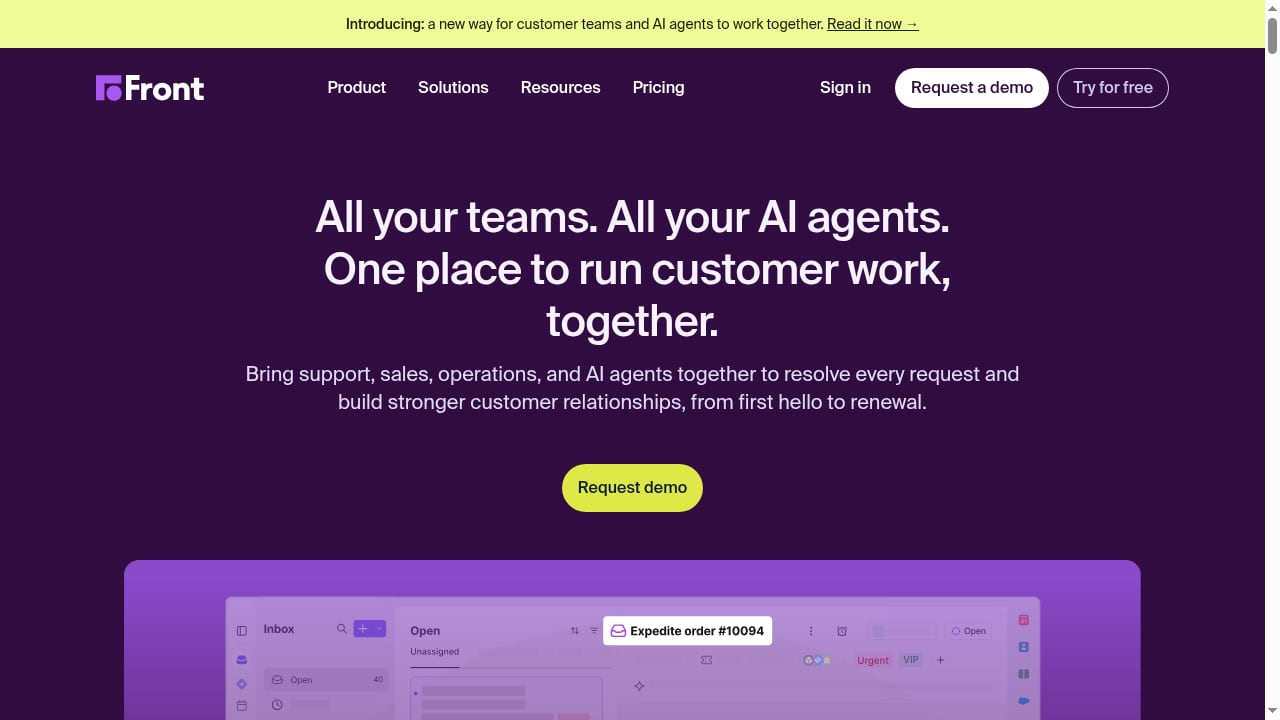
Front positions itself as a hub where support, sales, operations, and AI agents come together. Its core interface resembles a shared email inbox, but with collaboration features and workflow automation typically found in a CRM. This makes it particularly suited to teams that handle high volumes of email-based customer communication and need internal collaboration without forwarding threads externally.
Ideal users include:
- Midmarket and enterprise customer service teams managing shared email inboxes
- Operations and support teams that need to loop in colleagues without exposing internal discussions
- Organizations that want AI assistance layered onto existing email workflows rather than replacing them entirely
- Teams in industries such as manufacturing, finance, transportation, and HR operations, based on verified user reviews
Less ideal for:
- Teams seeking a fully autonomous AI agent that resolves most tickets without human involvement
- Organizations that prefer a traditional ticketing system over an email-like interface
- Very small teams with simple, low-volume support needs
Key use cases and practical examples
First viewport screenshot of B2B Tech Customer Operations Platform | Front.
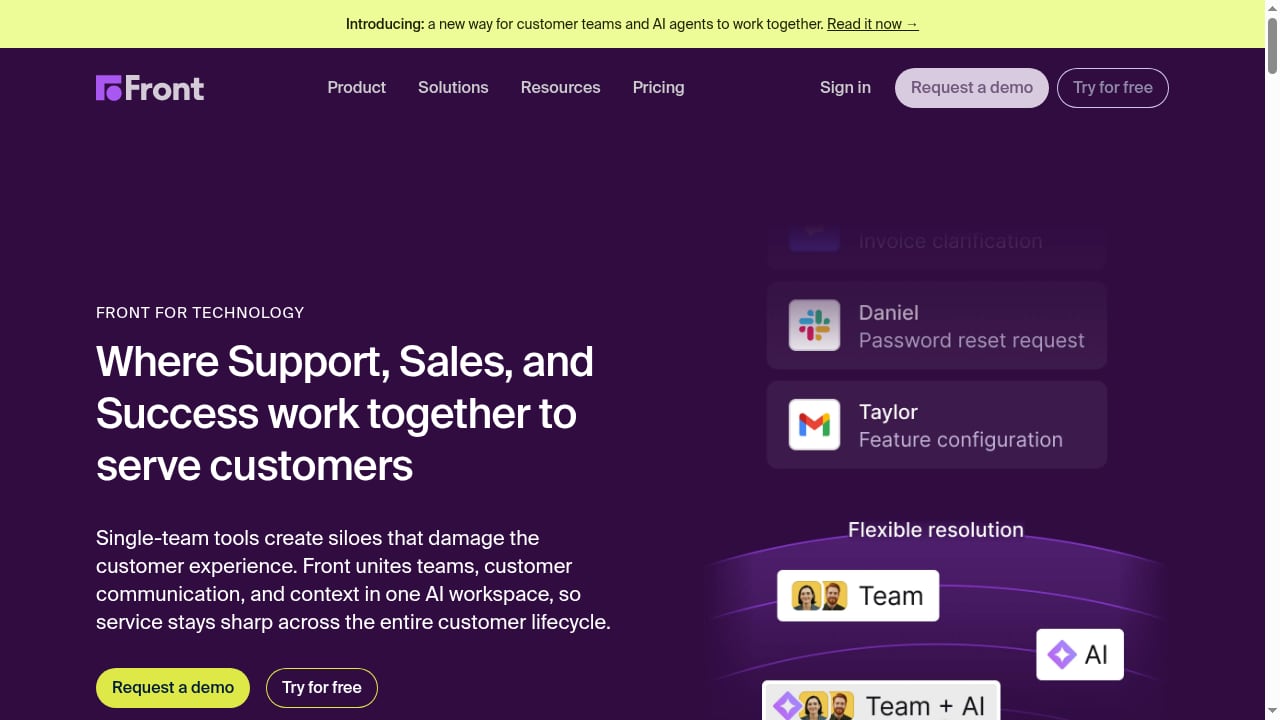
Shared inbox collaboration
Front's tag feature allows teammates to be pulled into a conversation without forwarding or giving external visibility to internal dialogue. A verified reviewer in transportation noted that this capability is critical when looping in other employees for a task, especially in remote or distributed teams.
Example: A customer emails about a billing discrepancy. The support agent tags a finance colleague directly in the thread. The finance colleague sees the full conversation history and can respond internally without the customer seeing the internal discussion.
Omnichannel customer communication
Front supports multiple channels, including email, chat, and SMS. A transportation reviewer mentioned setting up a text phone number within the Front interface for partners, ensuring quick responses.
Example: A logistics company uses Front to manage email inquiries from customers and SMS updates from drivers, all in one platform.
AI-assisted workflows
Front's AI capabilities include intelligent search, knowledge management, and workflow automation. User ratings for intelligent search average 85, while customer service knowledge management averages 89, according to aggregated review data.
Example: An agent receives a complex technical question. Front's AI surfaces relevant knowledge base articles and suggests a response draft, reducing research time.
Internal communication and task management
Front streamlines internal communication by keeping external messages and internal collaboration in the same place. A reviewer in HR noted that the ability to tag teammates onto threads without forwarding is superior to traditional email clients.
Example: An HR team manages employee inquiries through Front, tagging benefits specialists and payroll staff as needed, all within the same thread.
Strengths: what users and data say
High user satisfaction
Aggregated review data shows strong user sentiment. Front AI received a Net Emotional Footprint of +98, with 98% positive sentiment. Likeliness to recommend stands at 90, and plan to renew is 100.
Ease of implementation and integration
Vendor capability ratings highlight ease of implementation (93) and ease of data integration (91) as top scores. This suggests that teams can get up and running relatively quickly.
Productivity and reliability
Users frequently cite reliability, performance enhancement, and productivity enablement as pros. The platform is described as helping teams innovate and continually improving.
Cost-value perception
Satisfaction of cost relative to value scored 85, indicating that most users feel they receive fair value for their investment.
Collaboration without external exposure
The tag feature is repeatedly praised as a differentiator, allowing internal discussions to happen alongside customer conversations without forwarding or exposing internal dialogue.
Limitations and trade-offs
Mobile app gaps
At least one reviewer noted that the calendar function within the mobile app is a drawback. This suggests that mobile functionality may not be as robust as the desktop experience.
Not fully autonomous AI
While Front offers AI assistance, it is not positioned as a fully autonomous AI agent that resolves tickets end-to-end without human involvement. Teams seeking high levels of autonomous resolution may need to supplement with or consider other platforms.
Learning curve for advanced workflows
While ease of implementation scores are high, some complex integrations may require more effort. The platform's breadth of features (85) and ease of customization (83) suggest that advanced configurations may take time to master.
Vendor support variability
Vendor support scored 82, which is lower than other capability ratings. Some users may find support responsiveness inconsistent.
Pricing opacity
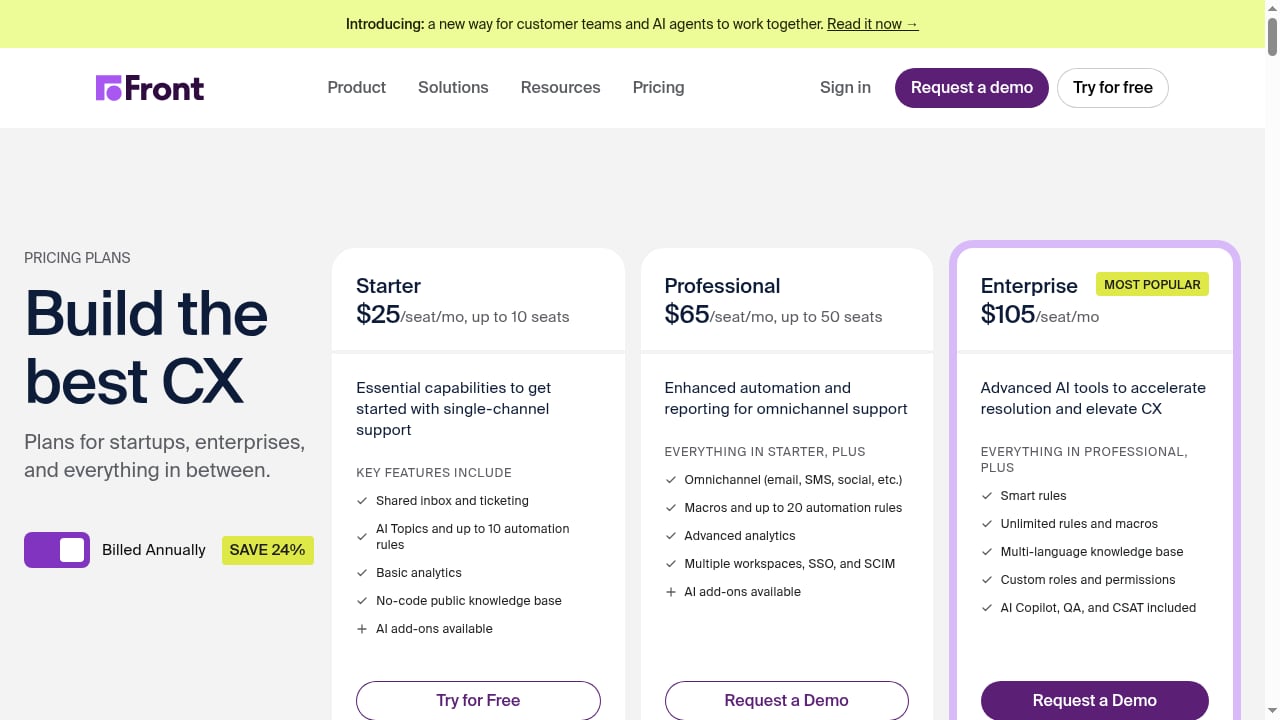
Like many enterprise platforms, Front does not publish detailed pricing on its homepage. Pricing signals suggest a per-seat model with tiers, but exact costs require a sales conversation.
Pricing signals
First viewport screenshot of Front Pricing and Plans | Front.
Front does not display public pricing on its main website. Based on market positioning and user feedback, pricing is likely structured per user per month with tiered plans. The cost-value satisfaction score of 85 suggests that most users find the pricing reasonable for the value delivered.
For comparison, other AI customer service platforms in the market range from $18 to $95 per agent per month for mid-tier plans. Front's pricing likely falls within a similar range, but exact figures require contacting sales.
If pricing transparency is a priority, you may want to compare Front with platforms that publish rates. For a broader view, see this ranked guide to AI-powered omnichannel customer service software for 2026.
Setup and implementation
Front scores highly on ease of implementation (93) and ease of data integration (91). This indicates that most teams can deploy Front without extensive IT involvement.
Typical setup steps:
- Connect email accounts and communication channels
- Configure shared inboxes and routing rules
- Set up tags and internal collaboration workflows
- Integrate with CRM, help desk, or other business systems
- Train agents on the email-like interface and AI features
User reviews suggest that the interface is intuitive and beginner-friendly, which reduces training time. However, complex integrations may require more implementation effort.
Decision criteria: is Front right for you?
First viewport screenshot of What’s New | Front.
Consider Front if:
- Your team handles high volumes of email-based customer communication
- You need strong internal collaboration without forwarding threads externally
- You want AI assistance that augments human agents rather than replacing them
- You value ease of implementation and integration
- You are willing to contact sales for pricing
Consider alternatives if:
- You need a fully autonomous AI agent that resolves most tickets without human involvement
- You require robust mobile admin capabilities
- You prioritize transparent, published pricing
- You need extensive vendor support responsiveness
For teams comparing enterprise AI customer service options, a detailed comparison such as HelpKnow AI vs Kustomer vs eGain can help clarify where each platform wins on AI resolution, knowledge, and CRM capabilities.
Related reading
- How to Use HelpKnow AI with CCSI Mexico Nearshore - Learn how to combine HelpKnow AI with Call Center Services International's Mexico nearshore center to automate resolutions and cut support costs.
- HelpKnow AI vs Helpshift: Enterprise AI Agent vs Gaming CX - Compare HelpKnow AI and Helpshift for enterprise AI customer service. See where HelpKnow AI wins on knowledge feeding, plugins, and resolution.
Sources and further reading
- Top 10 AI Customer Support Tools in 2026 [Reviewed and Ranked] - Check out the 10 best AI customer support tools for service teams in 2026. Compare the features, pricing, pros, cons, and strengths to pick the right tool.
FAQ
What is Front best used for?
Front is best for shared inbox collaboration, email-based customer service, and internal communication. It excels when teams need to loop in colleagues without forwarding threads or exposing internal discussions.
Does Front have AI capabilities?
Yes. Front includes AI features such as intelligent search, knowledge management, and workflow automation. However, it is not a fully autonomous AI agent that resolves tickets without human involvement.
How much does Front cost?
Front does not publish pricing publicly. Based on market positioning, expect per-user monthly pricing with tiered plans. Contact sales for exact quotes.
Is Front easy to set up?
Yes. User ratings for ease of implementation (93) and ease of data integration (91) are high, suggesting most teams can deploy without extensive IT resources.
What are the main limitations of Front?
Limitations include mobile app gaps, lack of fully autonomous AI resolution, potential learning curve for advanced workflows, and variable vendor support responsiveness.
Who should not use Front?
Teams seeking a fully autonomous AI agent, those needing robust mobile admin features, or organizations that prioritize published pricing may want to consider alternatives.
Conclusion
Front is a strong choice for midmarket and enterprise teams that need a shared inbox with AI assistance and robust internal collaboration. Its high user satisfaction, ease of implementation, and productivity benefits make it a compelling option for email-heavy customer service operations.
However, teams seeking fully autonomous AI resolution, transparent pricing, or robust mobile admin capabilities should evaluate alternatives. As with any platform decision, consider your specific use cases, team size, and workflow requirements. For a broader comparison of enterprise AI customer service platforms, see this comparison of HelpKnow AI, HelpCrunch, and LiveAgent.
For further reading, the Front homepage and verified user reviews on Info-Tech provide additional product details and user feedback.