
Udesk Review 2026: AI-Powered Omnichannel Customer Service Software & Support
Udesk is an AI-powered omnichannel customer service platform used by more than 50,000 organizations worldwide. It brings text, mobile, phone, email, live chat, and social media conversations into one system, then layers automation and AI on top. This review examines who it fits, where it struggles, and what to verify before you commit.
What Udesk actually is
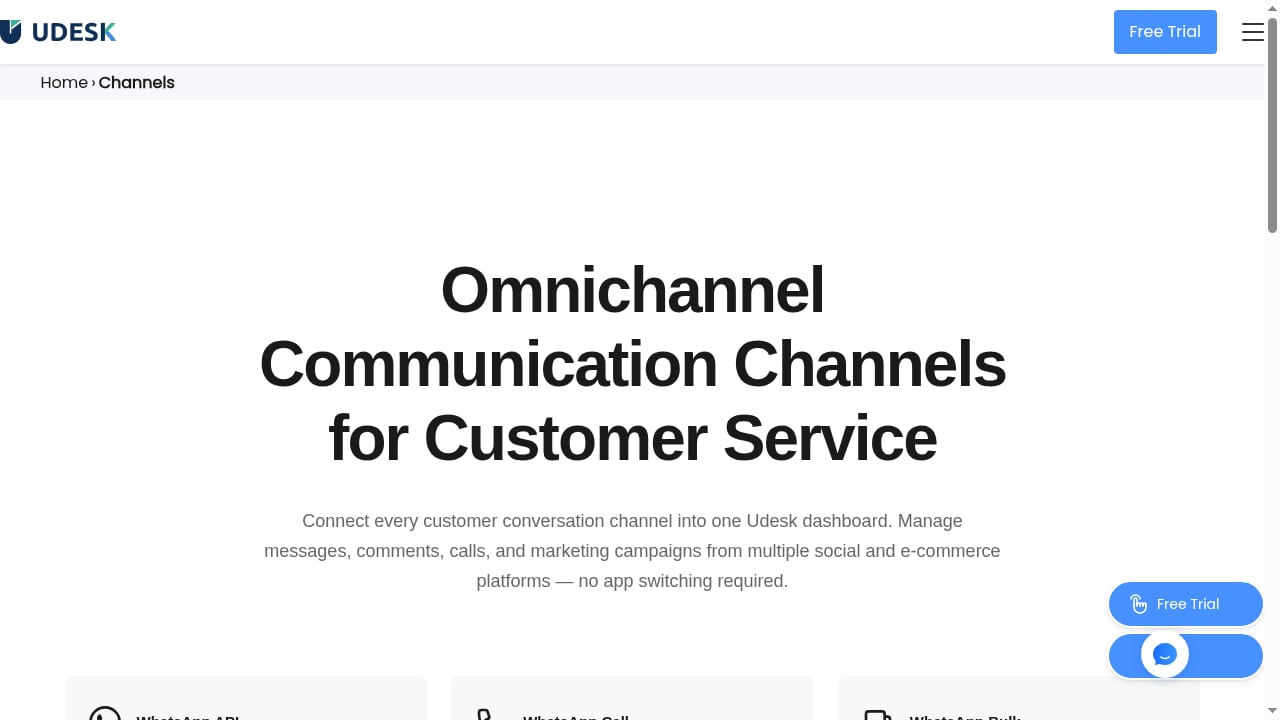
First viewport screenshot of Omnichannel Communication Channels | Social Chat & E-commerce Integrations by Udesk.
Udesk is a customer service suite, not a single-purpose tool. Its core is a ticketing and case management system surrounded by channel connectors, a knowledge base, automation rules, reporting, and AI assistance. The company positions it as a way to unify fragmented support channels and reduce manual agent work.
That positioning puts it in the same broad category as established help desks and contact-center platforms. If you are mapping the market, our Five9 CCaaS provider review covers the contact-center side of that landscape, while this review stays focused on Udesk itself.
Ideal users and use cases
Udesk tends to make the most sense for specific profiles rather than everyone.
Teams with many channels and one queue
If customers reach out through email, web chat, phone, social media, and messaging apps, and your agents currently juggle separate inboxes, Udesk's unified view is the main draw. Consolidation is the value proposition.
Support organizations that want automation depth
Udesk supports workflows, triggers, and rules that fire on ticket creation, escalation, or closure. Self-service knowledge bases can resolve common questions without agent involvement. Teams with high repeat-contact volume benefit most.
Growing teams that need to scale agent count
Udesk is built to handle high concurrent ticket and user volumes, and additional agents can be onboarded as needed. Mid-market teams expecting headcount growth should test this specifically.
Weaker fits
Very small teams with a single channel and no automation ambitions will likely find Udesk heavier than necessary. Organizations with strict data-residency requirements in regions Udesk does not cover should verify availability before evaluating features.
Strengths

First viewport screenshot of Udesk: AI-Powered Omnichannel Customer Service Software & Support.
Omnichannel consolidation
Udesk tracks email, web forms, live chat, social media, phone, and mobile interactions inside one centralized system. Agents get context across channels instead of switching tools, which matters most when a customer starts in chat and follows up by email.
Automation and self-service
Workflow rules, triggers, macros, and knowledge base integration are core features rather than paid add-ons. Automated messages on ticket creation, escalation, and closure reduce repetitive agent work.
Customization
Ticket fields, statuses, agent roles, permissions, templates, and macros can be tailored to specific workflows. Custom apps and integrations extend the platform further. This flexibility is a genuine advantage for teams with non-standard processes.
Reporting and analytics
Udesk provides reporting on ticket volumes, response times, and agent performance, with filters and export options. The data is usable for identifying bottlenecks, though the depth of customization in reports varies by plan.
Scalability and cloud delivery
Data is stored in the cloud, and the system is designed to stay responsive under heavy load. That reduces the infrastructure burden on internal IT teams.
Limitations and honest caveats
Pricing transparency is limited
Udesk's own materials cite a starting point as low as $1 per agent per month for a basic package, with plans scaling by agent count, ticket volume, and advanced features. That entry price is unusually low and almost certainly reflects a stripped-down tier. Treat it as a floor, not a realistic budget. Expect meaningful gaps between the basic package and the feature set described in marketing materials, and confirm exactly what each tier includes in writing.
AI capability claims need verification
Udesk markets AI integration, but public evidence about resolution accuracy, language coverage, and model behavior is thinner than what you get from vendors with extensive third-party review coverage. Ask for a pilot with your own historical tickets before trusting AI resolution rates.
Review ecosystem is less mature
Compared with platforms that have thousands of independent reviews, Udesk's public review footprint is smaller and more fragmented. That makes it harder to triangulate real-world reliability. The G2 listing for Udesk reviews exists, but volume is limited relative to larger competitors.
Localization and regional fit
Udesk has strong roots in the Chinese market and has expanded globally. Teams outside its core regions should confirm language support, compliance posture, and in-region infrastructure before standardizing on it.
Documentation and onboarding depth
Self-serve documentation quality varies. Complex customizations may require vendor assistance, which affects time-to-value.
Pricing signals: what to actually expect
The published entry price of roughly $1 per agent per month is a marketing anchor. Realistic planning should assume:
- A basic tier with limited channels, automation, or reporting
- Mid-tier plans where omnichannel and workflow automation become usable
- Enterprise pricing for advanced customization, integrations, and support
- No long-term contract requirement, which lowers switching risk
Because Udesk does not publish a full public price sheet, the only reliable approach is a scoped quote based on your agent count, channel mix, and required integrations. Compare that quote against published pricing from alternatives. Our HelpCrunch review and Wonderchat review show how two competitors structure their tiers, which gives you a useful benchmark.
Setup and deployment effort
Udesk's interface is generally described as intuitive, with agents able to reach ticket queues and respond from a clean layout. Realistic deployment steps include:
- Channel connection — wiring email, chat, phone, and social accounts into the platform
- Data migration — importing historical tickets and customer records, if needed
- Workflow configuration — building triggers, rules, and escalation paths
- Knowledge base population — writing or importing self-service articles
- Agent training — roles, permissions, macros, and reporting views
- AI tuning — testing automated responses against real historical tickets
Steps 3 through 6 are where timelines slip. Teams with simple single-channel needs can go live quickly. Teams with complex routing and custom fields should budget weeks, not days.
Decision criteria: how to judge Udesk for your team
First viewport screenshot of Udesk Automotive Industry Solution | Global AI Customer Service for Auto Brands.
Work through these questions before signing anything.
Channel coverage. Does Udesk support every channel your customers actually use, including the ones you plan to add in the next 18 months?
Automation depth by tier. Which workflow, trigger, and knowledge base features are included at your price point, and which are gated?
AI accuracy. Can the vendor demonstrate resolution rates on tickets resembling yours, in your languages?
Integration fit. Does Udesk connect natively to your CRM, e-commerce platform, and internal tools, or will you need custom development?
Compliance and residency. Where is your data stored, and does that satisfy your legal requirements?
Total cost at scale. Model pricing at your projected agent count for two years, not at today's headcount.
Exit cost. How hard is it to export tickets, customer data, and knowledge base content if you leave?
If you are comparing Udesk against broader platform choices, our HelpKnow AI vs Intercom vs Help Scout comparison and HelpKnow AI vs Nextiva vs Crescendo comparison break down AI resolution, deployment effort, and compliance across enterprise-grade options.
Udesk vs alternatives: a quick framing
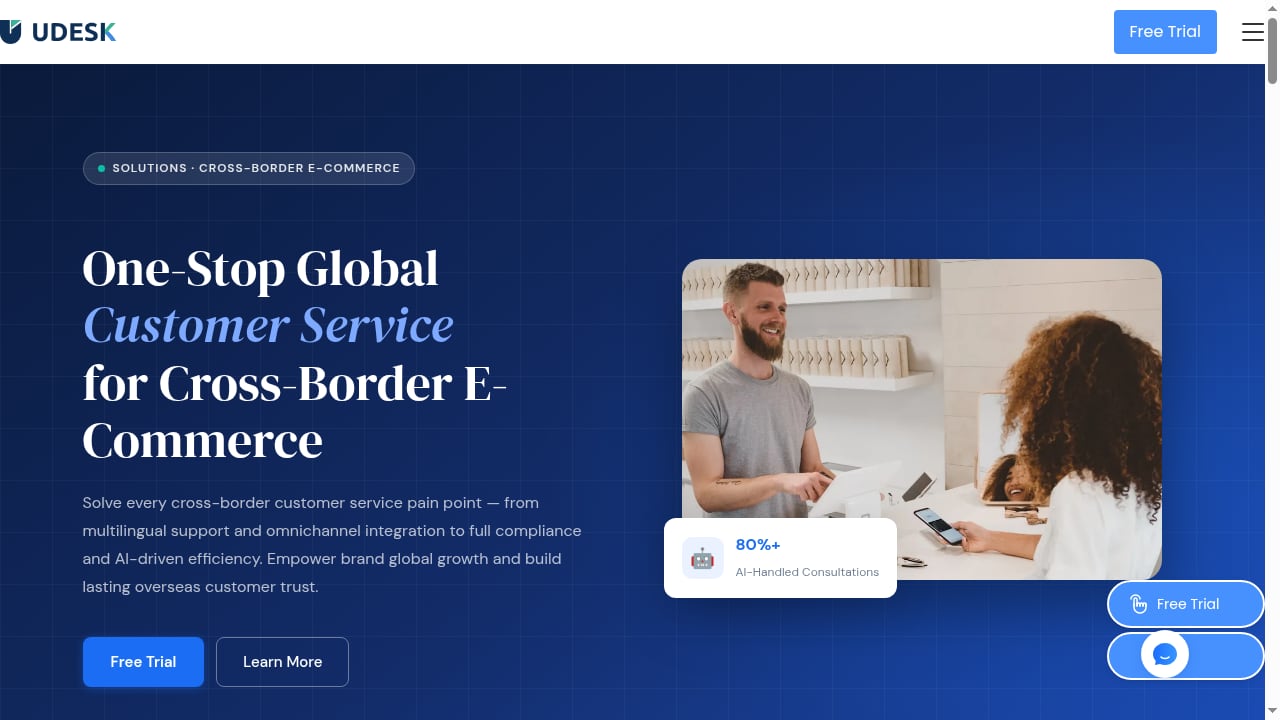
First viewport screenshot of Cross-Border E-Commerce Global Customer Service Solution | Udesk.
Udesk's strongest argument is omnichannel consolidation plus automation at a potentially low entry cost, without long-term contracts. Its weakest argument is proof: fewer independent reviews, less transparent pricing, and less public evidence on AI performance than larger rivals.
If your priority is a mature review ecosystem and predictable published pricing, platforms like Zendesk or Freshdesk are easier to validate. The CX Lead's roundup of customer service automation software shows how those tools compare on price and feature fit. If your priority is aggressive cost efficiency with deep customization, Udesk deserves a pilot.
Related reading
- Nextiva AI CX Platform Review: Honest 2026 Verdict - Evidence-based Nextiva review covering AI CX features, ideal users, setup, pricing signals, and real user complaints from Gartner and Trustpilot.
Sources and further reading
- An In-Depth Review of Udesk's Ticketing System - After evaluating several top ticketing solutions on the market, Udesk has emerged as one of the strongest options based on its powerful and flexible features.
FAQ
Is Udesk suitable for small businesses?
It can be, particularly at the entry tier. But small teams with one channel and no automation needs may find simpler tools faster to deploy and easier to justify.
Does Udesk really start at $1 per agent per month?
That figure appears in Udesk's own materials for a basic package. Treat it as a starting anchor. Feature availability at that tier is limited, and real costs rise with channels, automation, and integrations.
What channels does Udesk support?
Email, web forms, live chat, phone, mobile, social media, and text-based messaging are supported within a unified system, according to Udesk's documentation.
How does Udesk handle AI?
Udesk markets AI integration for customer interactions and automation. Public evidence on accuracy and language coverage is limited, so run a pilot on your own ticket history before relying on it.
Are there long-term contracts?
Udesk states there are no long-term contracts, which reduces commitment risk. Confirm this in your specific agreement.
How long does implementation take?
Simple single-channel setups can go live quickly. Complex routing, custom fields, integrations, and AI tuning typically take weeks.
Conclusion
Udesk is a credible AI-powered omnichannel customer service platform with real strengths in channel consolidation, automation, customization, and scalability. It is backed by a substantial global customer base and a low entry price point with no long-term lock-in.
The trade-offs are transparency and proof. Pricing beyond the basic tier is not publicly detailed, independent review volume is modest, and AI performance claims need hands-on validation. For teams with multi-channel complexity and a willingness to pilot, Udesk is worth a serious evaluation. For teams that need published pricing and a deep third-party review trail before committing, compare it directly against better-documented alternatives first.