
Wonderchat Review 2026: AI Customer Service Agents for Support & Sales
Wonderchat is a no-code platform for building AI agents that answer customer questions from your own documentation and cite the source behind every reply. It targets two jobs at once: deflecting repetitive support tickets and qualifying website visitors before they leave. This review breaks down what the product actually does, where it fits, and where the tradeoffs show up — based on vendor documentation, third-party review coverage, and published pricing signals rather than marketing claims.
What Wonderchat Is and Who It's For
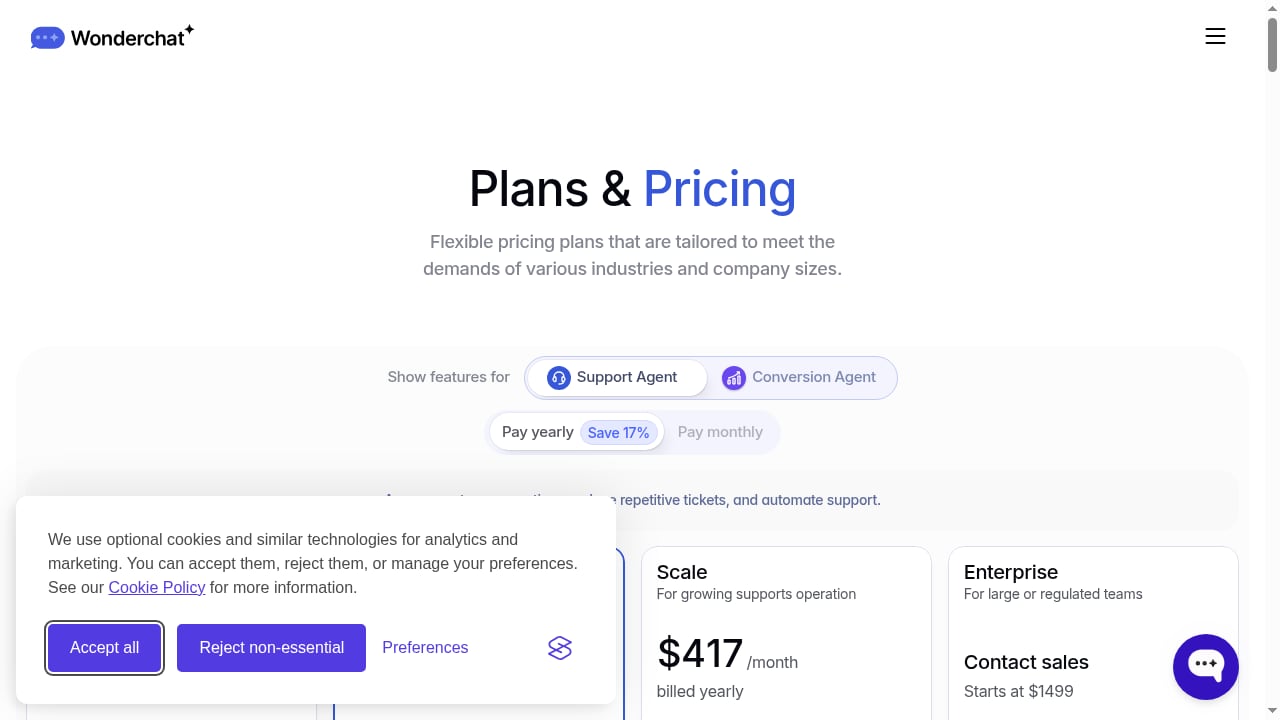
First viewport screenshot of Wonderchat AI Agent Pricing - Sign Up to Start Free Trial.
Wonderchat is best understood as a documentation-first AI agent builder, not a full helpdesk. You point it at knowledge sources — website pages, PDFs, Word files, videos, YouTube links, Google Drive folders, and past Zendesk or Freshdesk tickets — and it generates a chat agent that retrieves answers from that material.
The core differentiator is source attribution: every response cites where the answer came from. That matters for teams in regulated or high-trust categories where a confident but unsourced answer is worse than no answer at all.
The platform reports 500+ companies using it globally and states SOC 2 and GDPR compliance. It's a young product compared with Intercom or Zendesk's native AI, which affects how much enterprise-grade review evidence exists.
Ideal users:
- Small to mid-sized teams with well-structured help centers and FAQs
- Documentation-heavy products (SaaS, fintech, e-commerce with detailed policy pages)
- Teams that want AI answers with visible citations for compliance or trust reasons
- Website-first businesses that want to qualify leads conversationally
Poor fits:
- Teams where most support arrives by email (Wonderchat doesn't reply to inbound email threads natively)
- Organizations needing an agent-assist copilot for human reps
- Enterprises requiring deep, certified integrations across many systems
Core Capabilities: Support Deflection and Sales Qualification
First viewport screenshot of Wonderchat: AI Customer Service Agents for Support & Sales.
Answering from your content, with citations
The retrieval layer pulls from indexed knowledge and returns an answer with a reference. Citation settings can show website references or PDF source and page information, which lets a customer verify the claim themselves. A gap report surfaces questions the connected knowledge couldn't answer — a genuinely useful feedback loop for content teams.
Ticket deflection
For FAQ-level questions — refund policies, business hours, shipping terms, feature comparisons — the agent handles the conversation end to end. One published case study (Jortt) reported 92% autonomous resolution after training on product docs and FAQs. Treat that as a best-case signal from structured knowledge, not a universal benchmark.
Sales qualification
The same agent can engage website visitors, ask qualifying questions, and route or capture intent. This is the "AI sales conversion agent" half of the pitch, and it's most valuable on high-traffic pages where a form would otherwise be ignored.
Channels
- Website chat widget (the core product)
- WhatsApp two-way messaging
- AI voice chat for phone calls
- Live chat handoff to human agents
- Ticket creation in Zendesk or Freshdesk (but not email replies)
WhatsApp and voice may require plan upgrades or extra configuration.
Model choice
You can select from OpenAI, Anthropic, Google, or DeepSeek models, and swap models between bots. Cheaper models are available on every plan, including free; stronger Claude and Gemini models are gated behind the higher tier. This flexibility is a real strength for teams that want to tune cost against quality.
Setup: What to Expect
Setup is genuinely fast if your knowledge lives on your website. Point Wonderchat at a URL, let it crawl, name the bot, style the widget, and paste an embed code into your site footer or header. That's a 5–10 minute path for a simple deployment.
If you're uploading PDFs, DOCX files, or other documents manually, budget 15–30 minutes. For larger organizations with many documents, manual upload becomes tedious — and if your knowledge lives in a custom internal system or uncommon CMS, you'll need to export it first.
There's no CRM integration required to start, which lowers the barrier for small teams. But the same simplicity means less depth when you need to connect the agent into a broader workflow.
Pricing Signals and the Credit Trap
This is where Wonderchat deserves the most scrutiny. Pricing is credit-based, and a message is not always one credit. Models are weighted from 1 credit at the cheap end up to 10 at the top, so a plan's credit allowance can buy 5,000 replies on the cheapest model or 500 on the most expensive.
Published signals from third-party coverage point to:
- A free tier with roughly 10 resolutions per month on 20 credits
- A Basic tier around $124/month billed yearly for about 1,000 resolutions on 5,000 credits
- A mid tier around $417/month billed yearly for about 5,000 resolutions
- Enterprise from roughly $1,499/month
Two structural issues matter more than the headline numbers:
- Hard caps. Once you hit the allowance, the chatbot pauses and stops responding until you upgrade or buy credits. That's a customer-facing outage, not a soft limit.
- Expiring credits. Unused credits expire at the end of the billing period, so you can't bank capacity for a busy month.
Some helpdesk connectors — including training on past Zendesk and Freshdesk tickets — sit on the higher tier, which changes the real cost for teams that need that data source.
Before comparing Wonderchat to any competitor, define your billing unit. Vendors charge per outcome, per session, per conversation, per message, per seat, or per subscription — and those units are not interchangeable. A per-outcome price and a per-credit price can look similar on a spreadsheet and diverge wildly in production.
Strengths
- Source-cited answers. Every reply references its origin, which supports trust and auditability.
- Broad knowledge ingestion. Websites, PDFs, DOCX, TXT, CSV, PPTX, JSON, video and audio files, YouTube links, Google Drive folders, and helpdesk articles. Video and audio transcription is uncommon among competitors.
- Model flexibility. Swap between OpenAI, Anthropic, Google, and DeepSeek without rebuilding the bot.
- Fast, no-code deployment. A working widget in minutes for website-based knowledge.
- Knowledge-gap reporting. Surfaces unanswered questions so you can fix documentation.
- Compliance posture. SOC 2 and GDPR stated, with adoption in high-compliance industries.
Limitations
- No native email channel. Wonderchat creates tickets but doesn't reply to inbound email threads. If email is a meaningful share of your volume, you're covering half the picture.
- No copilot mode. There's no agent-assist feature that drafts replies for human review. The bot either handles the conversation or hands off entirely.
- Hard message caps with expiring credits. Cost can escalate quickly, and overage behavior is disruptive.
- Limited integration depth. Zendesk, Freshdesk, HubSpot, Shopify, and Zapier (which is how it reaches Salesforce). Reviewers flag that connections are shallower than expected and don't cover every preferred app.
- Complex queries fall short. Multiple review sources note weaker handling of niche or multi-step questions, leading to more escalations.
- Thin review footprint. Fewer independent reviews than established competitors, which makes enterprise evaluation harder.
- Not a helpdesk. No inbox, routing, or full agent workspace.
How Wonderchat Compares to Alternatives
First viewport screenshot of Wonderchat Reviews | Customers and Case Studies.
The right comparison depends on what you're actually solving.
- If you need an AI layer on an existing helpdesk, compare against platforms built for that stack. See our breakdown of HelpKnow AI vs Intercom vs Help Scout for how resolution, deployment effort, and pricing differ across mature options.
- If you want AI plus a human inbox in one system, an integrated suite may fit better than bolting a widget onto a separate helpdesk. Our HelpKnow AI vs HelpCrunch vs HappyFox comparison covers that tradeoff.
- If you're evaluating broader CX platforms, the Nextiva AI CX Platform review examines enterprise-grade AI features, setup, and real user complaints.
A useful framing from Wonderchat's own comparison content: choose by the work required. Answering from approved documentation needs source access, citations, refresh controls, and a path for missing knowledge. Taking actions in connected systems — cancelling an order, issuing a refund — needs identity checks, permissions, API operations, and failure paths. A policy answer does not complete that job, and "integrates with" is not enough.
Decision Criteria: Should You Choose Wonderchat?
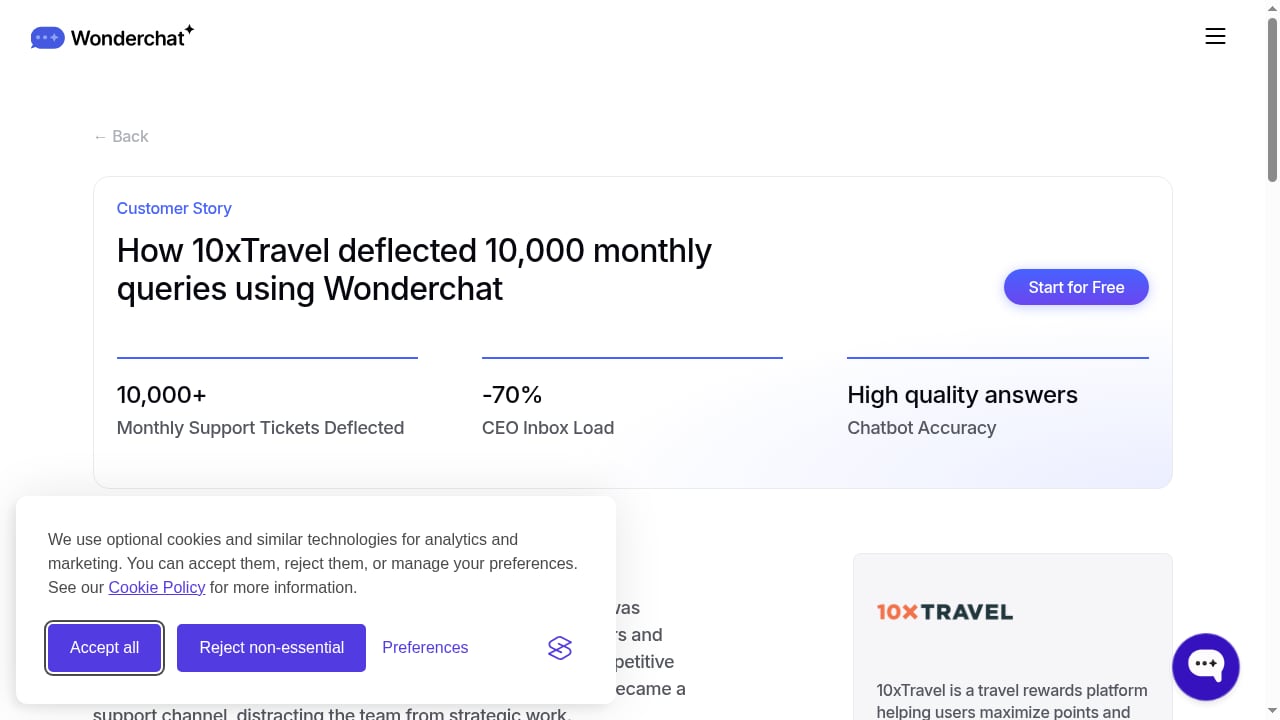
First viewport screenshot of 10xTravel - AI Support Agent | Wonderchat.
Run through these questions before committing:
- Where does your support volume live? If it's mostly web chat and WhatsApp, Wonderchat fits. If email dominates, look elsewhere or plan a workaround.
- How structured is your documentation? The 92% resolution figure came from clean product docs and FAQs. Messy or thin knowledge produces weaker answers.
- Can you forecast message volume by model? Because credits are model-weighted, your real cost depends on which models you run. Model this before signing.
- Do you need agent-assist? If yes, Wonderchat doesn't offer it.
- How deep must integrations go? Verify the exact connector and what it actually does, not just that it exists.
- What happens at the cap? Decide whether a paused chatbot is acceptable during a traffic spike.
- Is citation visibility a requirement? If compliance or trust demands it, Wonderchat's source attribution is a genuine advantage.
Related reading
- HelpKnow AI vs Enjo vs CXone: 2026 Comparison Guide - Compare HelpKnow AI, Enjo, and CXone on AI resolution, deployment effort, omnichannel support, analytics, and pricing for 2026 support teams.
Sources and further reading
- Wonderchat Reviews 2026: Details, Pricing, & Features - G2 - Wonderchat is an AI customer service and sales agent that answers only from your own content and cites the source on every reply. It reads your help center ...
- Wonderchat: Complete Guide to Features, Pricing & Limitations (2026) - Wonderchat starts at $29/month for 1,000 credits, though one message can cost 20. My AskAI starts at $0.10 a ticket. Full cost breakdown.
- 13 Best AI Customer Service Chatbots (2026) - Choose a customer service chatbot with clearer answers, visible limits, and billing you can compare. Includes 13 tools and a practical trial checklist.
FAQ
Is Wonderchat a full helpdesk?
No. It's an AI agent builder that can create tickets in Zendesk or Freshdesk, but it doesn't provide an inbox, routing, or a full agent workspace.
Does Wonderchat answer from sources it can cite?
Yes. Every response cites its source, and citation settings can display website references or PDF source and page details.
Can Wonderchat handle email support?
Not natively. It can create tickets from conversations, but it doesn't reply to inbound email threads.
How does Wonderchat pricing work?
It's credit-based with model-weighted consumption. A message can cost 1 credit on cheaper models or up to 10 on premium ones, and unused credits expire each billing period.
What happens when I hit my message cap?
The chatbot pauses and stops responding until you upgrade or purchase additional credits.
Is Wonderchat compliant for regulated industries?
The vendor states SOC 2 and GDPR compliance and reports adoption in high-compliance sectors. Verify current certifications directly before relying on them.
Does Wonderchat offer a copilot for human agents?
No. There's no agent-assist mode that drafts replies for review — the bot either resolves autonomously or hands off.
Conclusion
Wonderchat earns its place when your problem is answering accurately from documentation and showing your work. The citation-first design, broad knowledge ingestion (including video and audio), and model flexibility make it a credible fit for small and mid-sized teams with well-organized help content.
The tradeoffs are structural, not cosmetic: no email channel, no copilot, hard message caps with expiring credits, and integrations that run shallower than the marketing implies. If your support volume is email-heavy or you need AI assistance layered onto human agents, this isn't the tool.
For documentation-led deflection with visible sourcing, it's a strong shortlist candidate — provided you model your real credit cost by model before you commit.