
LiveAgent Review 2026: AI Help Desk Fit, Pricing & Limits
LiveAgent is a long-running help desk platform that bundles ticketing, live chat, a call center, and an AI chatbot in one product. It is aimed at teams that want a single place to handle customer conversations without stitching together four separate tools. This review looks at what LiveAgent does well, where it falls short, and how to decide whether it fits your support operation in 2026.
What LiveAgent is and who it is for
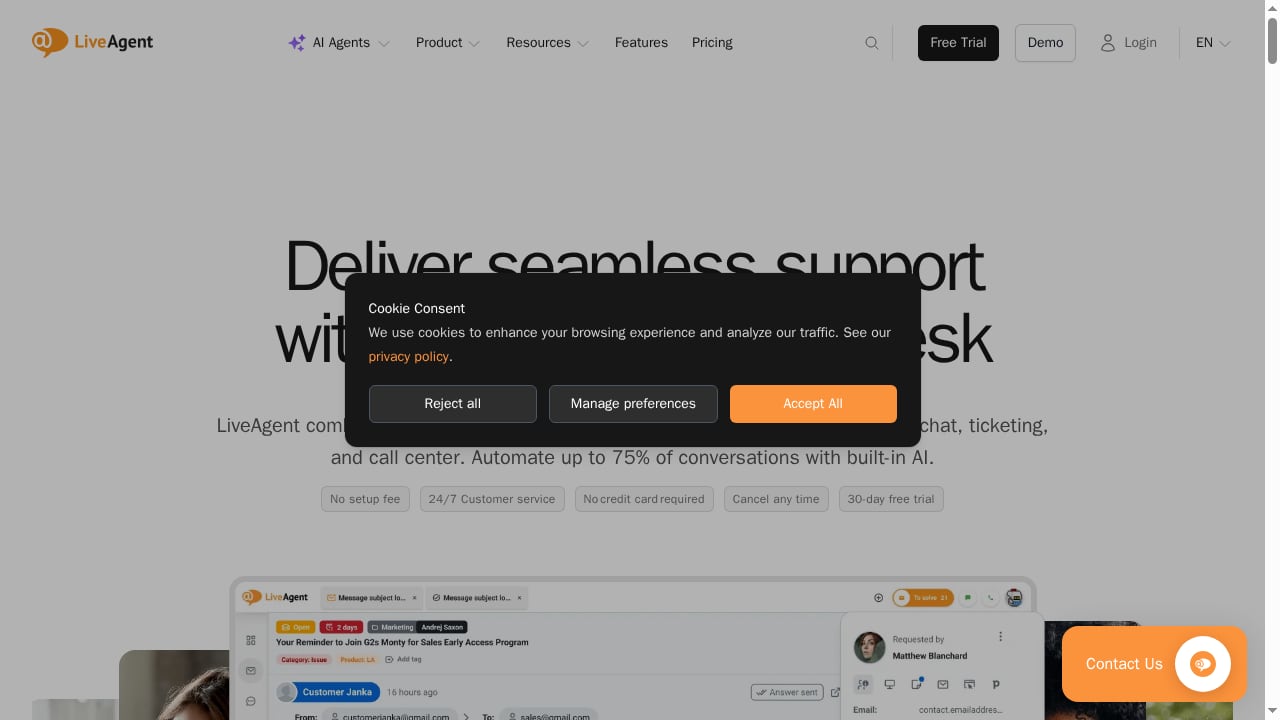
First viewport screenshot of www.liveagent.com.
LiveAgent is customer service software built around a shared inbox. Tickets from email, live chat, social channels, and phone calls land in the same queue, and agents can reply from one interface. The vendor says the platform is used by more than 15,000 companies and that its AI can resolve up to 75% of customer conversations, though that figure depends heavily on your knowledge base quality and the complexity of your requests.
The product fits best when you need:
- A single inbox for small to mid-sized teams. Support teams of two to fifty agents often want ticketing and live chat without enterprise overhead.
- Phone support alongside digital channels. The built-in call center handles inbound and outbound calls, IVR, and call routing.
- A low-risk start. A free tier and a free trial let you test the workflow before committing.
- AI containment for repetitive questions. The AI chatbot can deflect common questions such as order status, password resets, and policy lookups.
It is a weaker fit for very large contact centers that need deep workforce management, or for teams that expect a fully autonomous AI agent to handle complex, multi-step actions without human backup.
Core strengths
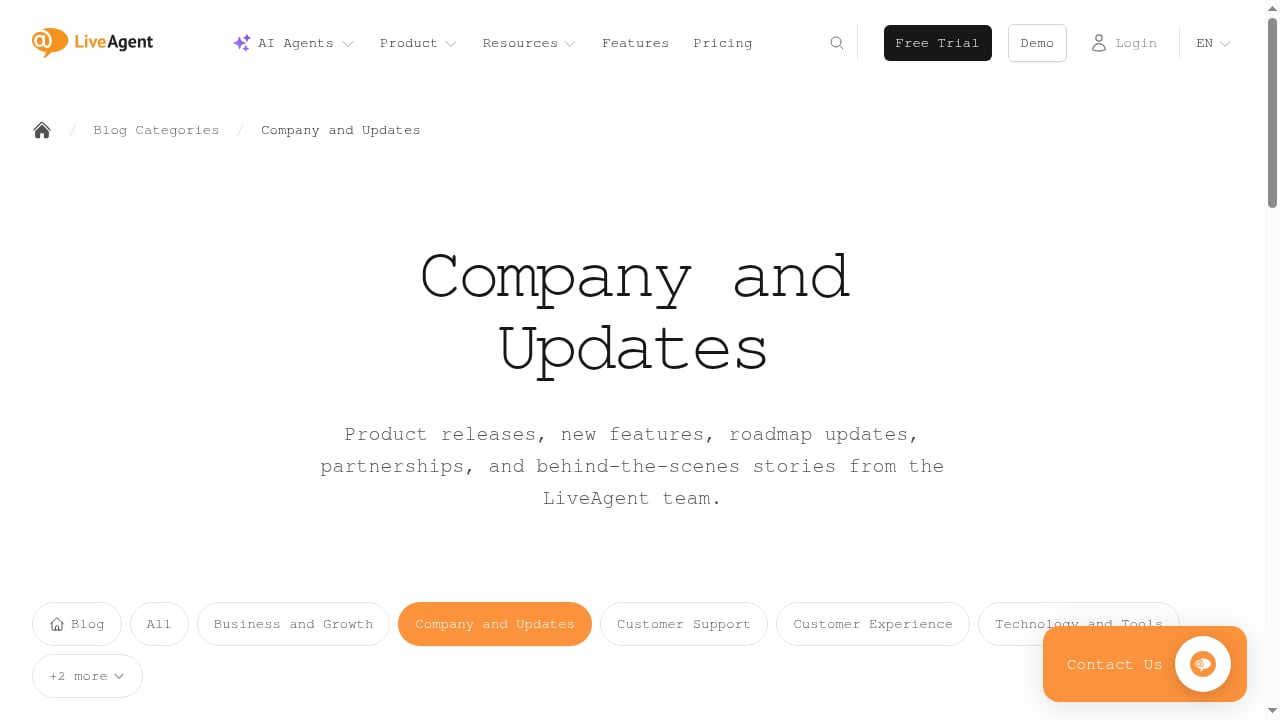
First viewport screenshot of www.liveagent.com.
One platform for tickets, chat, and calls
The main advantage is consolidation. Instead of paying for a ticketing tool, a chat widget, and a call center product separately, LiveAgent puts them in one admin console. Reviewers on Capterra frequently mention multi-channel ticketing and live chat as the reason they chose it, and several note that the price is lower than comparable suites. For a team that currently runs support out of a shared Gmail inbox, that consolidation is the biggest practical gain.
AI chatbot with human handoff
The AI chatbot is designed to answer common questions and escalate to a human when it cannot help. That handoff matters: it keeps the AI in a support role rather than pretending it can resolve everything. The 75% resolution claim is realistic only for high-volume, repetitive queries with a well-maintained knowledge base. Teams with complex products should expect a lower containment rate and plan for agent review.
Transparent, tiered pricing
LiveAgent publishes its plans, which makes budgeting easier than with quote-only vendors. Entry tiers are affordable for small teams, and the price rises with seats and features such as call center capabilities. A free tier and a free trial lower the cost of evaluation. Exact prices change, so confirm current numbers on the vendor's site before you commit.
Broad channel coverage
Email, live chat, contact forms, social media, and voice are all supported. For a small team that cannot staff every channel around the clock, the ability to route everything into one queue and set response expectations is a real operational benefit.
Limitations and trade-offs
Interface and editor friction
Reviews are not uniformly positive. Some users on Capterra praise the clean, organized interface, while others point to the rich text editor as frustrating, particularly when creating or editing tables for complex customer data. If your replies frequently include structured tables or detailed formatting, test that workflow during the trial.
Support responsiveness concerns
A recurring theme in user feedback is the speed and depth of vendor support. One reviewer noted that the lack of responsive multi-channel support, such as phone or screen sharing, slowed issue resolution. This does not mean support is bad for everyone, but it is worth checking the support channels available on your plan before you rely on the vendor for critical escalations.
AI depth versus specialist platforms
LiveAgent's AI is a useful containment layer, but it is not the most advanced conversational AI on the market. Teams that need agentic AI that can take actions across back-end systems, or that need sophisticated knowledge learning, should compare specialist platforms. Our Top 10 Conversational AI Platforms for Enterprise CX in 2026 covers that category in more depth.
Reporting and customization limits
Small teams usually find the built-in reporting sufficient. Larger operations that need custom dashboards, granular SLA reporting, or deep workflow automation may hit limits and should confirm requirements during evaluation.
Pricing signals
LiveAgent uses a seat-based subscription with multiple tiers. The pattern to watch is that the lower tiers cover ticketing and chat, while call center features and advanced capabilities sit on higher plans. There is a free tier for very small teams and a free trial for evaluation.
Three pricing signals matter in practice:
- Seat count drives cost. The per-agent price is competitive at small scale but adds up as the team grows.
- Channel mix changes the plan. If you need voice, budget for a higher tier than a chat-only team.
- AI usage may have limits. Confirm how AI chatbot conversations are counted and whether overages apply.
For a broader comparison of pricing models across AI support vendors, see our HelpKnow AI vs Front vs HelpNow comparison.
Setup and time to value
LiveAgent is generally quick to start. A typical rollout looks like this:
- Connect channels. Add your email inbox, install the chat widget, and configure social channels.
- Set up routing and departments. Assign tickets by topic, language, or team so the shared inbox does not become a free-for-all.
- Build the knowledge base. The AI chatbot is only as good as the content behind it. Seed it with your top twenty recurring questions.
- Configure the AI chatbot and handoff rules. Decide which intents the bot handles and when it escalates.
- Test with real conversations. Run a pilot with a subset of traffic before switching everything over.
Most small teams can complete the basics in days, not weeks. The longer work is knowledge base maintenance and tuning the AI, which is ongoing.
LiveAgent versus alternatives
First viewport screenshot of Company and Updates | LiveAgent - Help Desk Software & Live Chat.
| Need | LiveAgent fit | Alternative to consider |
|---|---|---|
| Ticketing, chat, and voice in one tool | Strong | All-in-one help desks |
| Advanced agentic AI that takes actions | Moderate | Specialist conversational AI platforms |
| Very large contact center with workforce management | Weak | Enterprise contact center suites |
| Low-cost start for a small team | Strong | Free or entry-tier help desks |
If your priority is AI depth rather than channel consolidation, compare specialist options. If your priority is replacing a patchwork of tools with one affordable suite, LiveAgent is a credible candidate. For teams in gaming or high-volume player support, our Top 10 AI-Native Player Engagement & Support Platforms 2026 is a more relevant starting point.
Decision criteria: is LiveAgent right for you?
First viewport screenshot of www.liveagent.com.
Choose LiveAgent if:
- You want ticketing, live chat, and phone support in one platform.
- Your team is small to mid-sized and price-sensitive.
- You need a free tier or trial to prove value before buying.
- Your AI use case is deflecting common questions, not autonomous resolution.
Look elsewhere if:
- You need advanced AI that executes multi-step actions across systems.
- You require deep workforce management and custom enterprise reporting.
- Vendor support responsiveness is a critical dependency for your operation.
- You need extensive formatting in agent replies and the editor limits matter to you.
Related reading
- How to Use HelpKnow AI with AWS: Setup, Workflow & Examples - Learn how to integrate HelpKnow AI with Amazon Web Services (AWS) for scalable AI customer service. Step-by-step setup, workflow examples, and best practices.
- HelpKnow AI vs CCSI Nearshore: AI Agent or Outsourcing? - Compare HelpKnow AI and CCSI Nearshore Contact Center & AI Solutions: automation depth, staffing model, integrations, and which fits your CX strategy.
Sources and further reading
- Read Customer Service Reviews of liveagent.com - Trustpilot - Do you agree with LiveAgent's 4-star rating? Check out what 620 people have written so far, and share your own experience.
- LiveAgent Reviews 2026: Details, Pricing, & Features - G2 - LiveAgent is always excellent. It eliminated the hassle of responding to each customer individually via Gmail or social media chat, or not being able to compare ...
FAQ
Is LiveAgent good for small businesses?
Yes, generally. The combination of ticketing, live chat, and a free tier makes it accessible for small teams. The main caveat is that advanced call center features and AI depth sit on higher plans or require more setup.
Does LiveAgent really resolve 75% of conversations with AI?
That is the vendor's claim and it depends on your knowledge base and query mix. Teams with repetitive, well-documented questions can approach it; teams with complex products should expect lower containment and plan for human review.
How much does LiveAgent cost?
LiveAgent uses seat-based tiers with a free option and a free trial. Prices vary by plan and channel mix, so check the vendor's current pricing page before budgeting.
What are the main alternatives to LiveAgent?
Alternatives include all-in-one help desks, specialist conversational AI platforms, and enterprise contact center suites. The right choice depends on whether you prioritize consolidation, AI depth, or scale.
How long does LiveAgent take to set up?
Basic setup, including channels and routing, can be done in days. Knowledge base building and AI tuning take longer and should be treated as ongoing work.
Conclusion
LiveAgent is a solid, affordable help desk for small and mid-sized teams that want ticketing, live chat, and call center in one place. Its AI chatbot adds useful containment, but it is not a substitute for a specialist AI platform when you need autonomous, action-taking agents. Start with the free tier or trial, test the editor and support responsiveness against your real workflows, and decide based on whether consolidation or AI depth matters more to your support strategy.