
Kustomer Review 2026: AI Customer Service CRM Fit, Costs, and Real Limits
Kustomer is a customer service platform and CRM that unifies conversations from email, chat, phone, social, and messaging into one agent workspace. It is built for support organizations that want customer context and automation in the same system rather than spread across a help desk and a separate CRM. This review weighs what Kustomer does well, where it still draws criticism, and which teams should shortlist it in 2026.
What Kustomer actually is
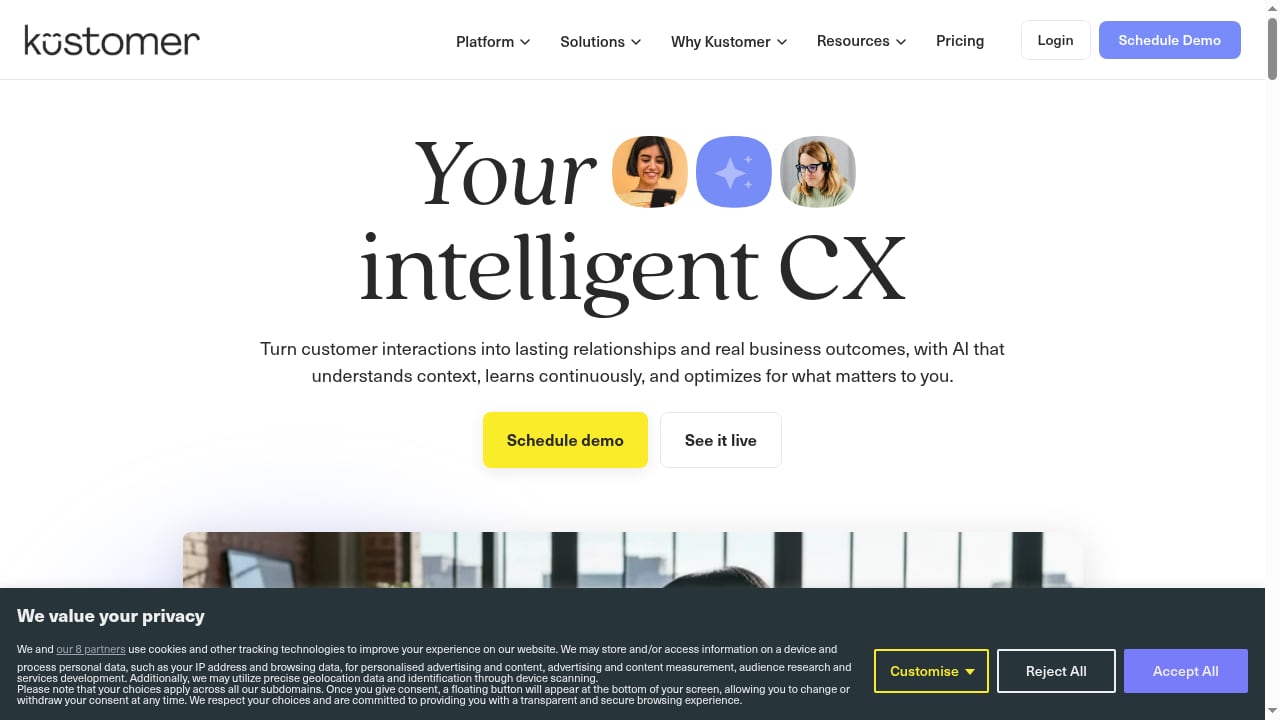
First viewport screenshot of AI Customer Service Platform & CRM | Kustomer.
Kustomer positions itself as an intelligent customer experience platform. In practice, that means three things bundled together:
- A shared conversation timeline. Every interaction is attached to a customer profile, so agents see history, orders, and prior tickets without switching tools.
- Workflow automation. Routing, prioritization, and repetitive tasks can be automated with rules and no-code configuration.
- Omnichannel intake. Email, chat, SMS, social messaging, and voice can land in the same queue.
Kustomer is not a lightweight live chat widget. It is closer to a full service desk with CRM data layered in, which is why it tends to appear in evaluations against Zendesk, Gorgias, and similar platforms.
Who Kustomer fits best
First viewport screenshot of Product Updates | Kustomer.
Kustomer makes the most sense when conversation volume is high enough that context switching becomes a measurable cost. Typical fits include:
- Direct-to-consumer brands with order, return, and subscription questions arriving across email, chat, and social.
- Support teams of roughly 20 to 200 agents that have outgrown a simple shared inbox.
- Operations leaders who want customer data and service history in one place instead of syncing a help desk with a standalone CRM.
- Teams with a technical administrator who can configure workflows and data models properly.
Small teams with a single channel and low ticket volume will usually find Kustomer heavier than they need. If your support motion is mostly live chat on a storefront, a lighter tool is often the better economic choice.
Strengths worth paying for
Unified customer context
The core value is the timeline. When an agent opens a conversation, they can see previous contacts, order data, and internal notes in one view. That reduces the "let me check another system" pause that stretches handle time.
Automation without heavy engineering
Kustomer's no-code workflow builder lets administrators set routing rules, auto-tag conversations, and trigger actions based on customer attributes. Teams that invest in this configuration tend to report meaningful reductions in manual triage.
Omnichannel in one queue
Bringing email, chat, SMS, and messaging into a single workspace is genuinely useful for brands whose customers move between channels mid-conversation. It also simplifies staffing because supervisors can see one backlog instead of several.
Trainability
Across Gartner Peer Insights reviews, a recurring positive theme is that the interface is user-friendly and new agents can be trained on it relatively quickly. That matters when you are onboarding seasonal or contract staff.
Limitations and complaints to weigh
A credible review has to include the friction, and Kustomer has documented friction points.
Reporting depth
Reporting is the most consistent criticism. In a Reddit discussion among customer success professionals, one practitioner said ticket and metrics reporting was a real problem after switching from Zendesk. Kustomer has publicly responded that reporting has been rebuilt and now offers real-time, conversation-level visibility, but buyers should still validate their specific metric requirements during a trial rather than assume parity with their current tool.
Voice channel reliability
Voice is the second recurring complaint. In the same discussion, a practitioner described call drops, audio issues, and routing problems on the phone channel. If voice is a major part of your support mix, test it hard before committing.
Social comment management
Kustomer handles social messaging, but not all social workflows. According to practitioner feedback, comment management on social platforms is limited, which matters if community management sits inside your support team.
Complexity and rigidity
Multiple reviewers describe the platform as more complex and less flexible than simpler tools. Gartner feedback notes it can feel rigid, and that callback-only call centers can be awkward to model. Complexity is not automatically bad, but it shifts cost from software to administration.
Email display defaults
One onboarding complaint described emails rendering in raw format by default, requiring an extra click per message. Small defaults like this compound across hundreds of daily conversations.
Trial friction
A practitioner noted the absence of a simple self-serve app install with a 14-day trial. Expect a sales-led evaluation rather than a frictionless product-led signup.
Ownership confusion
Some buyers still believe Kustomer is owned by Meta. It spun off in 2023, and Kustomer representatives have corrected that perception publicly. It is worth confirming current corporate status directly if ownership is a procurement concern.
Pricing signals
Kustomer does not publish simple self-serve pricing. The realistic signals are:
- Quote-based enterprise pricing. Cost depends on seats, channels, and automation scope, so published numbers are rare.
- Implementation is part of the cost. Budget for configuration time, data migration, and admin training, not just licenses.
- Total cost scales with complexity. The more workflows and integrations you build, the more ongoing administration you need.
- Comparison shopping is expected. Kustomer is routinely evaluated against Zendesk, Gorgias, and similar platforms, so vendors are used to competitive deals.
Treat any pricing figure you see online as directional. The number that matters is your quoted seat cost plus the internal hours required to run the platform.
Setup and onboarding effort
Kustomer is not a plug-in-and-go product. A realistic rollout looks like this:
- Define your data model. Decide which customer attributes and objects matter before importing anything.
- Map channels. Connect email, chat, voice, and messaging, and confirm routing behavior for each.
- Build core workflows. Start with triage and escalation rules, not every edge case.
- Migrate historical data. Plan how much ticket history you actually need to carry over.
- Train agents on the timeline. The interface is learnable, but the CRM context layer takes practice.
- Validate reporting early. Confirm the metrics your leadership team needs exist before you go live.
Teams that skip step six tend to be the ones filing the reporting complaints.
How Kustomer compares to alternatives
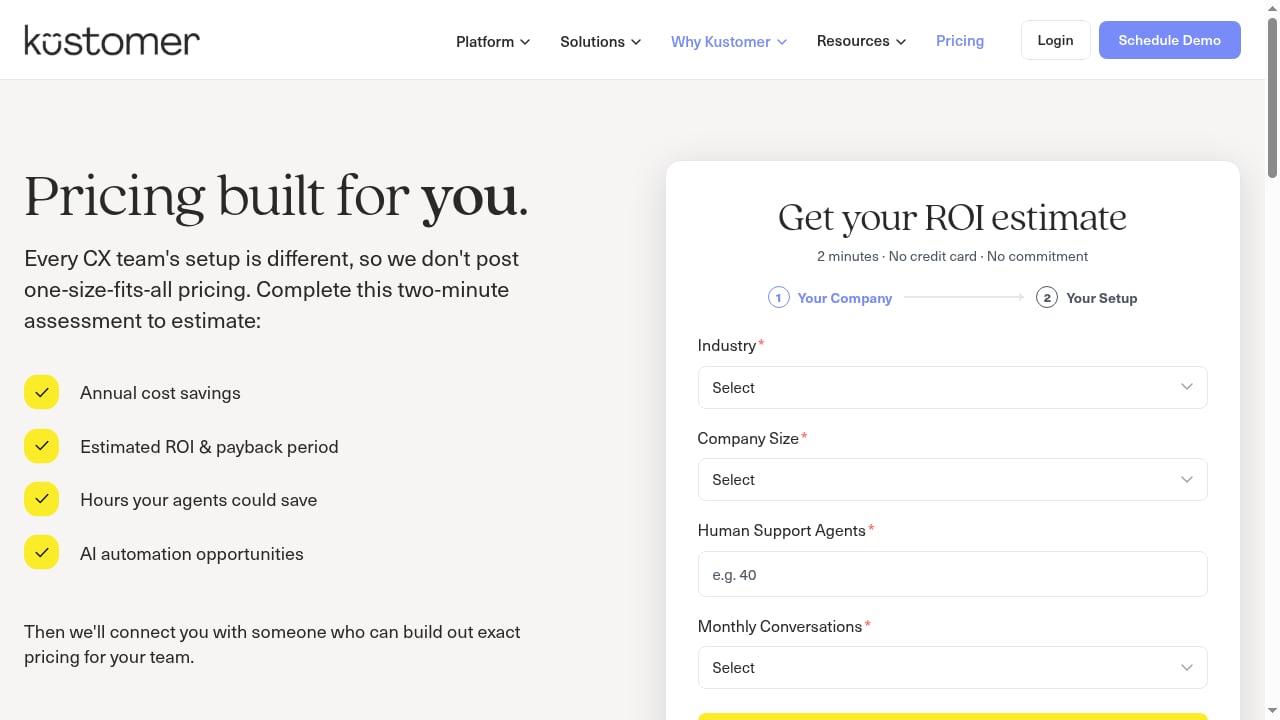
First viewport screenshot of Pricing & ROI Calculator | Kustomer.
| Consideration | Kustomer | Lighter help desks | Full CCaaS platforms |
|---|---|---|---|
| Unified customer timeline | Strong | Limited | Varies |
| Omnichannel intake | Strong | Chat and email focused | Strong, voice-first |
| Reporting depth | Improving, validate it | Simpler but shallower | Mature |
| Voice reliability | Mixed user reports | Often limited | Core strength |
| Setup effort | Moderate to high | Low | High |
| Pricing model | Quote-based | Often published | Quote-based |
If your priority is a mature contact center with dependable voice, a CCaaS provider such as Five9 may fit better. If you want a lighter live chat and email platform with published pricing, a tool like HelpCrunch is a more economical starting point. For teams comparing AI-first support agents against established platforms, a structured evaluation like HelpKnow AI vs Intercom vs Help Scout can clarify where AI resolution actually changes your cost model.
Decision criteria: should you shortlist Kustomer?
First viewport screenshot of Customer Stories — Effortless, Exceptional CX | Kustomer.
Score yourself against these questions:
- Do you need CRM context inside the support tool? If yes, Kustomer's timeline is a real advantage.
- Is voice a primary channel? If yes, demand a live voice pilot before signing.
- Do you have an administrator? If no, budget for one or expect underused automation.
- Are your reporting needs standard or custom? Custom metrics are where the risk lives.
- Is social comment management in scope? If yes, confirm coverage explicitly.
- Can you run a structured pilot? Insist on one with your own data and channels.
If you answer yes to the first question and can support the administration load, Kustomer is a legitimate shortlist candidate. If you need fast self-serve setup and simple reporting, it is probably not the right first platform.
Related reading
- Udesk Review 2026: AI Omnichannel Customer Service Verdict - Evidence-based Udesk review for 2026: AI omnichannel support, ticketing, automation, pricing signals, setup effort, limits, and who should buy it.
- Wonderchat Review 2026: AI Support & Sales Agent Verdict - Hands-off review of Wonderchat's AI support and sales agents: setup, citation accuracy, pricing signals, limits, and who should buy it in 2026.
Sources and further reading
- Read Customer Service Reviews of kustomer.com - Trustpilot - Sep 23, 2026 ... Kustomer is the Intelligent Customer Experience Platform empowering brands to put customers at the center of every interaction. By unifying ...
FAQ
Is Kustomer owned by Meta?
No. Kustomer spun off from Meta in 2023, and company representatives have corrected that claim in public forums. Verify current ownership during procurement if it affects your decision.
Does Kustomer have a free trial?
Practitioner feedback suggests there is no simple self-serve app install with a 14-day trial. Expect a sales-led evaluation process.
Is Kustomer good for voice support?
User reports are mixed, with complaints about dropped calls, audio quality, and routing. Test voice thoroughly if it is a core channel for you.
How does Kustomer compare to Zendesk?
Kustomer emphasizes a unified customer timeline and CRM-style context, while Zendesk is often described as simpler to administer. Reporting was a specific pain point cited by a practitioner who moved from Zendesk to Kustomer.
What size team is Kustomer best for?
It fits mid-market and larger support organizations, roughly 20 to 200 agents, that need omnichannel intake and customer context in one system.
Does Kustomer support social media comments?
Messaging is supported, but comment management on social platforms appears limited based on practitioner feedback. Confirm this against your social workflow.
Conclusion
Kustomer is a capable AI customer service platform and CRM for teams that genuinely need customer context and omnichannel conversations in one place. Its strengths are the unified timeline, no-code automation, and a learnable interface. Its risks are reporting depth, voice reliability, social comment coverage, and the administrative effort required to run it well.
Shortlist Kustomer if you have the volume, the channels, and the admin capacity to justify it. If you need fast setup, published pricing, or dependable voice out of the box, compare it against lighter help desks and dedicated CCaaS platforms before you commit. The right answer depends less on feature lists and more on which of those constraints you can actually live with.