
HelpCrunch Review 2026: A Practical Look at Features, Pricing, and Fit
HelpCrunch positions itself as a unified customer communication platform that combines live chat, AI-powered chatbots, a knowledge base, email marketing, popups, and a shared inbox. The pitch is simple: replace a patchwork of point solutions with one tool that support, marketing, and sales teams can actually use without a six-month implementation project. This review examines whether that promise holds up, who benefits most, and where the platform falls short.
What Is HelpCrunch?
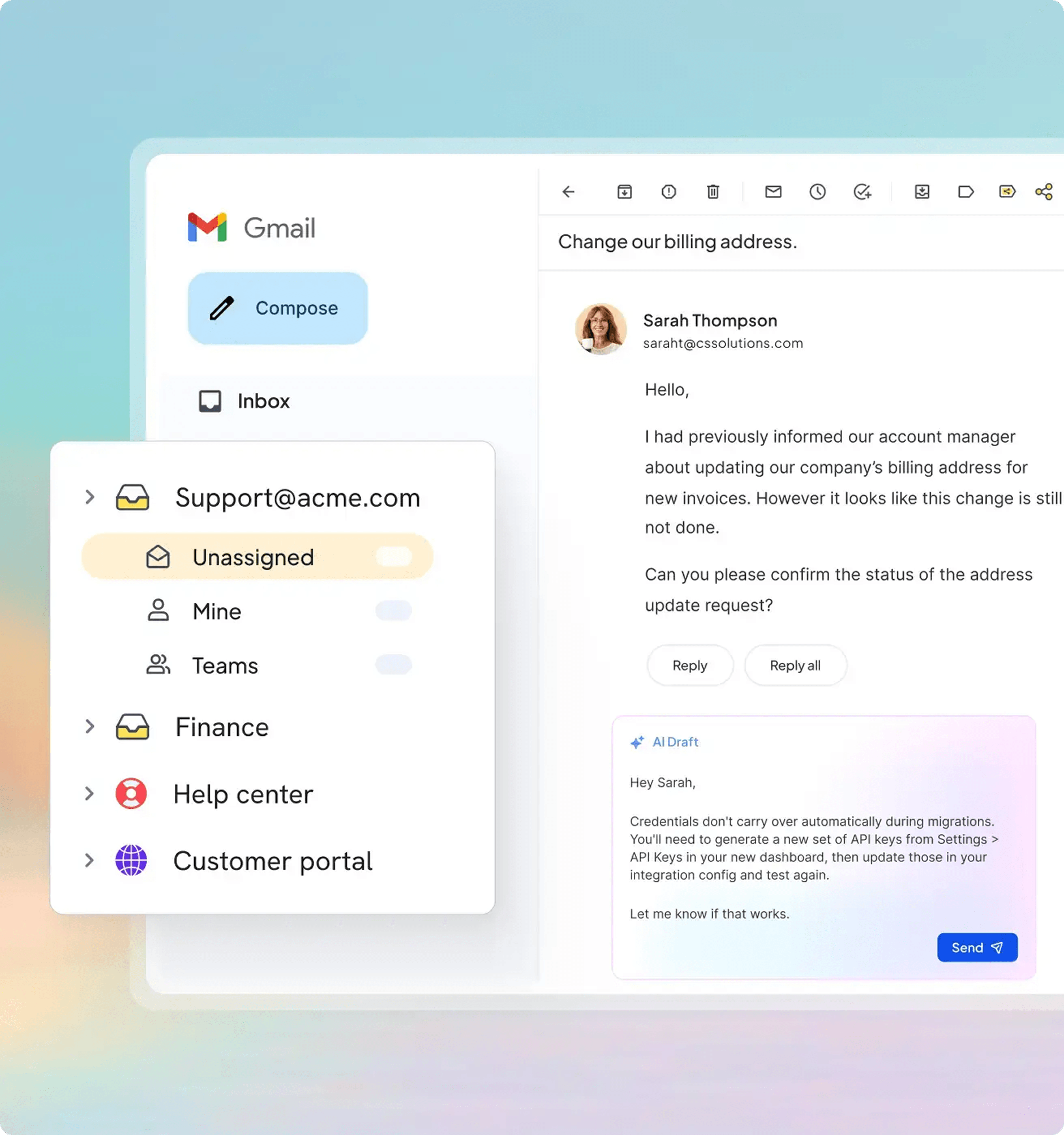
HelpCrunch Review 2026: Features, Pricing, and Verdict - Who Should Use HelpCrunch?.
HelpCrunch is a web-based customer communication platform designed for businesses that want to engage customers across multiple channels without paying Intercom or Zendesk prices. The platform brings together several capabilities under one dashboard:
- Live chat with a customizable multichannel widget
- AI Agents that answer questions from your knowledge base and other sources
- A knowledge base with a WYSIWYG editor and SEO optimization tools
- Email marketing with automated campaigns
- Popups for lead generation and targeted messaging
- A shared inbox that consolidates email, WhatsApp, Instagram, and in-app messages
- Mobile SDKs for iOS and Android apps
The core value proposition is consolidation. Instead of paying separately for a chat tool, a help desk, a knowledge base builder, and an email marketing platform, HelpCrunch bundles them into one subscription. For small and scaling teams, that bundling can translate into meaningful savings.
Who Should Use HelpCrunch?
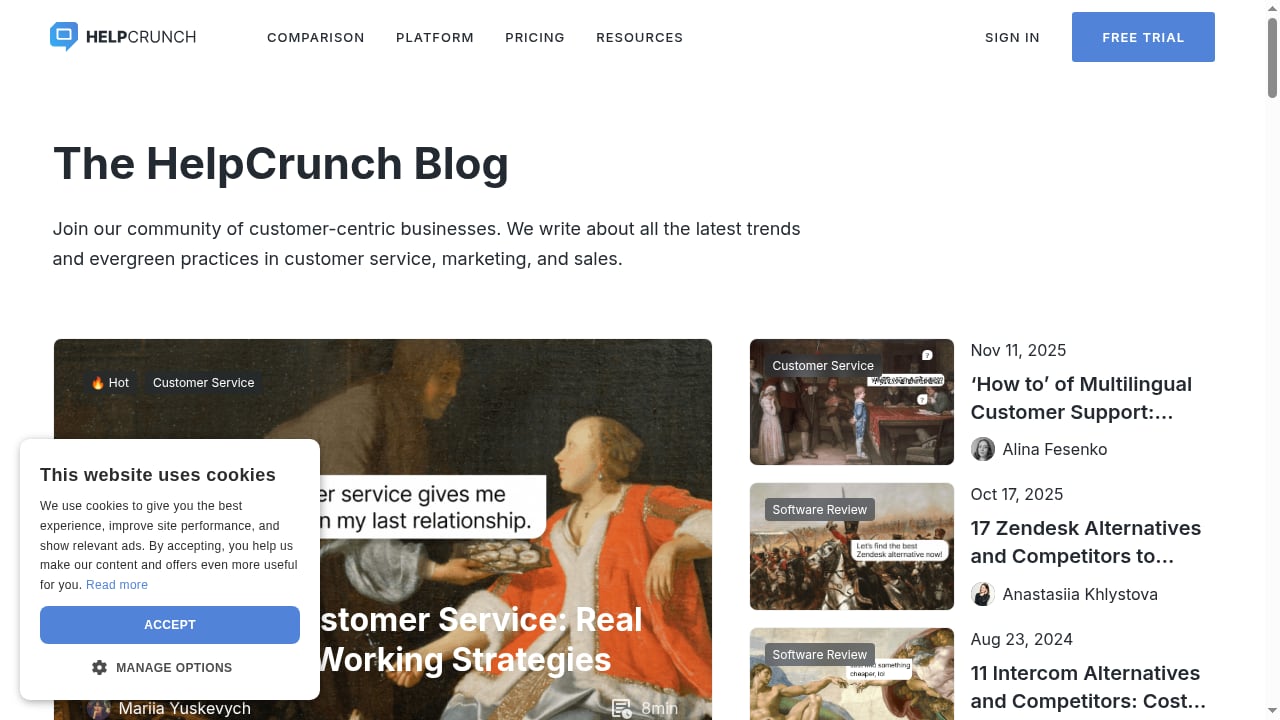
First viewport screenshot of The HelpCrunch blog.
HelpCrunch is best suited for specific profiles. Understanding whether you fit one of these profiles matters more than any feature list.
Ideal Users
Startups and small businesses that need professional customer communication without enterprise complexity. The pricing structure is accessible, and the setup process is straightforward enough that a non-technical founder can get a chat widget live in an afternoon.
Scaling SaaS companies that have outgrown basic chat tools but do not yet need the full weight of a Zendesk or Salesforce Service Cloud. HelpCrunch offers automation, reporting, and multichannel support at a price point that fits mid-stage budgets.
E-commerce teams that want to combine proactive chat, targeted popups, and automated email follow-ups. The ability to trigger messages based on visitor behavior makes it useful for cart recovery and lead capture scenarios.
Support teams prioritizing CSAT over complex ticket routing. HelpCrunch's focus on chat-first communication and AI-assisted answers tends to work well for teams whose primary goal is fast, friendly resolution rather than deep workflow orchestration.
Who Should Look Elsewhere
Large enterprises with complex ticketing needs, advanced SLA management, workforce management, or deep compliance requirements will likely find HelpCrunch's feature set too limited. The platform is not designed to compete with enterprise-grade contact center solutions. If you need sophisticated routing rules, multi-department escalation paths, or extensive audit logging, consider alternatives like Talkdesk or HelpDesk instead.
Teams that rely heavily on voice support should also look elsewhere. HelpCrunch does not include native phone or voice capabilities, which is a significant gap for businesses where phone remains a primary channel.
Key Features in Practice
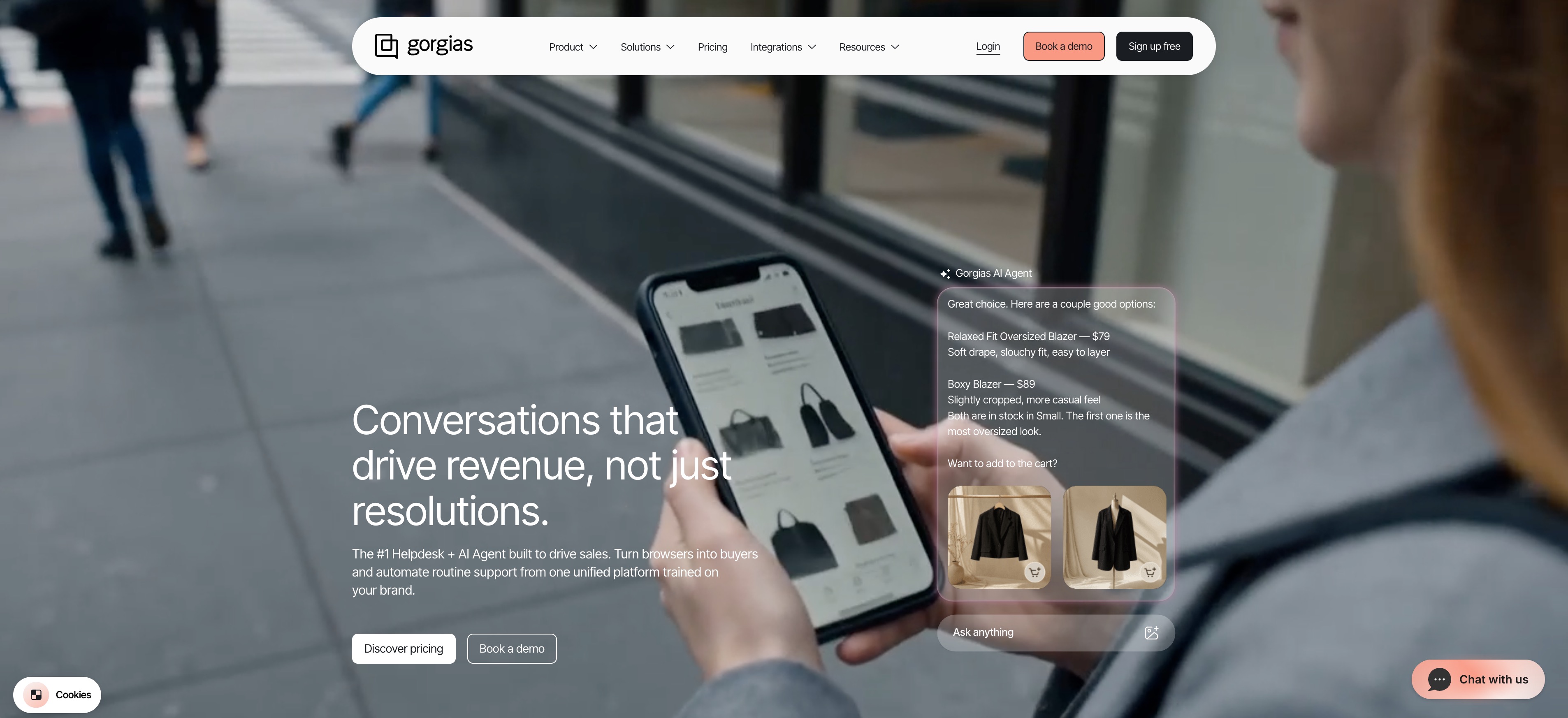
HelpCrunch Review 2026: Features, Pricing, and Verdict - Key Features in Practice.
AI Agents and Chat Automation
HelpCrunch's AI Agents are designed to answer customer questions by pulling from multiple sources, including your knowledge base, website content, and past conversations. The goal is to resolve routine queries without human intervention, freeing agents for higher-value interactions.
In practice, the AI performs well for straightforward, well-documented questions: pricing inquiries, feature explanations, setup steps, and policy questions. The accuracy depends heavily on the quality of your knowledge base. If your documentation is thin or outdated, the AI will struggle regardless of how sophisticated the underlying model is.
The platform also supports automated chat messages triggered by visitor behavior, such as time on page, scroll depth, or specific page visits. These proactive messages can be used for lead qualification, onboarding nudges, or support outreach.
Knowledge Base
The knowledge base builder uses a WYSIWYG editor, which means non-technical team members can create and update articles without touching code. The SEO optimization features are a genuine differentiator: you can customize meta titles, descriptions, and URLs for each article, which helps your help content rank in search engines and deflect support tickets before they happen.
The knowledge base can be hosted on a custom domain, which preserves brand consistency and avoids the "help.helpcrunch.com" look that some platforms force on you.
Email Marketing and Popups
HelpCrunch includes email marketing capabilities that go beyond simple transactional messages. You can create automated campaigns, segment your audience, and send targeted follow-ups. The popup builder allows for lead capture forms, promotional announcements, and exit-intent offers.
While the email features are not as deep as dedicated platforms like Mailchimp or Klaviyo, they cover the essentials for businesses that want to keep customer communication in one place. For teams already paying for a separate email tool, this consolidation can justify the HelpCrunch subscription on its own.
Shared Inbox and Multichannel Support
The shared inbox consolidates conversations from email, WhatsApp, Instagram, Facebook Messenger, and in-app messaging into a single view. This is a meaningful productivity win for small support teams that would otherwise toggle between multiple tools.
One limitation worth noting: while the platform supports multiple channels, the depth of integration varies. WhatsApp and Instagram messaging work well for basic conversations, but teams with heavy social media support volumes may find the experience less polished than dedicated social media management tools.
Reports and Analytics
HelpCrunch provides reporting on chat volume, response times, customer satisfaction ratings, and agent performance. The reports are adequate for small and mid-sized teams that need basic visibility into support operations. Teams requiring advanced analytics, custom dashboards, or deep data exports may find the reporting layer thin compared to dedicated help desk platforms.
Pricing Signals and Value

HelpCrunch Review 2026: Features, Pricing, and Verdict - Pricing Signals and Value.
HelpCrunch's pricing is one of its strongest selling points, particularly when compared to Intercom and Zendesk. The platform uses a per-user, per-month model with annual billing, and the entry point is significantly lower than enterprise alternatives.
The pricing tiers generally follow this structure:
- Standard tier: One chat widget, basic automation, knowledge base access, and HelpCrunch branding. Suitable for small teams just getting started.
- Premium tier: Multiple chat widgets, unlimited automated messages and popups, branding removal, and priority support. This is the sweet spot for growing businesses.
- Enterprise tier: Custom pricing with additional widgets, more team members, and personalized onboarding.
The key pricing signal to watch: HelpCrunch charges per user, not per contact or per conversation. This makes costs predictable as your team grows, unlike Intercom's per-seat plus per-contact pricing model, which can escalate quickly as your customer base expands.
For a team of five agents, HelpCrunch's Premium tier typically costs a fraction of what Intercom charges for comparable features. That said, the gap narrows if you need advanced AI capabilities, extensive integrations, or enterprise-level support.
Setup and Onboarding
HelpCrunch's setup process is relatively straightforward. The chat widget installs via a JavaScript snippet, similar to most chat platforms. The knowledge base can be configured on a custom domain with minimal technical effort. Email integration requires connecting your existing inbox or using HelpCrunch's built-in email capabilities.
For teams migrating from another platform, HelpCrunch offers free migration assistance, which reduces the switching cost significantly. The company also promotes no long-term contracts, which lowers the risk of trying the platform.
One recurring theme in user feedback is that the vendor communication process can be slow at times. While the product itself is generally well-regarded, some users have noted that getting answers from the HelpCrunch team can take longer than expected. This is worth considering if you anticipate needing significant hand-holding during setup.
Strengths and Limitations
Strengths
- Cost-effective bundling: Live chat, knowledge base, email marketing, and popups in one subscription at a price point well below Intercom or Zendesk
- Customizable chat widget: Full control over colors, positioning, and behavior
- SEO-friendly knowledge base: Custom domains, meta tags, and URL structure help deflect tickets through search
- AI Agents with multi-source answers: Reduces routine ticket volume when paired with solid documentation
- No long-term contracts: Monthly flexibility reduces commitment risk
- Free migration: Lowers the barrier to switching from another platform
Limitations
- No native phone or voice support: Teams needing voice channels must integrate a separate solution
- Limited enterprise features: No advanced SLA management, workforce management, or complex routing rules
- No desktop app: The platform is web-based, which some users find less convenient than native desktop applications
- Notification reliability concerns: Some users report that notifications do not always work consistently, potentially causing missed messages
- Reporting depth: Analytics are adequate but not as deep as dedicated help desk platforms
- Vendor responsiveness: Some users note slower-than-expected communication from the HelpCrunch team
HelpCrunch vs. Alternatives
HelpCrunch vs. Intercom
Intercom offers a more mature product with deeper AI capabilities, more sophisticated automation, and a larger integration ecosystem. However, Intercom's pricing is significantly higher, especially as your contact count grows. HelpCrunch wins on value for small and mid-sized teams that need core communication features without the enterprise price tag. If budget is not a constraint and you need the most advanced AI and automation, Intercom remains the stronger choice.
HelpCrunch vs. Zendesk
Zendesk is a full help desk platform with ticketing, SLA management, workforce optimization, and extensive enterprise features. HelpCrunch is a communication platform with help desk elements. Teams that need formal ticketing workflows, multi-department routing, and deep reporting should choose Zendesk. Teams that want chat-first communication with a lightweight help desk should consider HelpCrunch.
HelpCrunch vs. AI-First Support Platforms
For businesses evaluating AI-first support solutions, the landscape has evolved significantly. Platforms like CoSupport AI and Enterprise Bot focus on AI resolution rates and autonomous support, while HelpCrunch takes a more balanced approach that combines AI assistance with human-centric chat workflows. If your primary goal is maximizing AI deflection, an AI-first platform may be more appropriate. If you want AI to augment a human support team, HelpCrunch's approach is more aligned.
For teams comparing multiple AI support options, the comparison frameworks in HelpKnow AI vs Help Scout vs Fin and HelpKnow AI vs Crescendo vs Kore.ai provide useful decision criteria around resolution rates, deployment speed, and integrations.
Decision Criteria: Is HelpCrunch Right for You?
Before committing to HelpCrunch, ask yourself these questions:
What channels do your customers actually use? If chat, email, and messaging apps dominate, HelpCrunch covers you well. If phone is a significant channel, you will need a supplementary solution.
How important is AI automation? HelpCrunch's AI Agents are useful but not the most advanced on the market. If AI deflection is your top priority, evaluate AI-first platforms alongside HelpCrunch.
What is your budget reality? If you are paying Intercom or Zendesk prices and using only a fraction of the features, HelpCrunch could save you thousands annually. If you need enterprise features, the savings may not justify the feature gap.
How much customization do you need? HelpCrunch offers strong widget customization and a flexible knowledge base. If you need deep workflow customization, you may find the platform limiting.
What does your growth trajectory look like? HelpCrunch scales reasonably well for small to mid-sized teams. If you are planning rapid expansion into enterprise territory, you may outgrow the platform within a few years.
Related reading
- HelpKnow AI vs Retell AI: Which AI Support Platform Wins? - Compare HelpKnow AI and Retell AI on channels, resolution rates, integrations, analytics, and compliance to choose the right enterprise AI support platform.
Sources and further reading
- Read Customer Service Reviews of helpcrunch.com - Trustpilot - HelpCrunch Reviews. 33. Cloud Storage Service · Write a reviewVisit website ... How is the TrustScore calculated? Asks customers to review. This company ...
- HelpCrunch Review - What is HelpCrunch software: features, pros & cons, pricing. HelpCrunch overview and comparison to Intercom, Crunchbase, Zendesk etc.
- HelpCrunch Review: 12 Things You Need To Know Before Buying (Best Help Desk Software) - After trying out all the popular social media help desk softwares, there is only one that really stands out.Try out JivoChat with our EXCLUSIVE free trial - ...
Frequently Asked Questions
Is HelpCrunch a good alternative to Intercom?
Yes, for small and mid-sized businesses that need live chat, knowledge base, and email marketing without Intercom's higher pricing. HelpCrunch offers comparable core features at a significantly lower cost. However, Intercom's AI capabilities and integration ecosystem are more mature, so teams with advanced needs may prefer Intercom despite the higher price.
Does HelpCrunch offer a free trial?
HelpCrunch typically offers a free trial period, allowing teams to test the platform before committing. The company also promotes no long-term contracts, which means you can cancel if the platform does not meet your needs.
Can HelpCrunch replace my separate email marketing tool?
For basic email marketing needs, yes. HelpCrunch includes automated campaigns, audience segmentation, and targeted messaging. However, if you rely on advanced email features like complex automation flows, A/B testing, or deep analytics, a dedicated email platform may still be necessary.
Does HelpCrunch support WhatsApp and Instagram messaging?
Yes, HelpCrunch supports WhatsApp, Instagram, Facebook Messenger, and other messaging channels through its shared inbox. The depth of integration varies by channel, but basic conversation management works across all supported platforms.
Is HelpCrunch suitable for large enterprises?
Generally, no. HelpCrunch lacks the advanced ticketing, SLA management, workforce optimization, and compliance features that large enterprises typically require. It is best suited for startups, small businesses, and scaling mid-market companies.
Final Verdict
HelpCrunch delivers on its core promise: a unified customer communication platform that combines essential support and marketing tools at a price point that makes sense for growing businesses. The platform is not trying to be everything to everyone, and that focus is its strength. For teams that need live chat, a knowledge base, email marketing, and popups without enterprise complexity or pricing, HelpCrunch is a compelling option.
The limitations are real but manageable for the right user profile. The lack of phone support, thinner reporting, and occasional notification issues are trade-offs that many small and mid-sized teams will accept in exchange for significant cost savings and a simpler tool stack.
If you are evaluating customer communication platforms and fall into the startup-to-mid-market range, HelpCrunch deserves a spot on your shortlist. Test it against your actual workflows, evaluate the AI performance with your own knowledge base content, and compare the total cost against your current tool stack. For many teams, the math will favor HelpCrunch.
For a broader comparison of AI support platforms, see our HelpDesk review or our Salesforce Agentic CRM review to understand how enterprise-grade alternatives stack up.