
HelpDesk Review 2026: A Practical Look at AI-Powered Ticketing
HelpDesk by Text positions itself as an AI-first help desk that consolidates email, live chat, Messenger, and SMS into a single smart inbox. The platform claims to help teams handle 10x more support cases and achieve 60% quicker response times through automation and AI. But how well does that hold up for real support teams? This review breaks down what HelpDesk actually offers, who it fits best, where it falls short, and how to decide if it belongs in your support stack.
What Is HelpDesk by Text?
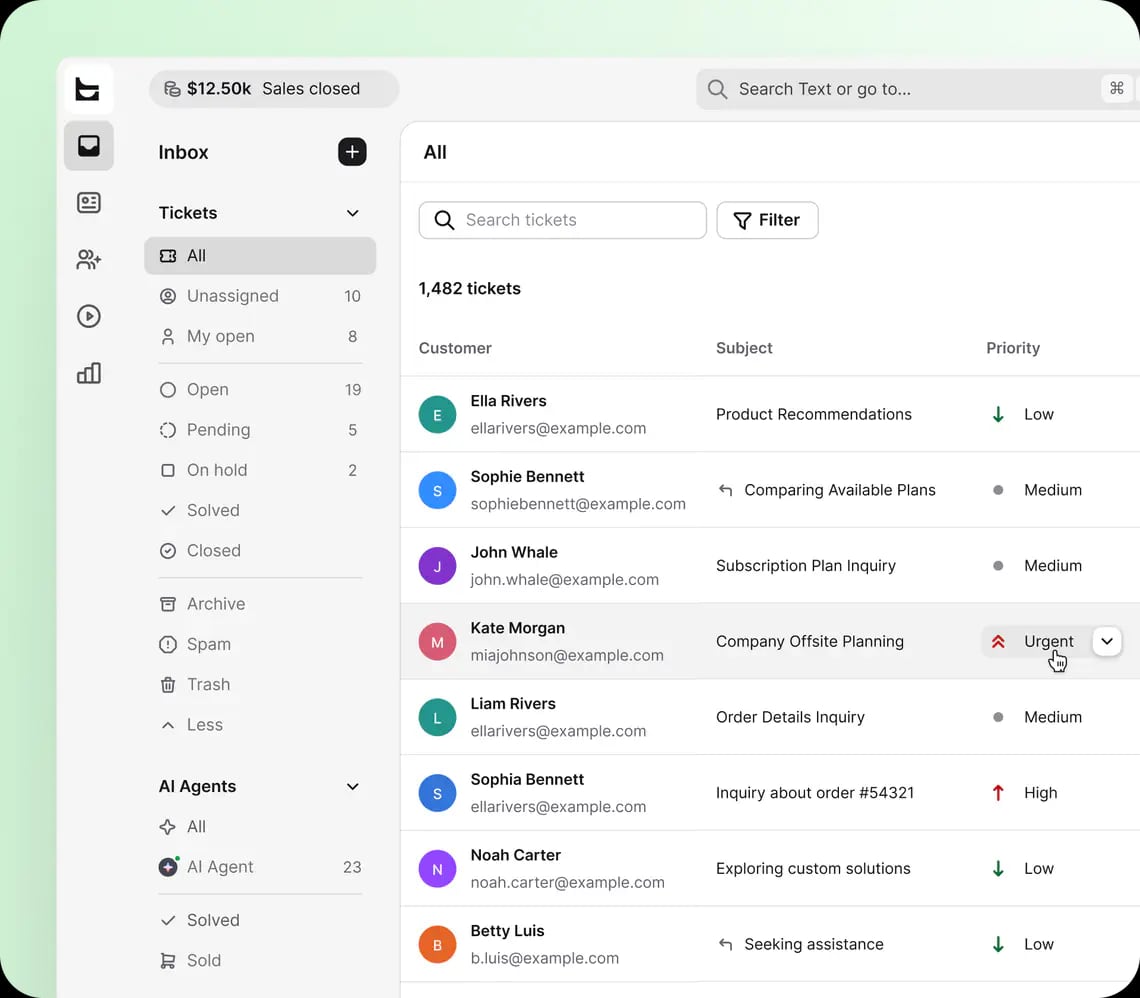
HelpDesk product interface.
HelpDesk is a cloud-based ticketing and customer support platform built around the idea that scattered communication channels create slow, inconsistent support. Instead of forcing agents to jump between email clients, chat widgets, and messaging apps, HelpDesk pulls those conversations into one unified queue.
The platform serves businesses across IT, SaaS, retail, education, and finance. It is used by more than 35,000 brands, according to company figures, and offers SOC2 compliance, 24/7/365 support, and native integrations with tools like Shopify, WordPress, and Webflow.
At its core, HelpDesk focuses on three things: centralizing communication, automating repetitive work, and giving teams visibility into support performance. The AI layer sits on top of those fundamentals rather than replacing them.
How HelpDesk Works
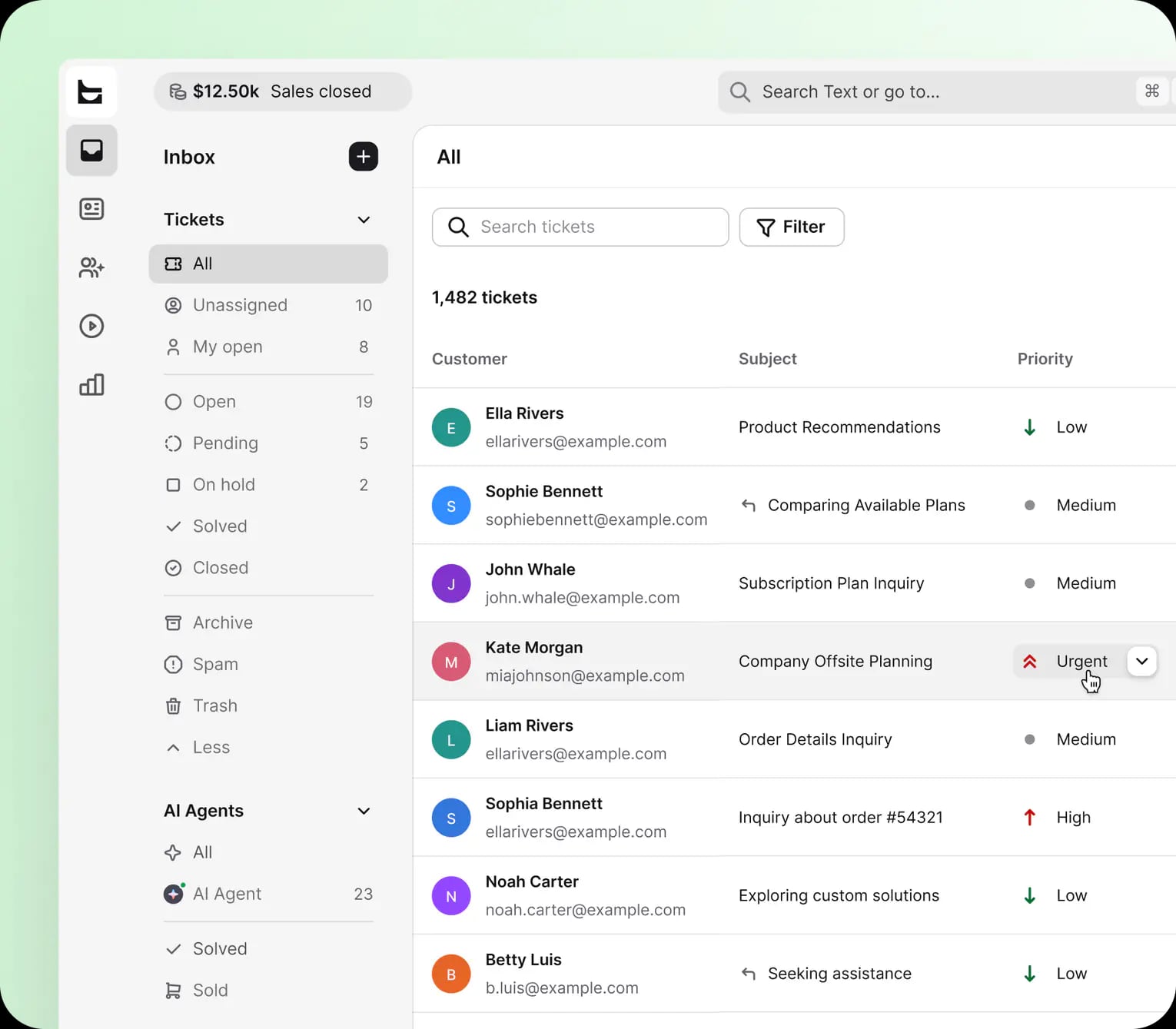
HelpDesk product interface.
HelpDesk operates as a shared inbox with ticketing logic built in. Every incoming message becomes a ticket, whether it arrives via email, live chat, Messenger, or SMS. Agents can assign tickets, set priorities, add internal notes, and track status without leaving the platform.
The AI component handles tasks that typically eat up agent time: suggesting replies, categorizing incoming requests, detecting intent, and routing tickets to the right person or team. Automation rules can trigger actions based on keywords, sender, or ticket properties, which reduces manual triage.
Core Features
AI-empowered ticketing. HelpDesk uses AI to classify incoming messages, suggest response text, and surface relevant context. The goal is to reduce the time agents spend figuring out what a ticket is about before they can actually help.
Multichannel inbox. Email, live chat, Messenger, and SMS all feed into the same queue. Agents see the full conversation history regardless of which channel the customer used, which prevents the "what did they say in the other thread?" problem.
Automation and workflows. Teams can build rules for auto-assignment, tagging, prioritization, and canned responses. This is where the 60% quicker response time claim gets most of its support, since automation removes manual steps from the triage process.
Team collaboration. Internal notes, mentions, and shared ticket views let multiple agents work on complex issues without confusing the customer. Collision detection prevents two agents from replying to the same ticket simultaneously.
Analytics and reporting. HelpDesk tracks response times, resolution times, ticket volume, and CSAT. Dashboards give managers a view of team performance without exporting data to a separate BI tool.
Integrations. Native connectors for Shopify, WordPress, and Webflow are particularly useful for ecommerce and content-driven businesses. These integrations pull order data and customer context directly into the ticket view.
Who Should Use HelpDesk?
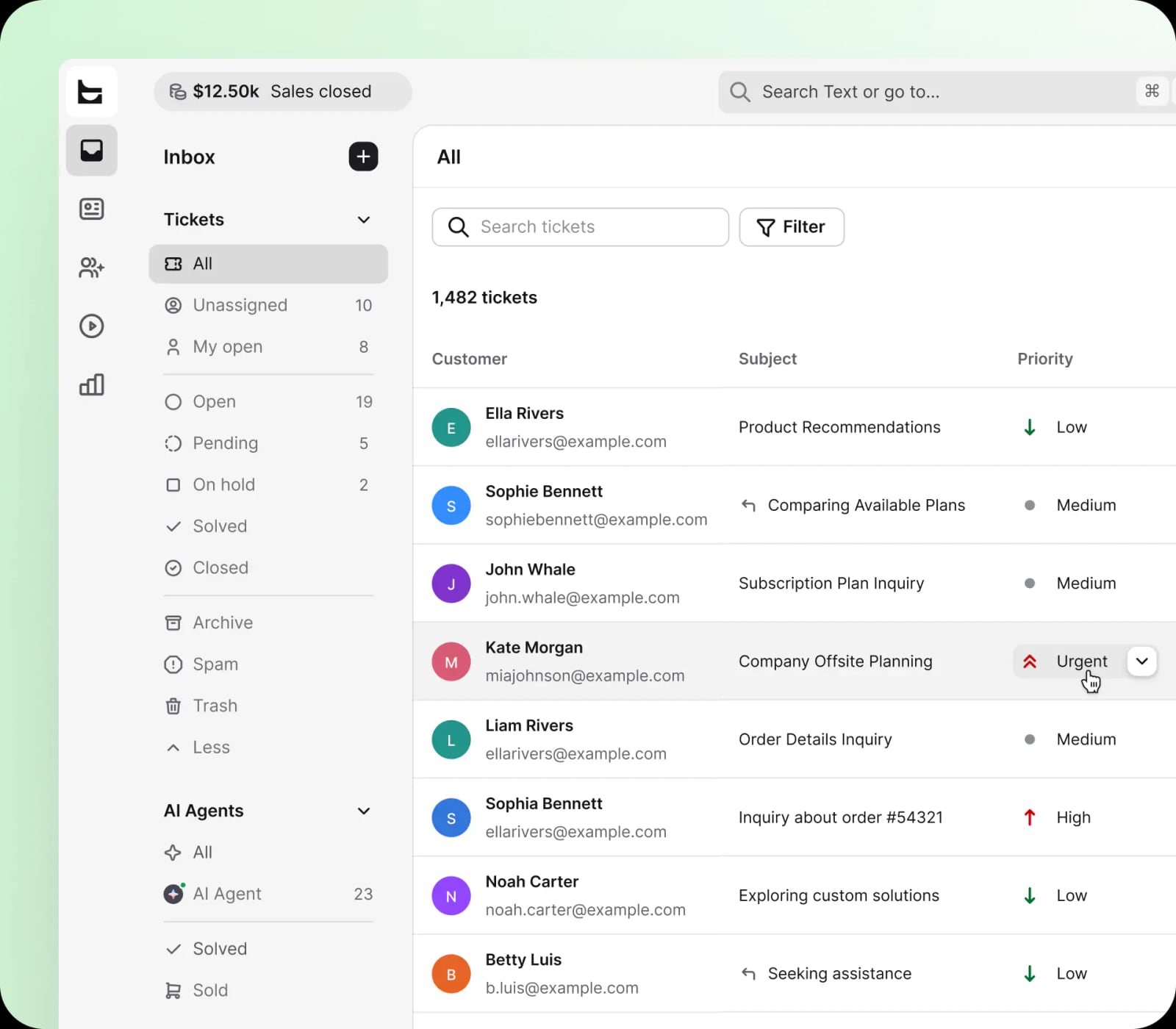
HelpDesk product interface.
HelpDesk is not a one-size-fits-all tool. Based on its feature set and positioning, it fits certain profiles better than others.
Ideal Users
Small to mid-sized support teams. The pricing model and setup complexity make HelpDesk accessible for teams that do not need a full IT service management suite. A team of 3 to 20 agents can get value without hiring a dedicated admin.
Ecommerce and SaaS businesses. The Shopify and Webflow integrations are a strong signal. If your support tickets frequently reference order numbers, subscription status, or account details, having that context inside the ticket view saves real time.
Teams moving away from shared Gmail or Outlook inboxes. The jump from a generic email inbox to a structured ticketing system is one of the highest-ROI moves a growing support team can make. HelpDesk makes that transition relatively smooth.
Organizations that want AI assistance without a full AI agent overhaul. HelpDesk's AI features are assistive rather than autonomous. If you want suggested replies and automatic categorization but still want humans making the final call, this fits.
Less Ideal Users
Large enterprises with complex ITIL requirements. HelpDesk is not an ITSM platform. Teams that need change management, asset tracking, or formal incident management workflows should look at tools like HaloITSM or Jira Service Management.
Teams that need deep CRM functionality. HelpDesk centralizes support conversations, but it is not a CRM. If you need sales pipelines, marketing automation, and support in one system, a platform like HubSpot Service Hub may be a better fit.
Organizations that want fully autonomous AI agents. HelpDesk's AI assists agents. It does not replace them. If your goal is to deflect a high percentage of tickets through a chatbot or autonomous resolution, compare it against AI-first platforms like Fin by Intercom or Ada.
Strengths of HelpDesk
Clean, focused interface. HelpDesk does not try to be everything. The UI is organized around tickets, which reduces the learning curve for new agents. This is a meaningful advantage over platforms that pack in asset management, project management, and CRM features into one cluttered dashboard.
Fast setup. Because the feature scope is narrower than an all-in-one platform, teams can typically get HelpDesk running in a day or two. Email forwarding, chat widget installation, and integration setup are straightforward.
Strong ecommerce integrations. Native Shopify and Webflow support means customer and order context appears automatically in tickets. For online retailers, this removes a significant amount of copy-paste work.
Transparent entry-level pricing. Starting at $19 per user per month with a 14-day free trial and no credit card required makes it easy to evaluate without commitment.
SOC2 compliance. For businesses that handle sensitive customer data, SOC2 compliance is a meaningful trust signal that not every small help desk vendor offers.
Limitations of HelpDesk
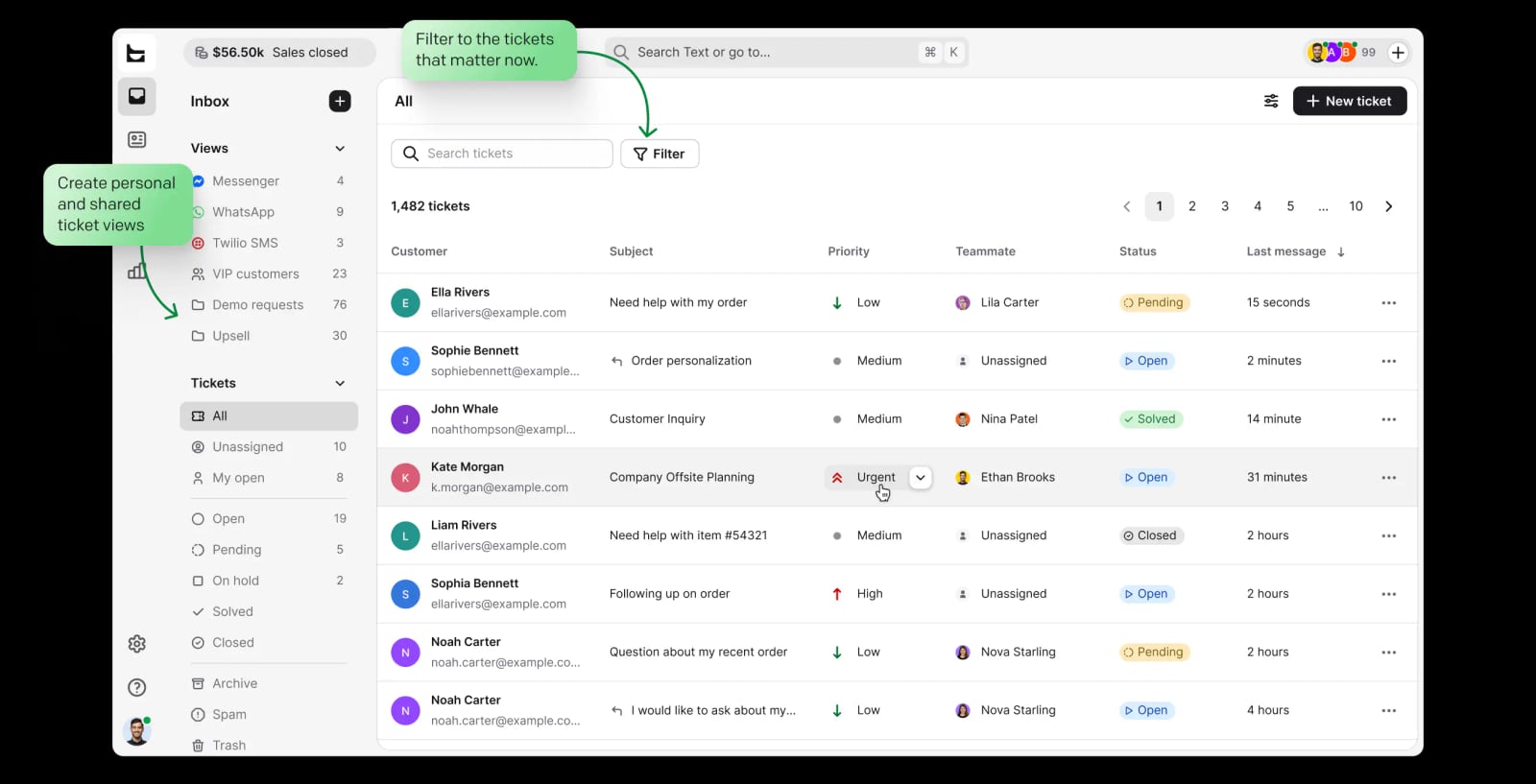
Capture — ticket inbox showing all incoming support requests with filtering and views in HelpDesk.
No native phone support channel. HelpDesk covers email, live chat, Messenger, and SMS. Voice is not part of the core offering. Teams that handle a high volume of phone-based support will need a separate telephony system.
Limited ITSM capabilities. If your use case is internal IT support with asset management, change requests, and formal SLA hierarchies, HelpDesk will feel thin. It is a customer support tool first, not an IT service desk.
AI is assistive, not autonomous. The platform's AI features help agents work faster, but they do not independently resolve tickets at scale. Teams expecting a high deflection rate from AI chatbots may be disappointed.
Fewer pre-built integrations than larger competitors. While Shopify, WordPress, and Webflow are covered, the broader integration ecosystem is smaller than what Freshdesk or Zendesk offer. Custom integrations require API work.
Pricing scales linearly. At $19 per user per month, a 20-agent team pays $380 per month before add-ons. That is reasonable, but larger teams should compare against platforms with volume discounts or bundled feature tiers.
HelpDesk Pricing Signals
HelpDesk uses a per-user, per-month pricing model starting at $19. The free 14-day trial requires no credit card, which is a positive signal: the company is confident enough in the product to let you test it without friction.
Here is what the pricing structure suggests:
- Entry-level accessibility. The $19 starting price puts HelpDesk in the same range as Zendesk's entry tier and slightly above Freshdesk's lower tiers. It is competitive for teams that need multichannel support without enterprise overhead.
- No free tier. Unlike Spiceworks Cloud Help Desk, which offers a free plan, HelpDesk requires a paid subscription after the trial. This is not a dealbreaker, but small teams with tight budgets should factor it in.
- Per-user scaling. Every additional agent adds cost. Teams should evaluate whether automation features offset the need to hire more agents, which is the core value proposition.
For context on how HelpDesk compares to other platforms on pricing and features, see our comparison of AI support tools and our review of EasyAgent.
Setup and Onboarding
Getting started with HelpDesk follows a predictable path:
- Connect channels. Forward your support email address, install the chat widget, and connect Messenger or SMS if applicable.
- Configure automation rules. Set up auto-assignment, tagging, and priority rules based on your team's workflow.
- Integrate your stack. Connect Shopify, WordPress, Webflow, or other tools to pull customer context into tickets.
- Invite agents and set permissions. Assign roles and customize views for different team members.
- Test with real tickets. Run a pilot with a subset of your support volume before rolling out to the full team.
Most teams can complete this process in one to two days. The platform does not require a dedicated implementation consultant, which keeps onboarding costs low.
HelpDesk vs. Alternatives: Decision Criteria
Choosing a help desk depends on your specific constraints. Here is a practical framework:
Choose HelpDesk if:
- You need to consolidate email, chat, Messenger, and SMS into one inbox.
- You run an ecommerce or SaaS business and want Shopify or Webflow context inside tickets.
- You want AI assistance (suggested replies, auto-categorization) without replacing human agents.
- You value a clean, focused interface over a feature-heavy platform.
- You need SOC2 compliance without enterprise pricing.
Choose a different platform if:
- You need full ITSM functionality. Look at HaloITSM or Jira Service Management.
- You want autonomous AI agents that resolve tickets without human intervention. Compare Fin by Intercom or Ada.
- You need CRM functionality bundled with support. Consider HubSpot Service Hub.
- You need native phone support. Look at platforms like Nextiva or Freshdesk with telephony add-ons.
- You have a very small team and need a free plan. Spiceworks Cloud Help Desk is worth evaluating.
For a deeper comparison of AI support platforms across resolution rates, channels, and pricing, see our HelpKnow AI vs Dialpad comparison and HelpKnow AI vs Ada analysis.
Sources and further reading
- Read Customer Service Reviews of helpdesk.com - Trustpilot - Contact info · 1 International Pl, Ste 1400, 02110-2619, Boston, United States · +1 (617) 275-2400 · support@helpdesk.com · helpdesk.com.
Frequently Asked Questions
Is HelpDesk good for small businesses?
Yes. The per-user pricing starting at $19, straightforward setup, and focused feature set make it a practical choice for small to mid-sized support teams. The 14-day free trial lets you validate fit before committing.
Does HelpDesk support phone calls?
No. HelpDesk covers email, live chat, Messenger, and SMS. Teams that need voice support will need a separate telephony solution or a platform that bundles phone channels.
How does HelpDesk's AI actually work?
The AI layer assists agents by categorizing incoming tickets, suggesting reply text, detecting intent, and routing tickets based on rules. It is designed to speed up human agents rather than replace them with fully autonomous bots.
What integrations does HelpDesk offer?
Native integrations include Shopify, WordPress, and Webflow, among others. These are particularly useful for pulling customer and order context into the ticket view. Custom integrations are possible via API.
Is HelpDesk SOC2 compliant?
Yes. HelpDesk advertises SOC2 compliance, which matters for businesses that handle sensitive customer data or operate in regulated industries.
How does HelpDesk compare to Freshdesk or Zendesk?
HelpDesk is more focused than either platform. Freshdesk and Zendesk offer broader feature sets, more integrations, and deeper customization. HelpDesk counters with a simpler interface, faster setup, and strong ecommerce integrations. The right choice depends on whether you need breadth or focus.
Does HelpDesk offer a free plan?
No. HelpDesk offers a 14-day free trial with no credit card required, but there is no permanent free tier. Teams that need a free option should consider Spiceworks Cloud Help Desk.
Final Verdict
HelpDesk by Text is a focused, well-executed help desk platform that does not try to be everything. Its strengths are a clean interface, fast setup, strong ecommerce integrations, and AI features that genuinely reduce manual work without forcing teams into a fully automated model.
The limitations are equally clear: no native phone support, limited ITSM capabilities, and an assistive rather than autonomous AI layer. For teams that fit its profile—small to mid-sized, ecommerce or SaaS, multichannel without voice—HelpDesk is a strong contender at a competitive price point.
For teams with different needs, the alternatives are well documented. If you are comparing AI support platforms, our HelpKnow AI vs Richpanel vs Forethought comparison and HelpKnow AI vs Dialpad vs Salesforce Agentic CRM analysis provide additional decision frameworks.
The best way to evaluate HelpDesk is to run the free trial with a subset of your real support volume. Pay attention to how much time automation saves during triage, whether the Shopify or Webflow integrations surface the context your agents actually need, and whether the lack of phone support creates friction. Those signals will tell you more than any feature list.