
HelpKnow AI vs Desk365 vs HelpJet: Which AI Support Tool Fits Your Team?
Choosing an AI support tool is less about picking the longest feature list and more about matching the tool to how your team actually works. HelpKnow AI, Desk365, and HelpJet sit in three different parts of the market: an enterprise AI agent platform, an AI-powered helpdesk with ticketing at its core, and a lightweight AI chatbot for small teams. This comparison breaks down where each one is strong so you can decide with clear eyes.
The three tools at a glance
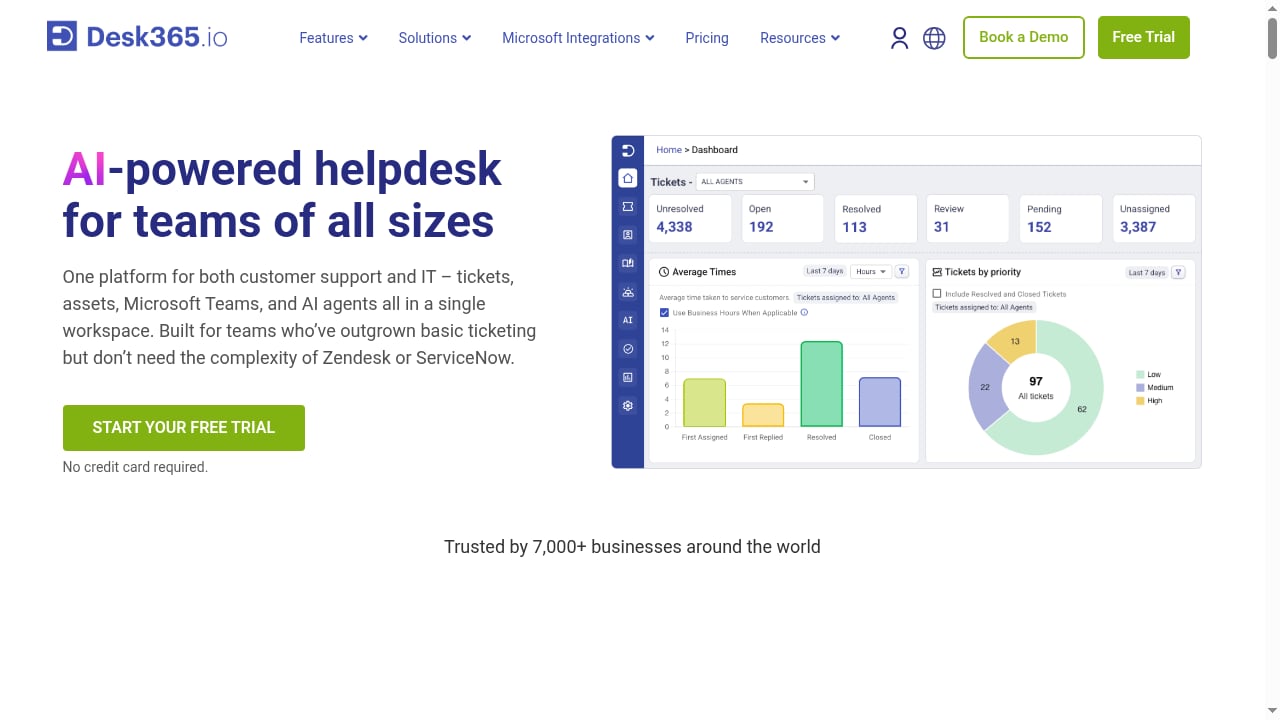
First viewport screenshot of www.desk365.io.
- HelpKnow AI is an enterprise AI agent platform. It builds agents from your documents, FAQs, and product catalogs, plugs into your existing customer service systems, and can execute business tasks such as order processing and delivery tracking through action plugins.
- Desk365 is an AI-powered helpdesk for teams of all sizes. Its center of gravity is ticketing, automation, and a knowledge base, with AI layered in for agent assistance and no-code AI agents.
- HelpJet is an AI customer support chatbot. It trains on your website and documentation, answers repetitive questions around the clock, and is built for fast setup and low cost.
Where HelpKnow AI stands out
Knowledge learning from your own business content
HelpKnow AI ingests uploaded documents, FAQs, and product catalogs and turns them into a knowledge brain that the agent uses to answer complex questions. If your support quality depends on deep product knowledge rather than a handful of common questions, this approach reduces the manual article-writing that chatbot tools often require.
Taking action, not just answering
A recurring gap in AI support tools is the handoff between "here is the answer" and "here is the completed task." HelpKnow AI's super skill plugins let the agent handle practical work such as express tracking and order processing directly in the conversation. That matters for e-commerce and service businesses where the real customer need is a status update or a change, not an explanation.
Fitting into your existing stack
Rather than asking you to replace your helpdesk, HelpKnow AI integrates with existing third-party customer service systems, where its agents greet customers and answer questions. Teams that have already invested in a ticketing platform can add AI resolution without ripping out their current workflow.
Stated enterprise results
HelpKnow AI reports more than 1,000 enterprise customers, a 70% reduction in customer service costs, and a 95% automated resolution rate. Treat these as vendor-reported figures and validate them against your own query mix, but they signal the scale the platform is designed for.
Where Desk365 stands out
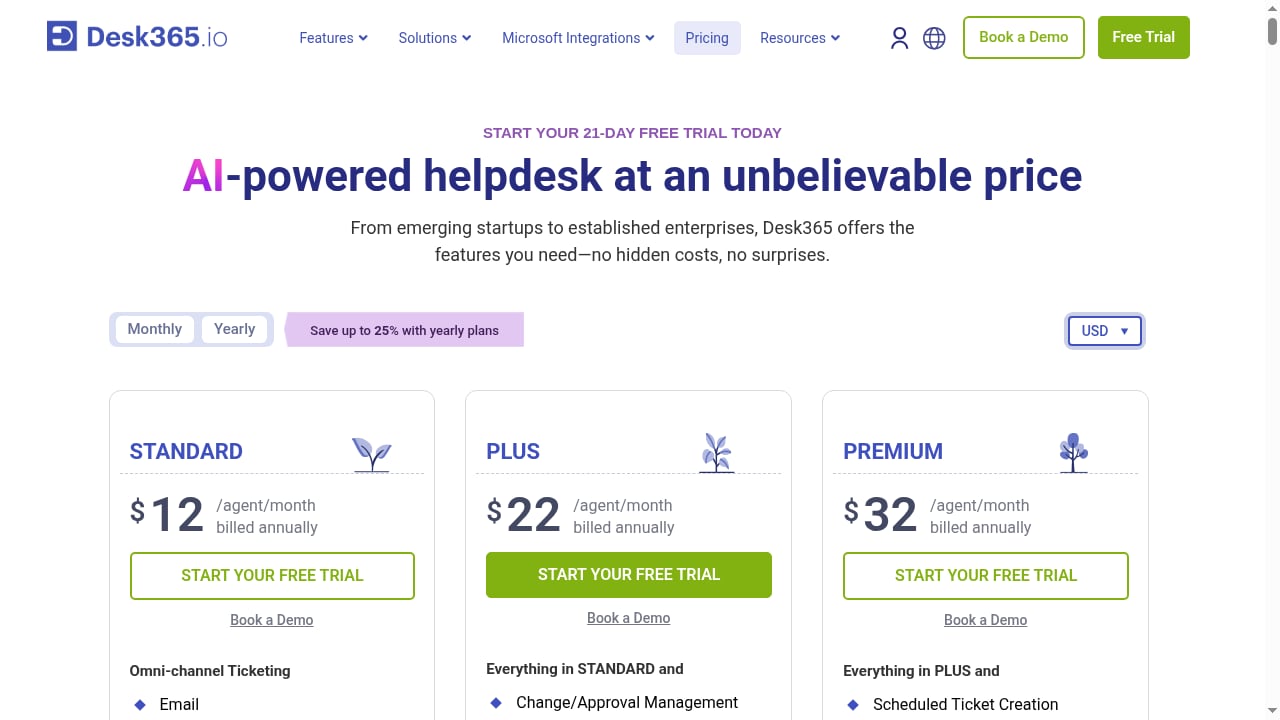
First viewport screenshot of www.desk365.io.
Desk365's strength is that it is a complete helpdesk first and an AI product second. That ordering matters for teams whose work is ticket-centric.
- Integrated ticketing and automation. Omnichannel ticketing, SLA management, and workflow automation live in the same product as the AI features, so agents do not juggle separate systems.
- AI where agents need it. No-code AI agents and an AI copilot for agents help draft responses and deflect routine requests. Desk365 positions its AI agent as available without the higher-plan gating or costly add-ons it attributes to competitors.
- Microsoft Teams native integration. For organizations already working in Teams, a native integration is a practical advantage over third-party connectors.
- IT service management features. IT asset management and change management are included, which is unusual for a general-purpose helpdesk and useful for internal IT teams.
- Fast setup and approachable pricing. Desk365 advertises setup in minutes and a popular plan around $22 per agent per month, with a free trial and no credit card required.
If your team lives in a ticket queue and wants AI assistance inside that queue, Desk365 is a credible fit.
Where HelpJet stands out
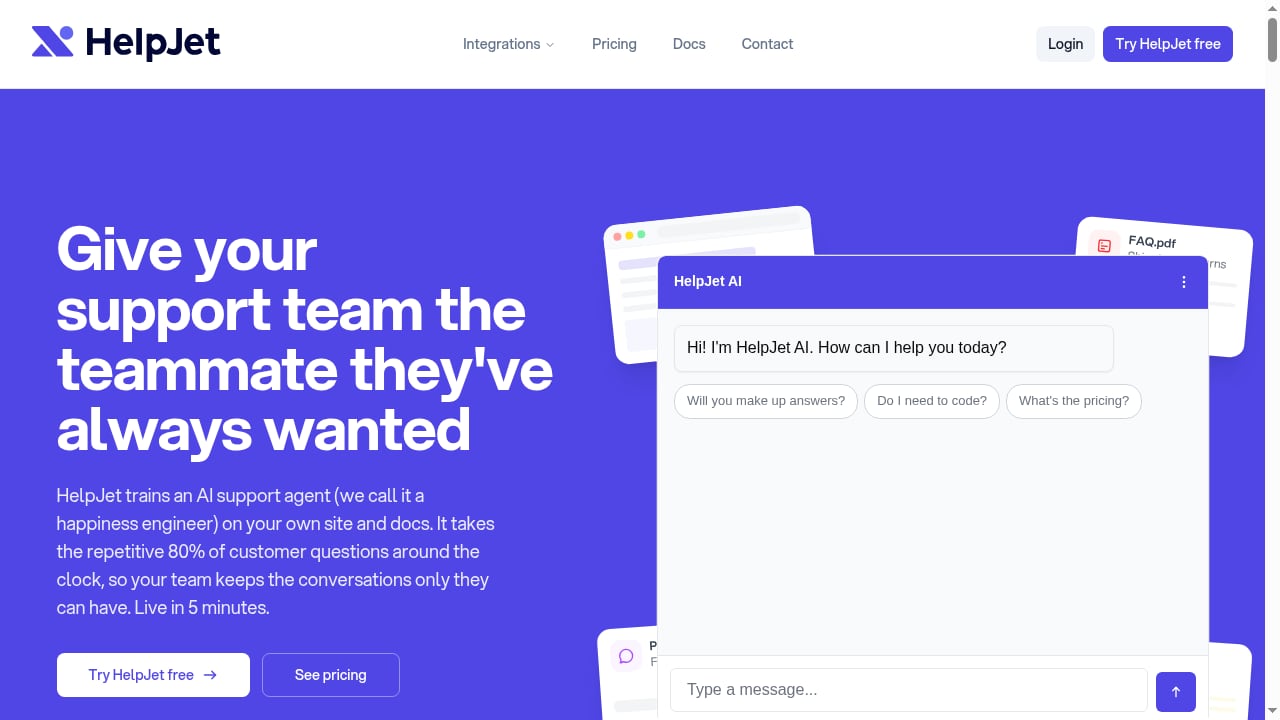
First viewport screenshot of helpjet.com.
HelpJet is deliberately narrow, and that focus is its appeal.
- Five-minute setup. Point it at your site and docs and it starts answering. For a small team without engineering resources, that speed is the whole value proposition.
- Transparent, low pricing. A free plan with one bot and 100 replies per month, and a Pro plan at a flat $29 per month for 1,000 replies. Flat pricing is easy to budget and predictable at low volume.
- Broad training sources. It crawls your website, documentation, PDFs, and past chats, and supports training from WordPress sites through a plugin.
- Multiple deployment channels. A chat widget, page embed, hosted chat link, and WordPress plugin cover the common small-business setups.
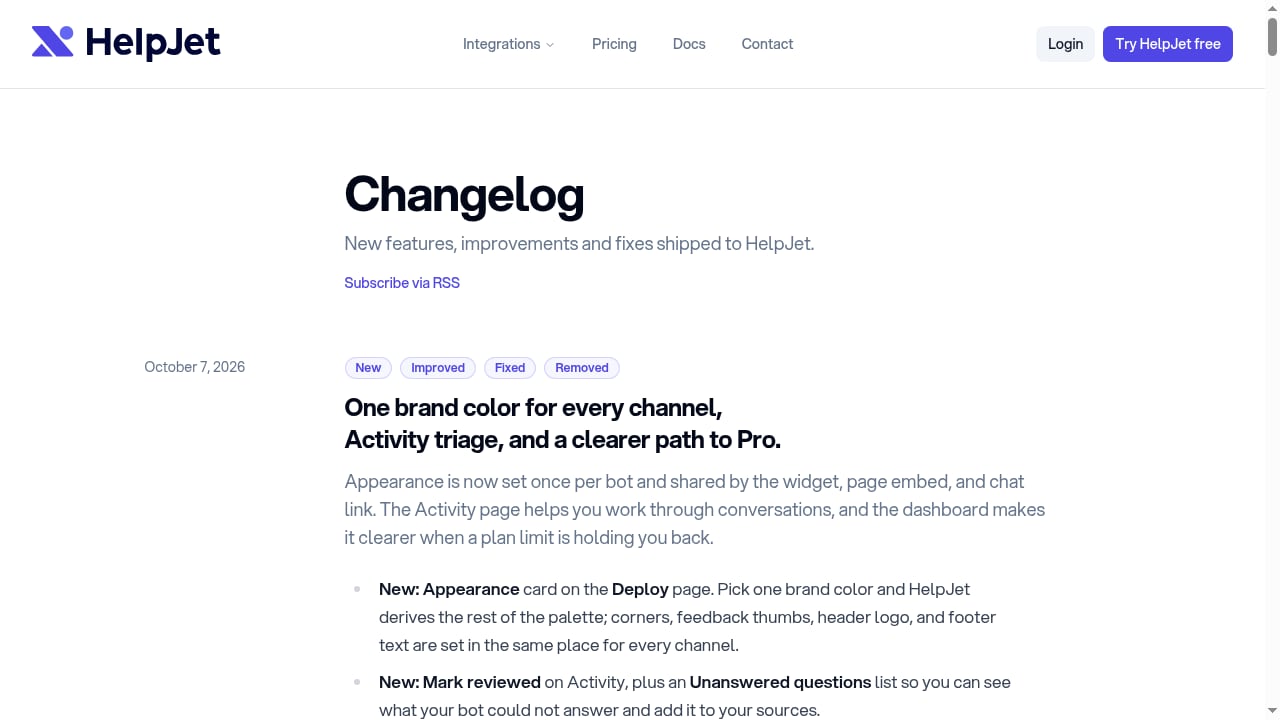
- Useful supporting features. Bot goals for sign-ups and lead capture with tracked CTAs, editable Q&A sources, activity triage for unanswered questions, 62 response languages, and a customizable widget with brand colors.
HelpJet is trusted by founders at companies such as Formidable, Awesome Motive, Duplicator, FunnelKit, and Rymera, which fits its positioning toward small and mid-sized businesses.
Head-to-head comparison
First viewport screenshot of helpjet.com.
| Criterion | HelpKnow AI | Desk365 | HelpJet |
|---|---|---|---|
| Primary category | Enterprise AI agent platform | AI-powered helpdesk | AI support chatbot |
| Core strength | Knowledge learning plus task execution | Ticketing, automation, and SLA management | Fast setup and affordable always-on answers |
| Knowledge sources | Documents, FAQs, product catalogs | Knowledge base within the helpdesk | Website, docs, PDFs, past chats, WordPress |
| Business task execution | Action plugins for tasks like order processing and delivery tracking | Workflow automation inside tickets | Bot goals and lead capture CTAs |
| Fits existing helpdesk | Integrates with third-party customer service systems | Is the helpdesk | Sits alongside your existing tools as a chatbot |
| Best team profile | Enterprises with complex products and high volumes | Support and IT teams that run on tickets | Small teams that need quick, low-cost coverage |
How to choose
Choose HelpKnow AI if your customers ask complex, product-specific questions and often need something done, not just explained. It suits enterprises that want an AI layer over their current support systems and can invest in knowledge preparation and plugin configuration.
Choose Desk365 if your team's day is organized around tickets, SLAs, and agent workflows, and you want AI assistance built into that environment. The Microsoft Teams integration and included IT management features tip the decision for Teams-heavy or IT-focused organizations.
Choose HelpJet if you are a small team that needs a working chatbot this week at a predictable price. Its free tier and flat Pro plan make it easy to test, and its WordPress support covers a common small-business stack.
A useful sanity check: count how many of last month's conversations ended with an action (a refund, a tracking update, an order change) rather than an explanation. A high share points toward an agent platform with action capabilities; a low share points toward a chatbot or helpdesk with AI assistance.
For a broader view of how agent platforms compare, see our comparison of HelpKnow AI vs Verint and the roundup of top AI-powered live chat and support software for 2026.
Practical examples
- E-commerce order status. A customer asks where their package is. A chatbot can explain the shipping policy; HelpKnow AI can look up the order and return the delivery status through an action plugin.
- IT password reset. An employee submits a ticket. Desk365 routes it by category, applies SLA rules, and lets an agent resolve it with AI-drafted replies inside the same queue.
- SaaS pricing question. A prospect asks about plan limits on a WordPress site. HelpJet answers from crawled documentation, captures the lead through a tracked CTA, and flags the unanswered follow-up in activity triage.
Related reading
- How to Use HelpKnow AI with UiPath: Setup, Workflow & Examples - Connect HelpKnow AI with UiPath to automate customer service end to end. Setup steps, workflow design, real examples, and governance tips.
- HelpKnow AI vs The AI Customer Experience Platform for Enterprise - Compare HelpKnow AI with The AI customer experience platform for enterprise. See how knowledge learning, action plugins, and automation depth differ for enterprise support.
- BoldDesk Review 2026: Autonomous AI Customer Service Software - Evidence-based BoldDesk review: autonomous AI agents, omnichannel support, pricing signals, setup effort, limitations, and who should choose it in 2026.
Sources and further reading
- AI-powered helpdesk software for teams of all sizes | Desk365 - A seamless AI-powered helpdesk solution built for businesses of all sizes. Simplify customer support with integrated ticketing, automation and a knowledge base
- 10 Best AI Helpdesk Software Reviewed in 2026 - Discover the top AI helpdesk software and find the best option for your team. Compare features, pros & cons, prices, and more in my complete guide.
- Top AI Helpdesk Software in 2026 - Discover the best AI helpdesk software of 2026. Compare top tools with features, pricing, and more to choose the right one for your business.
FAQ
Is HelpKnow AI a replacement for a helpdesk?
No. HelpKnow AI is designed to integrate with existing third-party customer service systems rather than replace them. Desk365, by contrast, is itself a helpdesk.
Can HelpJet handle complex, multi-step requests?
HelpJet is built to answer repetitive questions from your website and documentation. Multi-step business tasks such as order processing are outside its stated scope.
Which tool is cheapest for a small team?
HelpJet's free plan and flat $29 per month Pro plan are the lowest entry point among the three. Desk365's per-agent pricing scales with team size, and HelpKnow AI is positioned for enterprise deployments.
Does Desk365 include AI agents on all plans?
Desk365 markets its no-code AI agent as available without the higher-plan gating it attributes to competitors, but confirm current plan details directly with the vendor before purchasing.
What should I validate before committing?
Ask each vendor for your own automated resolution rate on a sample of real conversations, the effort required to prepare knowledge, and how actions such as refunds or order changes are governed and audited.
Conclusion
These three tools are not really competing for the same buyer. HelpJet wins on speed and price for small teams that need a chatbot now. Desk365 wins for ticket-centric support and IT teams that want AI inside their existing helpdesk workflow. HelpKnow AI is the strongest fit when the goal is an enterprise AI agent that learns your business deeply and completes tasks, not just conversations, while integrating with the support systems you already run.