
BoldDesk Review 2026: Autonomous AI Customer Service Software
BoldDesk is an AI-powered help desk that combines ticketing, live chat, omnichannel messaging, a knowledge base, and autonomous AI agents in one workspace. This review examines what the platform actually does, where it fits, what it costs, and where it may fall short—so you can decide whether it belongs in your support stack.
What BoldDesk is and who it is for
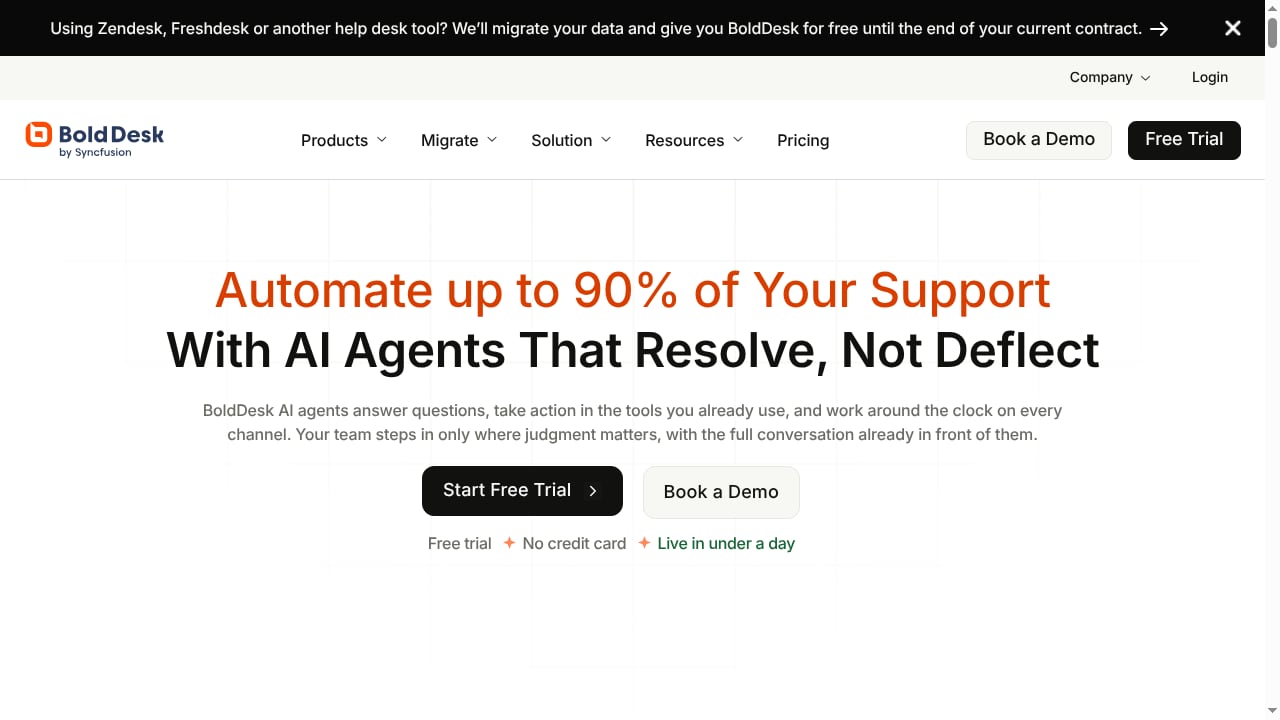
First viewport screenshot of www.bolddesk.com.
BoldDesk is a customer support platform built around three layers:
- AI Agents that resolve requests end to end, take actions in connected systems, and work across chat, email, tickets, WhatsApp, and social media.
- AI Copilot that assists human agents with suggested replies and relevant knowledge during active tickets.
- Omnichannel help desk features: ticketing, live chat, knowledge base, workflow automation, SLA management, and reporting.
This combination makes BoldDesk most relevant for:
- Growing support teams (roughly 10–200 agents) that want to consolidate tools without jumping to enterprise complexity.
- SaaS and e-commerce businesses with high volumes of repetitive requests where autonomous resolution can reduce ticket load.
- Teams already using Slack, Microsoft Teams, Salesforce, or Jira that need native integrations rather than custom middleware.
- Multilingual support operations that need a knowledge base and self-service portal in multiple languages.
It is less compelling for very small teams that need only a shared inbox, or for organizations that require deep ITIL/ITSM workflows out of the box.
How autonomous AI works in BoldDesk
Autonomous AI Customer Service Software | BoldDesk product interface.
The key differentiator is the promise of end-to-end resolution, not just suggested replies. Based on vendor and marketplace descriptions, the AI Agents can:
- Understand the request across channels—chat, email, tickets, WhatsApp, and social media.
- Retrieve knowledge from the knowledge base and connected content.
- Take action in connected systems, such as updating an order, checking status, or triggering a workflow.
- Escalate to a human when confidence is low or policy requires it.
AI Copilot then supports human agents with knowledge suggestions and reply drafts inside active tickets. This two-tier approach—autonomous resolution plus agent assist—is a practical model for teams that are not ready to fully automate every interaction.
Strengths
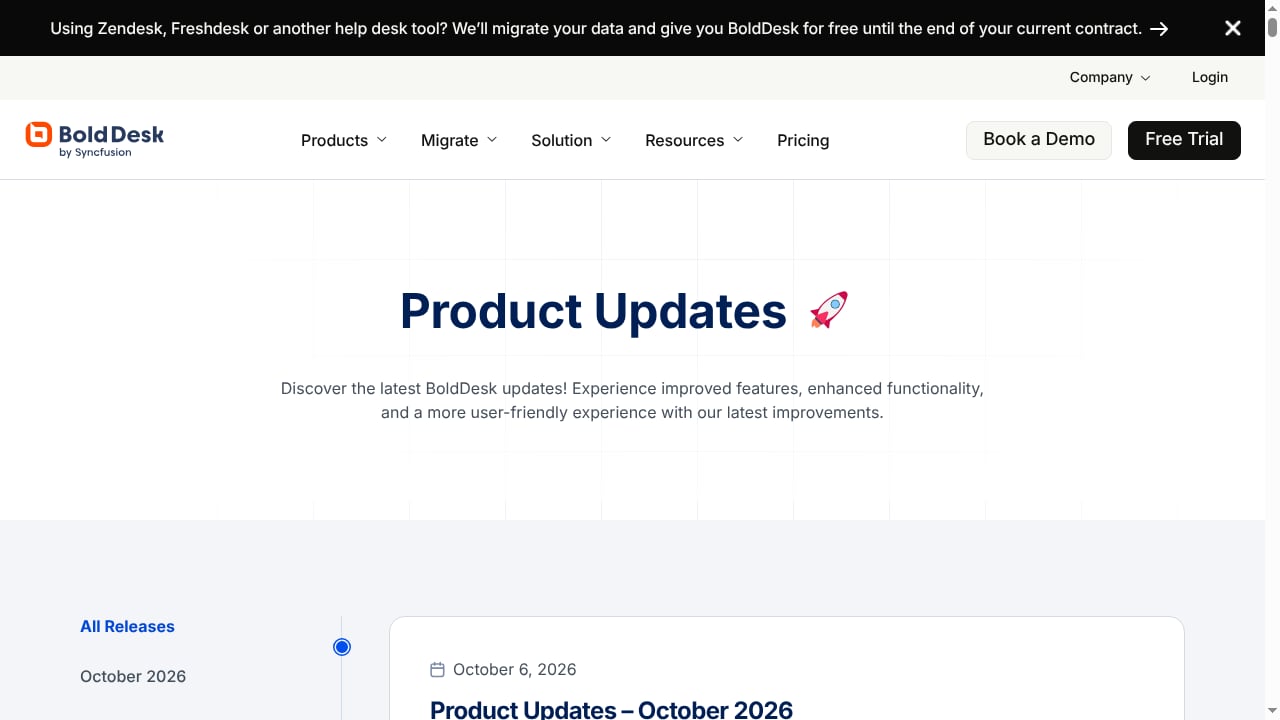
First viewport screenshot of www.bolddesk.com.
1. Unified workspace reduces tool sprawl
BoldDesk consolidates ticketing, live chat, omnichannel messaging, knowledge base, workflow automation, and reporting. For teams juggling separate tools for chat, email, and social, this can reduce context switching and licensing overhead.
2. Autonomous resolution plus agent assist
The combination of AI Agents and AI Copilot covers both fully automated and human-assisted scenarios. That flexibility matters because most support organizations need a gradual path to automation, not an all-or-nothing switch.
3. Strong workflow and SLA automation
Automated ticket routing, SLA escalation rules, and canned responses are standard but well-executed here. These features handle repetitive workflow steps and free agents for complex issues.
4. Native integrations
Integrations with Slack, Microsoft Teams, Salesforce, and Jira connect help desk activity to existing business systems. This is a meaningful advantage for teams that want AI actions to reach beyond the help desk.
5. Multilingual self-service
A multilingual knowledge base and customer portal allow organizations serving international customers to publish self-service content across languages from one platform.
Limitations and trade-offs
- Review volume is still thin. Public review platforms show very few BoldDesk reviews compared with established competitors. Early ratings are positive, but they are not yet a statistically strong signal.
- Feature depth versus price for small teams. One reviewer noted the platform felt pricey for a small business that only needed a portion of its capabilities. If you need only basic ticketing, simpler tools may be more cost-effective.
- Autonomous AI requires knowledge quality. End-to-end resolution depends on well-structured knowledge and reliable integrations. Teams with messy documentation should budget time for content cleanup before expecting strong automation rates.
- ITSM depth. Organizations needing ITIL-aligned service management may find dedicated ITSM platforms a better fit.
- Setup is not instant. While the platform is designed to be configurable, omnichannel routing, AI agent behavior, and integrations require planning and testing.
Pricing signals
Public marketplace data indicates:
- A free version and free trial are available.
- Paid plans start at $0.00/year for entry-level access, with AI credits priced separately—for example, $99 for 500 AI credits per month plus unlimited agents.
- Pricing scales with AI usage and feature tier, so total cost depends heavily on automation volume.
Because AI credits are consumption-based, model your expected resolution volume before committing. A team with high repetitive volume may see strong ROI; a low-volume team may not.
Setup and onboarding
A realistic setup sequence looks like this:
- Connect channels—email, chat, WhatsApp, social media—and confirm routing rules.
- Import or build knowledge—migrate existing articles, FAQs, and macros; clean outdated content.
- Configure AI Agents—define which request types can be resolved autonomously, what actions they can take, and when to escalate.
- Set SLAs and workflows—routing, escalation, and canned responses.
- Connect integrations—Slack, Microsoft Teams, Salesforce, Jira, and any custom systems the AI needs to act on.
- Test and monitor—run a pilot on a subset of tickets, review resolution quality, and expand gradually.
Expect the knowledge and integration steps to take the most effort. The AI layer is only as good as the content and systems behind it.
BoldDesk versus alternatives
Autonomous AI Customer Service Software | BoldDesk product interface.
| Consideration | BoldDesk | Typical alternatives |
|---|---|---|
| Autonomous AI resolution | Built-in AI Agents with end-to-end actions | Often chatbot-only or agent-assist only |
| Omnichannel | Chat, email, tickets, WhatsApp, social | Varies; some charge per channel |
| Integrations | Native Slack, Teams, Salesforce, Jira | Broader marketplaces on larger platforms |
| Pricing model | Free tier + AI credits ($99/500 credits) | Per-agent seats or usage-based AI add-ons |
| Review maturity | Limited public reviews | Extensive review histories |
For a broader market view, see our top 10 AI-powered live chat and support software for 2026. If you are comparing specific platforms, our HelpKnow AI vs Kayako comparison and HelpKnow AI vs Front vs HelpNow analysis show how knowledge learning and action plugins differ across tools.
Decision criteria: is BoldDesk right for you?
Choose BoldDesk if:
- You want autonomous AI resolution alongside a full help desk, not a bolt-on chatbot.
- You need omnichannel support in one workspace.
- You rely on Slack, Teams, Salesforce, or Jira and want native integrations.
- You can invest time in knowledge base quality and integration setup.
- You prefer a free trial without a credit card to evaluate fit.
Look elsewhere if:
- You need only a simple shared inbox for a very small team.
- You require deep ITIL/ITSM workflows.
- You need a large public review base before committing.
- Your support volume is too low to justify usage-based AI credits.
Related reading
- How to Use HelpKnow AI with Dataiku: Setup & Workflow - Connect HelpKnow AI and Dataiku to close the loop between customer conversations and data science. Setup, workflow, examples, and best practices.
- HelpKnow AI vs Quidget vs Korra: Enterprise AI Support Comparison - Compare HelpKnow AI, Quidget, and Korra for AI customer service. Learn which platform fits your enterprise needs based on automation, knowledge, and deployment.
Sources and further reading
- BoldDesk Software Pricing, Alternatives & More 2026 | Capterra - With the help of Capterra, learn about BoldDesk Software - reviews, pricing plans, popular comparisons to other Help Desk products and more.
- BoldDesk - Learn more about BoldDesk. We provide Australian business users the most detailed information on pricing, benefits, and disadvantages of software that will make your choice easier.
- Autonomous Inc Reviews | Read Customer Service ... - Trustpilot - Autonomous Inc Reviews · Product. Reviewers highlight positive aspects of product quality, noting great comfort and durable build for long work... · Quality.
Frequently asked questions
Does BoldDesk offer a free trial?
Yes. BoldDesk offers a free trial with no credit card required, according to the product context. A free version is also listed on marketplace profiles.
How much does BoldDesk cost?
Public marketplace data shows a free entry point and paid AI credits starting at $99 for 500 AI credits per month with unlimited agents. Final cost depends on your plan tier and AI usage volume.
Can BoldDesk resolve tickets without human agents?
Yes. Its AI Agents are designed to resolve customer requests end to end, take actions across connected systems, and escalate to humans when needed. Actual autonomy depends on your knowledge base and integrations.
Which channels does BoldDesk support?
BoldDesk supports chat, email, tickets, WhatsApp, social media, and a customer portal, with a multilingual knowledge base for self-service.
Is BoldDesk suitable for small businesses?
It can be, especially with the free tier and trial. However, some small businesses may find the full feature set and AI credit pricing more than they need. Evaluate based on ticket volume and automation goals.
Conclusion
BoldDesk is a credible entrant in the autonomous AI customer service category. Its strength is the combination of end-to-end AI agents, agent assist, omnichannel support, and native integrations in one platform. Its main caveats are limited public review volume, usage-based AI pricing, and the setup effort required to make autonomous resolution reliable.
For teams with repetitive support volume and clean knowledge, BoldDesk is worth a trial. For teams needing only basic ticketing or deep ITSM, simpler or more specialized options may fit better. Start with the free trial, pilot a narrow set of request types, and measure resolution rate before scaling.