
HelpKnow AI vs Desk365 vs CoSupport AI: Which AI Support Platform Fits Your Team?
Choosing an AI customer service platform in 2026 means sorting through overlapping promises: autonomous resolution, seamless helpdesk integration, and enterprise-grade security. HelpKnow AI, Desk365, and CoSupport AI each approach this problem from a different starting point. This comparison breaks down where each platform is strong, where trade-offs exist, and which type of support organization gets the most value from each.
Quick comparison at a glance
| Capability | HelpKnow AI | Desk365 | CoSupport AI |
|---|---|---|---|
| Core positioning | Enterprise AI agent platform | AI-powered helpdesk for teams of all sizes | AI customer service automation |
| Standout strength | Knowledge ingestion, intent recognition, and role-based escalation | Ticketing, ITSM, and Microsoft 365 integration | Historical ticket training and multilingual resolution |
| Deployment model | Integrates with existing support systems and knowledge bases | All-in-one helpdesk with quick setup | Runs inside your helpdesk or as a standalone widget |
| Omnichannel coverage | Desktop, website, and social media | Omnichannel ticketing plus Microsoft Teams | Chat, email, social, and helpdesk channels |
| Analytics | Conversation quality analytics with real-time monitoring | Robust reporting and ITAM visibility | Business intelligence and decision logs |
| Compliance posture | GDPR, CCPA, and global standards | Standard helpdesk security practices | ISO 27001, GDPR, and CCPA |
| Best fit | Enterprises wanting AI agents layered onto existing systems | Teams needing a full helpdesk with Microsoft ecosystem ties | Teams wanting AI trained on solved tickets with flexible pricing |
What each platform does best
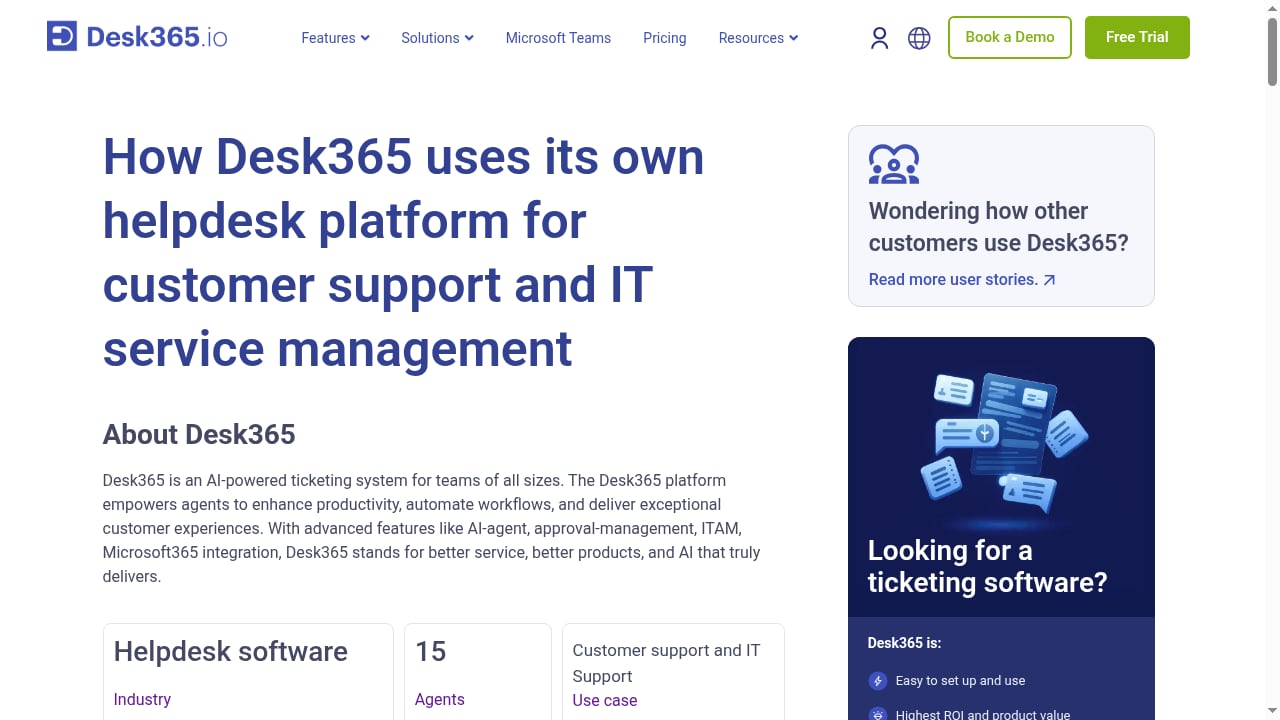
First viewport screenshot of How Desk365 uses their own helpdesk platform to manage both customer and IT support.
HelpKnow AI: enterprise AI agents on top of your existing stack
HelpKnow AI is built for organizations that already have support systems and knowledge bases in place and want to add intelligent automation without ripping anything out. You upload documents, FAQs, and product databases, and the platform generates responses automatically. Multi-format data ingestion means PDFs, help articles, and structured product data can all feed the same AI layer.
Two capabilities stand out for enterprise buyers. First, AI-powered intent recognition matches incoming queries to the right knowledge even when customers phrase things unpredictably. Second, customizable AI personas let you align tone and voice with your brand instead of shipping a generic assistant. When the AI cannot resolve something, role-based human escalation workflows route the conversation to the right person with context intact.
The platform reports a 95% automatic problem resolution rate and a 70% reduction in customer service costs across more than 1,000 enterprise customers. Conversation quality analytics with real-time monitoring gives support leaders visibility into how the AI performs, not just whether it answered.
Desk365: a full helpdesk with deep Microsoft integration
Desk365 takes a different route. Instead of layering AI onto an existing stack, it provides the helpdesk itself: integrated ticketing, automation, and a knowledge base in one product. That makes it a strong fit for teams that want to consolidate tools rather than add another layer.
Its clearest differentiator is native Microsoft Teams integration. Agents can manage tickets directly inside Teams and the broader Microsoft 365 ecosystem, which reduces context switching for organizations already standardized on Microsoft. Desk365 also includes IT asset management (ITAM), approval management, and change management, making it viable for internal IT helpdesk use cases, not just external customer support.
Desk365 positions itself as an affordable, easy-to-use alternative to legacy systems. Setup is measured in minutes rather than weeks, plans start at $12 per month, and a 21-day free trial lowers the evaluation barrier. With more than 7,000 customers across 60+ countries, it has broad adoption across healthcare, wealth management, education, and energy.
CoSupport AI: AI trained on your solved tickets
CoSupport AI automates support across chat, email, social, and helpdesk channels by learning from a company's historical solved tickets. That training approach is its core selling point: the AI learns how your team actually resolves issues, not just what your help center says.
Deployment is designed to be fast. No-code setup connects your helpdesk and knowledge base in about 10 minutes, with full deployment in roughly three days. CoSupport AI runs inside Zendesk, Freshdesk, Zoho Desk, and other helpdesks, or as a standalone widget if you do not use a helpdesk at all. The platform supports 40+ languages and handles images, screenshots, and documents attached to tickets.
Pricing is flexible: $0.04 per AI response, $0.19 per resolved ticket, or a flat plan starting at $99 per 1,000 monthly tickets. CoSupport AI backs its results with a 60-day guarantee of a 60% AI resolution rate or a full refund of paid days. Published case studies include an e-commerce marketplace saving $7,000 per month with 75% auto-resolution, Cocoatech automating 82% of tickets on Zendesk, and Hour Timesheet cutting resolution time by 70%. Version 2.0 added multi-step reasoning, decision logs, an agentic API, and 12 new integrations including Shopify, Stripe, Notion, and Confluence.
Where HelpKnow AI has a clear advantage
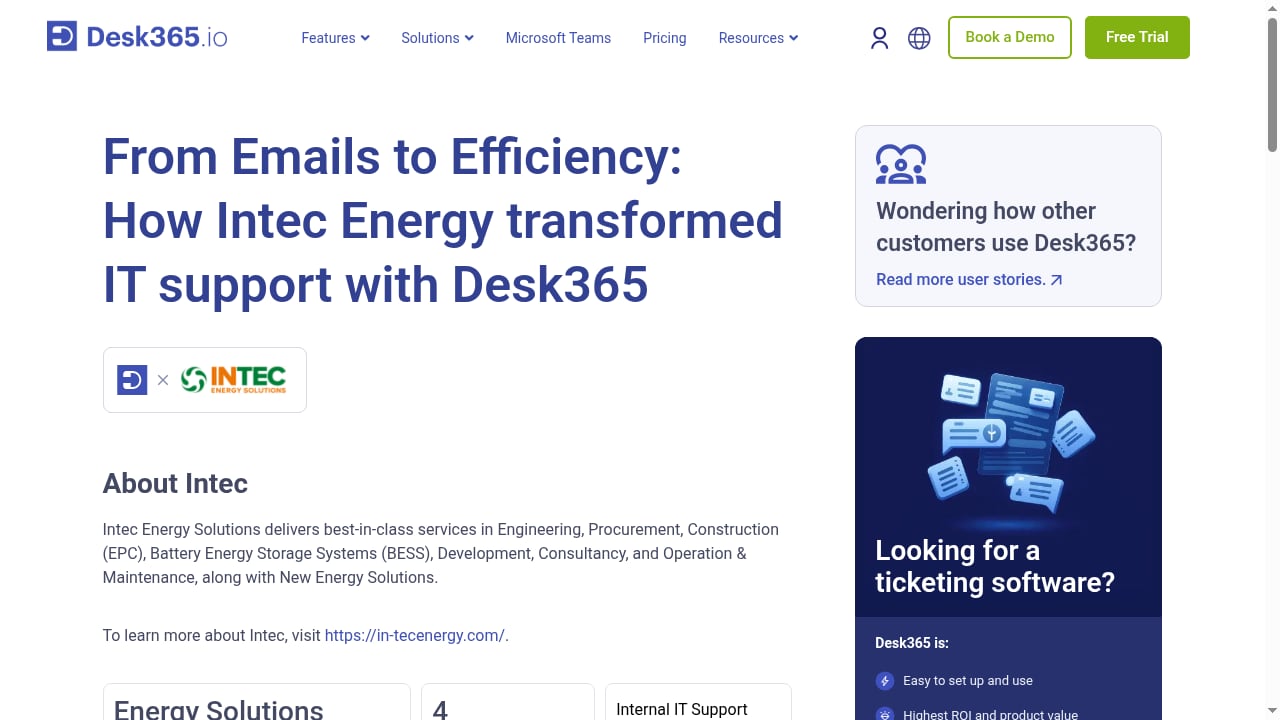
First viewport screenshot of IN-TEC uses Desk365's helpdesk to boost agent efficiency.
Not every criterion matters equally, and not every platform wins every category. Here is where HelpKnow AI stands out based on supported capabilities.
Knowledge ingestion from mixed sources
HelpKnow AI supports multi-format data ingestion: documents, FAQs, and product databases all feed the same AI. For enterprises with knowledge scattered across PDFs, wikis, and structured catalogs, this reduces the manual work of consolidating sources before the AI can be useful.
Intent recognition for messy real-world queries
AI-powered intent recognition is central to how HelpKnow AI matches queries to answers. Customers rarely phrase questions the way your documentation does, and intent matching closes that gap more reliably than keyword-based retrieval.
Brand-aligned AI personas
Customizable AI personas let you define how the AI sounds. For enterprises with strict brand guidelines or multiple product lines with different tones, this is a practical requirement rather than a nice-to-have.
Role-based human escalation
When automation reaches its limit, role-based escalation workflows route conversations to the right human with context preserved. This matters in regulated industries where certain issues must reach a qualified agent.
Conversation quality analytics with real-time monitoring
HelpKnow AI provides conversation quality analytics with real-time monitoring, giving support leaders ongoing visibility into AI performance rather than periodic reports.
Enterprise compliance coverage
HelpKnow AI states compliance with GDPR, CCPA, and other global data protection standards. For organizations operating across jurisdictions, this breadth simplifies procurement and legal review.
How to choose between the three
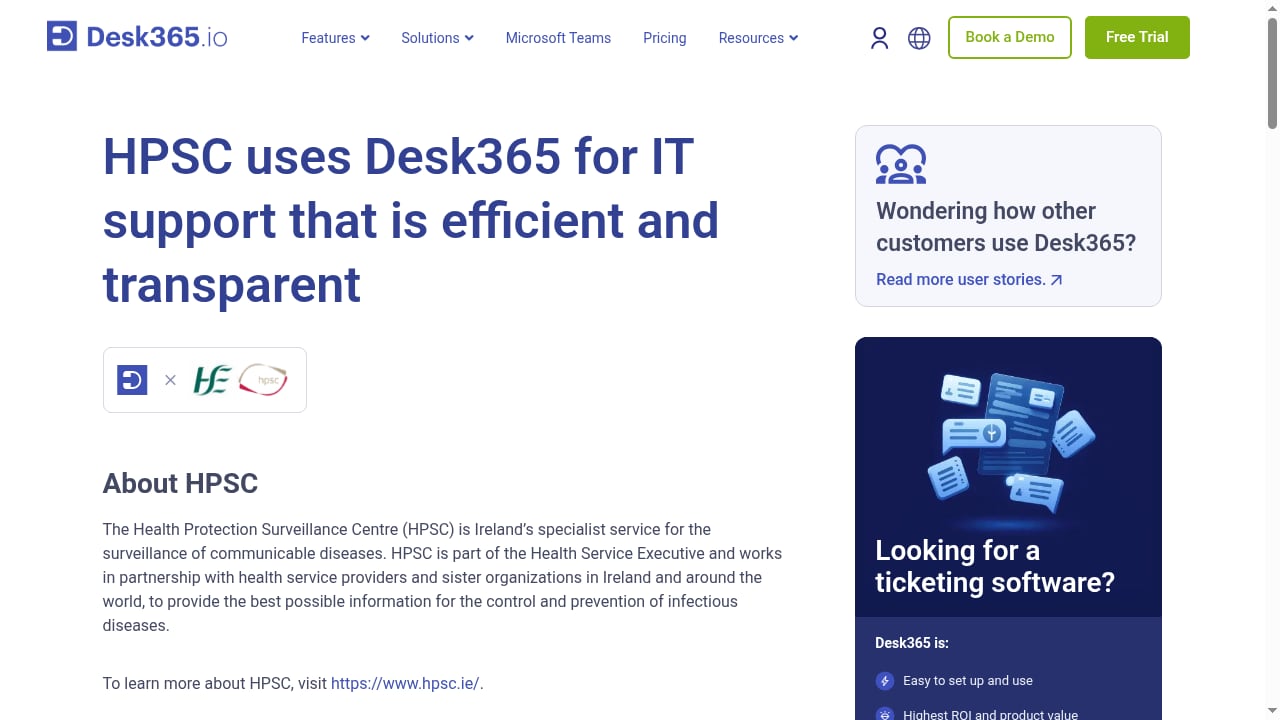
First viewport screenshot of How HPSC used Desk365 to streamline IT support.
Choose Desk365 if you need a complete helpdesk
If your team does not have a helpdesk yet, or you want to replace a legacy system with something affordable and fast to set up, Desk365 covers ticketing, automation, knowledge base, and ITAM in one product. Its Microsoft Teams and Microsoft 365 integration is a decisive advantage for organizations already in that ecosystem.
Choose CoSupport AI if you want AI trained on your ticket history
If your priority is an AI agent that learns from how your team has already resolved tickets, CoSupport AI's training approach and flexible per-response or per-resolution pricing make it a strong candidate. The 60-day resolution guarantee and published case studies reduce the risk of a pilot.
Choose HelpKnow AI if you need enterprise AI agents on an existing stack
If you already run a support system and knowledge base, and you want to add AI agents without replacing your infrastructure, HelpKnow AI is designed for that scenario. Its strengths in multi-format ingestion, intent recognition, persona customization, role-based escalation, real-time analytics, and global compliance make it a fit for larger enterprises with complex support operations.
Related reading
- HelpKnow AI vs eGain vs Nextiva: 2026 Comparison - Compare HelpKnow AI, eGain, and Nextiva on AI resolution, knowledge management, omnichannel support, deployment, analytics, and compliance.
- HelpKnow AI vs Enjo vs Five9: Enterprise Support Compared - HelpKnow AI vs Enjo vs Five9 compared on AI resolution, deployment effort, omnichannel support, analytics, and compliance for enterprise support teams.
- HelpKnow AI vs Genesys Cloud vs Retell AI (2026) - Compare HelpKnow AI, Genesys Cloud, and Retell AI on AI resolution, deployment effort, omnichannel support, analytics, and compliance for enterprise support.
Frequently asked questions
What is the main difference between HelpKnow AI, Desk365, and CoSupport AI?
HelpKnow AI is an enterprise AI agent platform that layers onto existing support systems. Desk365 is a full AI-powered helpdesk with ticketing, ITAM, and Microsoft 365 integration. CoSupport AI is an AI automation platform trained on historical solved tickets that runs inside your helpdesk or as a standalone widget.
Which platform is easiest to deploy?
Desk365 emphasizes setup in minutes, and CoSupport AI reports about 10 minutes to connect with full deployment in roughly three days. HelpKnow AI integrates with existing support systems and knowledge bases, so deployment effort depends on how your current data is organized.
Which platform supports the most languages?
CoSupport AI supports 40+ languages. HelpKnow AI and Desk365 support multilingual customer bases through their respective AI and helpdesk capabilities; check current documentation for the specific language list you need.
How do the pricing models compare?
Desk365 starts at $12 per month with a 21-day free trial. CoSupport AI offers $0.04 per AI response, $0.19 per resolved ticket, or a flat plan from $99 per 1,000 monthly tickets. HelpKnow AI pricing is enterprise-oriented; contact the vendor for a quote based on your volume and requirements.
Which platform is best for regulated industries?
HelpKnow AI states compliance with GDPR, CCPA, and other global standards, and CoSupport AI holds ISO 27001 certification with GDPR and CCPA compliance. Desk365 provides standard helpdesk security practices. Match the specific certifications your industry requires against each vendor's current documentation.
Can these platforms work alongside an existing helpdesk?
Yes. HelpKnow AI integrates with existing customer support systems, and CoSupport AI runs inside Zendesk, Freshdesk, Zoho Desk, and other helpdesks. Desk365 is itself a helpdesk, so it typically replaces rather than supplements an existing ticketing system.
Conclusion
There is no single winner here because the three platforms solve different problems. Desk365 gives you a complete, affordable helpdesk with strong Microsoft integration. CoSupport AI gives you an AI agent trained on your solved tickets with flexible pricing and a resolution guarantee. HelpKnow AI gives enterprises a way to add sophisticated AI agents, intent recognition, brand-aligned personas, role-based escalation, real-time analytics, and global compliance on top of the support stack they already run.
If your priority is replacing or consolidating your helpdesk, start with Desk365 or CoSupport AI. If your priority is adding enterprise-grade AI to an existing support operation without rebuilding it, HelpKnow AI is built for exactly that.
For more comparisons, see how HelpKnow AI stacks up against My AskAI and CoSupport AI, or explore the HelpKnow AI vs Desk365 vs Tidio breakdown for smaller-team scenarios.
External references: Desk365, CoSupport AI, and a 2026 CoSupport AI alternatives analysis.