
How to Use HelpKnow AI with KnowledgeBase: Setup & Workflow
Customer support teams often struggle with fragmented knowledge: product docs live in one tool, FAQs in another, and help center articles in a third. When an AI agent tries to answer questions, it pulls from incomplete or outdated sources, leading to inaccurate responses and frustrated customers. Combining HelpKnow AI, an enterprise AI agent platform, with KnowledgeBase, an AI-powered knowledge base and help center, solves this by creating a unified knowledge pipeline that feeds your AI agent with accurate, up-to-date information while also powering self-service for customers.
This article explains how the two products work together, walks through the setup process, provides practical workflow examples, and helps you decide if this combination fits your support operation.
Why Combine HelpKnow AI and KnowledgeBase?
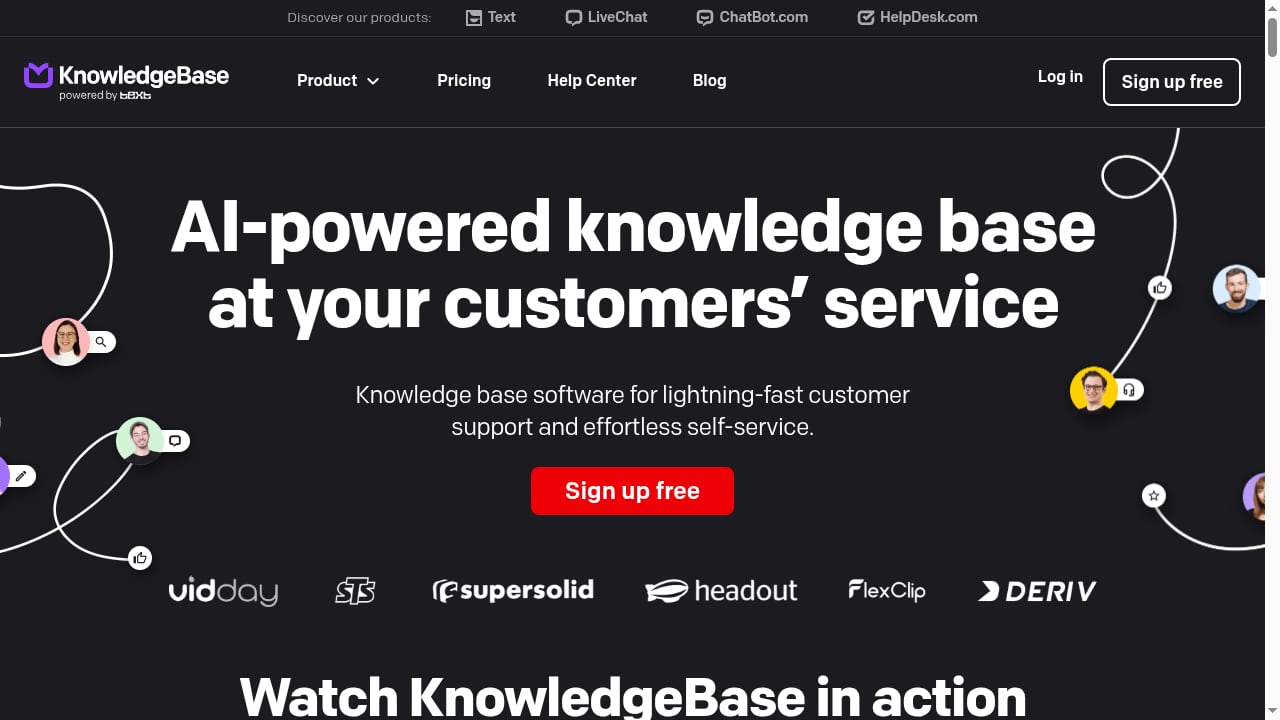
First viewport screenshot of www.knowledgebase.com.
HelpKnow AI excels at building AI agents that automate customer service conversations. It ingests knowledge from documents, FAQs, and product catalogs, then uses that knowledge to answer customer questions 24/7 with second-level response times. The platform also offers super skill plugins for tasks like express tracking and order processing, enabling the AI to take action beyond conversation.
KnowledgeBase complements HelpKnow AI by providing a structured, hosted help center where you can create and manage both internal and external knowledge bases. It offers AI-generated articles, titles, and keywords, multiple knowledge bases, article visibility control, and a customizable help center and chat widget. KnowledgeBase is designed for small and medium companies, with one plan that includes unlimited users and all features.
Together, they address a common problem: AI agents are only as good as the knowledge they learn from. KnowledgeBase ensures your knowledge is organized, consistent, and easy to maintain, while HelpKnow AI turns that knowledge into automated conversations and actions.
How the Integration Works
KnowledgeBase product interface.
HelpKnow AI and KnowledgeBase connect through a knowledge pipeline. KnowledgeBase acts as the source of truth for your help center articles and FAQs. HelpKnow AI ingests this content—either via direct integration, API, or by uploading exported documents—and uses it to train its AI agent. The agent then handles customer inquiries across your existing customer service systems, automatically greeting customers and resolving complex questions.
When a customer asks a question, HelpKnow AI's smart intent recognition matches the query to the most relevant knowledge. If the question requires an action, such as checking an order status, the AI can invoke super skill plugins like express tracking or order processing. If the AI cannot resolve the issue, it can escalate to a human agent, who can then update KnowledgeBase with new information, creating a continuous learning loop.
Step-by-Step Setup

KnowledgeBase product interface.
Step 1: Prepare Your KnowledgeBase Content
Before connecting to HelpKnow AI, ensure your KnowledgeBase is well-organized. Create separate knowledge bases for different product lines or audiences if needed. Use KnowledgeBase's AI-generated articles and keywords to fill gaps and improve searchability. Set article visibility appropriately—internal articles for support teams, external articles for customers.
Step 2: Connect KnowledgeBase to HelpKnow AI
HelpKnow AI supports multiple knowledge source types: online documentation, text documents, product libraries, and Q&A documents. You can integrate KnowledgeBase content by:
- Direct integration: If available, use the built-in connector to sync KnowledgeBase articles to HelpKnow AI's online documentation or Q&A document modules.
- API or export: Export KnowledgeBase articles as structured files (e.g., CSV or JSON) and upload them to HelpKnow AI's text document or Q&A document sections.
- Web scraping: For public help center pages, use HelpKnow AI's web scraping feature to ingest content automatically.
Step 3: Configure Your AI Agent
In HelpKnow AI, create a new agent or edit an existing one. Assign the knowledge sources you just connected. Customize the agent's model, prompts, and tools based on your business needs. Use debug mode to test responses and refine the agent's behavior. Save drafts and use version rollback if needed.
Step 4: Set Up Super Skill Plugins (Optional)
If your customers need order tracking or product inquiries, enable HelpKnow AI's super skill plugins such as Shopify, BigCommerce, or Shoplazza. These plugins allow the AI to query order status, track logistics, and recommend products directly within the conversation. Ensure secure authentication and set quota controls.
Step 5: Integrate with Your Customer Service System
HelpKnow AI integrates with existing third-party customer service systems. Connect your live chat, email, or ticketing platform so the AI agent can automatically greet customers and handle inquiries. KnowledgeBase's chat widget can also be integrated with chatbots and helpdesk systems to use help center articles when handling tickets.
Step 6: Test and Optimize
Run test conversations to verify the AI agent's accuracy. Monitor automated resolution rates and customer satisfaction. Use HelpKnow AI's analytics to identify gaps, then update KnowledgeBase content accordingly. Encourage human agents to feed new answers back into KnowledgeBase, closing the learning loop.
Practical Workflow Examples
Example 1: E-commerce Order Inquiry
A customer asks, "Where is my order?" HelpKnow AI's intent recognition identifies the query. The AI asks for the order number, then invokes the Shopify plugin to retrieve order status and logistics information. It replies with the tracking details. If the customer asks about a similar product, the AI uses the product library to recommend alternatives. KnowledgeBase provides the product FAQs and return policy articles that the AI references for policy questions.
Example 2: Pre-Sales Product Consultation
A potential customer asks about compatibility between two products. HelpKnow AI searches the product library and KnowledgeBase articles to find the answer. If the question is complex, the AI escalates to a human agent, who can view the AI's context and call results. After resolving the issue, the human agent adds a new article to KnowledgeBase, which HelpKnow AI ingests for future queries.
Example 3: Internal Knowledge Assistant
An employee asks about a internal process. HelpKnow AI, connected to an internal KnowledgeBase, provides the answer instantly, reducing research time. The AI can also trigger workflows via custom tools, such as submitting a ticket or updating a record.
Problems the Combination Solves
- Knowledge fragmentation: Centralizes knowledge in KnowledgeBase and feeds it to HelpKnow AI, ensuring consistent answers.
- Inaccurate AI responses: Structured, up-to-date content improves AI accuracy and reduces hallucinations.
- High support costs: Automates repetitive inquiries, reducing customer service costs by up to 70% (as claimed by HelpKnow AI).
- Slow response times: Provides 24/7 second-level responses, improving customer satisfaction.
- Manual knowledge maintenance: KnowledgeBase's AI-generated articles and keywords reduce the effort to keep content fresh.
Decision Guidance: Is This Combination Right for You?
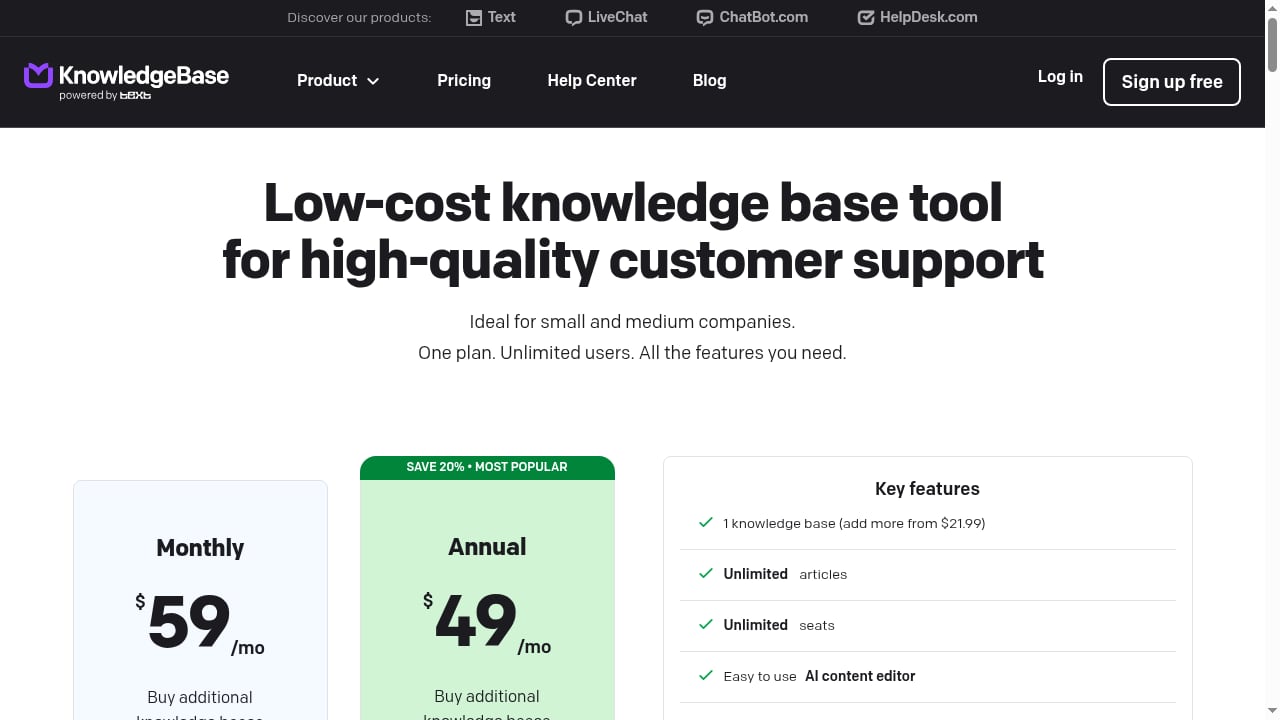
First viewport screenshot of www.knowledgebase.com.
This combination is ideal for small to medium businesses that need an affordable, easy-to-use knowledge base (KnowledgeBase) and a powerful AI agent (HelpKnow AI) to automate support. If you already use KnowledgeBase for your help center, adding HelpKnow AI extends its value by automating conversations. If you are evaluating AI customer service platforms, consider how HelpKnow AI compares to alternatives like Ada and Kayako in our enterprise CX comparison. For a broader overview of automation software, see our top 10 AI customer service automation software for 2026.
If your primary need is a knowledge base without AI automation, KnowledgeBase alone may suffice. If you need advanced AI actions like order processing, HelpKnow AI's plugins are essential.
Related reading
- Severus AI Review 2026: AI Receptionist Cost & Fit - An evidence-based Severus AI review: pricing from $69/mo, 300 minutes, setup, strengths, limits, and who should choose it for AI call answering.
Frequently Asked Questions
How does HelpKnow AI learn from KnowledgeBase?
HelpKnow AI ingests content from KnowledgeBase through integration, API, or document upload. It uses this content as a knowledge source for its AI agent, which then answers customer questions based on the ingested information.
Can I use KnowledgeBase without HelpKnow AI?
Yes, KnowledgeBase is a standalone AI-powered knowledge base and help center. It provides self-service and article management. HelpKnow AI adds automated conversational AI on top.
What types of content can I sync from KnowledgeBase to HelpKnow AI?
You can sync articles, FAQs, and product information. HelpKnow AI supports online documentation, text documents, product libraries, and Q&A documents. KnowledgeBase content can be mapped to these formats.
Do I need technical skills to set up the integration?
Basic setup is straightforward: export or connect KnowledgeBase content, upload to HelpKnow AI, and configure the agent. Advanced configurations like API integration may require technical assistance.
How does the AI handle multilingual support?
HelpKnow AI's Q&A documents support automatic translation. You can maintain a Q&A database in one language, and the AI can respond in other languages. KnowledgeBase also supports multiple languages for help center articles.
What happens if the AI can't answer a question?
HelpKnow AI escalates low-confidence or complex scenarios to human agents. The human agent can view the AI's context and call results, then update KnowledgeBase with the correct answer for future queries.
Conclusion
Combining HelpKnow AI with KnowledgeBase creates a powerful, cost-effective customer service automation stack. KnowledgeBase organizes and maintains your knowledge, while HelpKnow AI turns that knowledge into 24/7 automated conversations and actions. By following the setup steps and workflow examples above, you can reduce support costs, improve response times, and deliver a better customer experience. Start by auditing your KnowledgeBase content, then connect it to HelpKnow AI and iterate based on real conversations.
For more information on HelpKnow AI's capabilities, explore our HelpKnow AI vs HelpNow Agentic AI Platform comparison. To learn about integrating HelpKnow AI with other tools, see our guide on how to use HelpKnow AI with Slack.
External references: