
How to Use HelpKnow AI with Document360: Smarter Support Starts Here
Customer service teams face a constant tug-of-war: the knowledge base is packed with answers, yet agents still spend hours typing the same replies. HelpKnow AI and Document360 solve this by connecting a self-learning AI agent directly to your structured documentation. When you use them together, the AI doesn't guess—it retrieves, understands, and resolves. This article walks through the integration workflow, setup steps, practical examples, and the real problems the combination eliminates.
Why Connect an Enterprise AI Agent to a Knowledge Base?

Gradient.
A standalone knowledge base helps customers who search. A standalone chatbot often hallucinates when it lacks context. The integration changes the equation.
- HelpKnow AI acts as the reasoning layer. It parses intent, maintains conversation context, and decides when to escalate to a human.
- Document360 acts as the single source of truth. It houses product docs, SOPs, FAQs, and API references in a version-controlled, categorized structure.
When the AI agent pulls answers exclusively from Document360, every response is traceable to an approved article. The result: a 95% automatic resolution rate and a 70% drop in support costs, backed by HelpKnow AI's enterprise benchmarks.
How the Integration Works

Document360 product interface.
The workflow follows a simple retrieval-augmented generation (RAG) pattern without requiring you to build pipelines from scratch.
- Customer asks a question on any channel—website chat, Slack, social media, or in-app widget.
- HelpKnow AI classifies intent using its proprietary recognition engine and determines whether the query matches a known topic.
- The agent queries Document360 via API or the MCP (Model Context Protocol) server. It searches articles, retrieves the most relevant snippet, and cites the source.
- HelpKnow AI generates a response in the brand's configured persona. If confidence is low or the customer requests a human, the conversation escalates through role-based workflows.
- Analytics track the full loop. HelpKnow AI logs resolution status, while Document360's analytics show which articles deflect the most tickets.
Step-by-Step Setup

Gradient.
1. Prepare Your Document360 Knowledge Base
Before connecting the AI, structure your content for machine readability.
- Organize articles into clear categories and subcategories.
- Write descriptive titles and SEO-friendly meta descriptions; the AI uses these for matching.
- Use the AI Writing Agent inside Document360 to turn video walkthroughs, audio files, and rough prompts into polished articles quickly.
- Enable the MCP Server (available in Document360 v12.3.1+) so external AI tools can perform searches, read articles, and list categories programmatically.
2. Connect HelpKnow AI to Document360
HelpKnow AI ingests knowledge through multi-format connectors.
- In the HelpKnow AI dashboard, navigate to Knowledge Sources and select Document360.
- Authenticate using your Document360 API token or MCP endpoint.
- Choose which categories, articles, or entire projects to sync. The platform supports incremental syncs, so updates to your docs reflect in the AI within minutes.
- Map custom fields if you use Document360's structured metadata to differentiate product lines or audiences.
3. Configure the AI Agent Persona and Rules
HelpKnow AI allows granular control over tone, escalation paths, and guardrails.
- Set the agent persona to match your brand voice—formal for healthcare, conversational for SaaS.
- Define escalation rules: for example, billing questions route to a human immediately, while how-to questions stay with the AI.
- Enable source citation in responses so customers see the exact Document360 article the answer came from.
4. Deploy Across Channels
HelpKnow AI's omni-channel engine pushes the same agent to multiple touchpoints without rebuilding logic.
- Embed on your website using the HelpKnow AI widget.
- Connect to social media messaging platforms.
- Integrate with helpdesks already linked to Document360, such as Zendesk or Freshdesk.
Practical Examples of the Combined Workflow
Example 1: SaaS Product Onboarding
A new user types "How do I set up SSO for my team?" into the in-app chat. HelpKnow AI detects the intent, queries Document360's "SSO Configuration" article, and returns a step-by-step answer with a link to the full guide. The user never opens a ticket.
Example 2: Healthcare Compliance Question
A clinic administrator asks, "Are our patient records stored in compliance with GDPR?" The AI retrieves the relevant section from the internal SOP knowledge base hosted on Document360, answers with exact policy language, and offers to escalate to the compliance officer if needed.
Example 3: API Troubleshooting
A developer posts an error code in the support widget. HelpKnow AI searches the API documentation inside Document360, finds the matching troubleshooting article, and returns the fix along with code snippets—all without involving an engineer.
Problems This Combination Solves
| Problem | Without Integration | With HelpKnow AI + Document360 |
|---|---|---|
| Agents repeatedly answer the same questions | High ticket volume, agent burnout | AI deflects repetitive queries instantly |
| Knowledge base exists but nobody finds answers | Customers abandon search, call support | AI retrieves and delivers answers conversationally |
| AI chatbot gives wrong or outdated answers | Hallucinations erode trust | Every response is grounded in approved, versioned articles |
| Content teams and support teams work in silos | Docs go stale, agents create shadow knowledge | Document360 analytics show which articles resolve tickets; writers improve them |
When to Use HelpKnow AI with Document360 vs. Alternatives
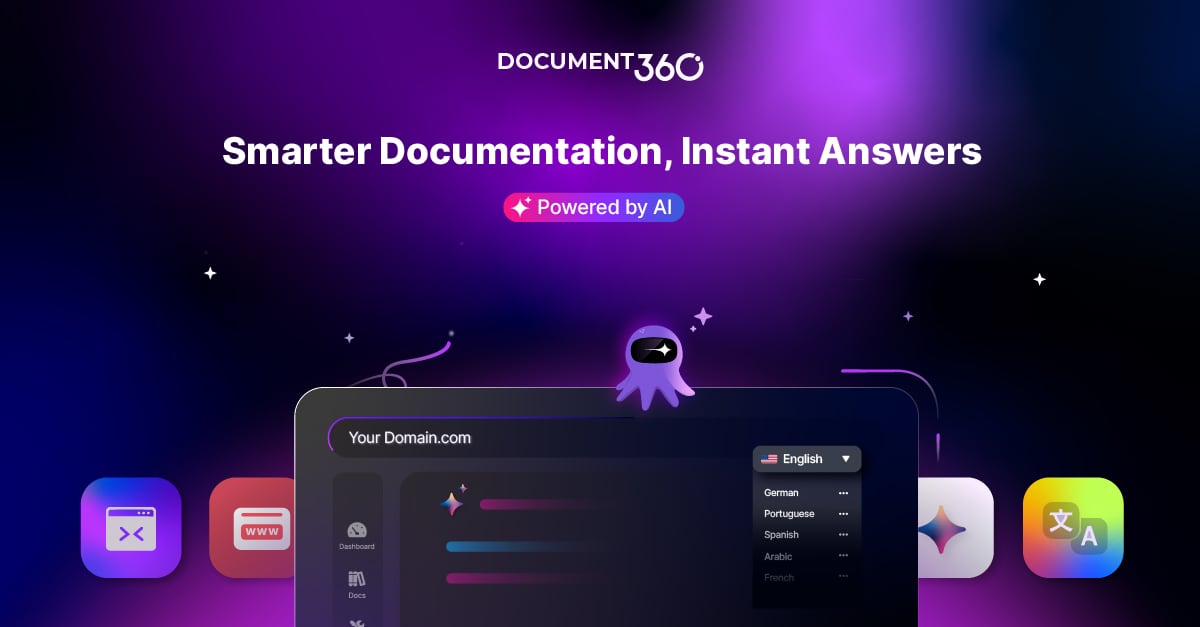
Document360 product interface.
If your team already uses Document360 for documentation and needs an enterprise AI agent with advanced intent recognition, multi-channel deployment, and compliance certifications (GDPR, CCPA), HelpKnow AI is purpose-built for that stack. For teams evaluating other AI support platforms, see how HelpKnow AI compares on resolution rates and cost savings in our HelpKnow AI vs Intercom vs Fin analysis or the broader Top 10 Enterprise AI Customer Service Platforms 2026 comparison.
For organizations still building their knowledge base foundation, start by exploring Document360's AI-powered knowledge base software and its Eddy AI features that accelerate content creation.
Related reading
- HelpKnow AI vs HappyFox: Which AI Support Platform Delivers Real ROI? - Compare HelpKnow AI vs HappyFox on auto‑resolution rates, cost reduction, and enterprise scalability. See why HelpKnow AI’s 95% resolution beats HappyFox’s 40%.
- n8n Review 2026: The Developer's Workflow Automation Powerhouse - An evidence-based n8n review covering AI agents, self-hosting, pricing, and ideal use cases for technical teams. See if n8n's code-first flexibility beats no-code tools.
- HelpKnow AI vs Desk365 vs Botpress: Which AI Agent Wins? - Compare HelpKnow AI, Desk365, and Botpress for enterprise AI customer service. See strengths in auto-resolution, Microsoft integration, and visual AI building.
Sources and further reading
- @Document360 - An AI-Powered Knowledge Base Tool @philpallen - Enjoy the videos and music you love, upload original content, and share it all with friends, family, and the world on YouTube.
- Power Your Knowledge with Smart AI Solutions - Experience where intelligence meets your information. Use AI to simplify how you build, manage, and share knowledge across your organization.
FAQ
Do I need technical developers to set up the integration?
No. HelpKnow AI provides a no-code connector for Document360. You authenticate with an API token, select the content to sync, and the platform handles the rest.
How quickly does the AI reflect updates made in Document360?
HelpKnow AI supports incremental syncing. When you publish or update an article in Document360, the change propagates to the AI agent within minutes, ensuring responses always use the latest approved content.
Can the AI handle multiple languages?
Yes. Document360 supports localized knowledge bases, and HelpKnow AI can serve responses in the customer's language when the corresponding translated articles exist.
What happens when the AI cannot find a relevant article?
HelpKnow AI's confidence scoring triggers a fallback. It can ask clarifying questions, suggest related topics, or escalate to a human agent through your configured workflow.
Is the integration compliant with data protection regulations?
Both platforms maintain enterprise-grade security. Document360 holds SOC 2 and ISO 27001 certifications. HelpKnow AI complies with GDPR, CCPA, and other global standards, with role-based access controls and audit logs.
Conclusion
HelpKnow AI and Document360 together turn a static knowledge base into an always-on, resolution-focused support agent. The setup is straightforward: structure your docs, connect the platforms, configure the persona, and deploy everywhere your customers are. The outcome is measurable—fewer repetitive tickets, faster answers, and a support team freed to handle conversations that truly need human empathy. If you're ready to see how this pairing stacks up against other platforms, read our detailed HelpKnow AI vs Kustomer comparison or explore the top AI workflow automation platforms that complement this stack.