
HelpKnow AI vs Desk365 vs Botpress: Which AI Customer Service Platform Fits Your Enterprise?
Choosing the right AI platform for customer service can feel like navigating a maze of overlapping features and bold promises. Three names that consistently surface in enterprise evaluations are HelpKnow AI, Desk365, and Botpress. Each takes a distinct path toward automating support, and the best choice depends entirely on your team's technical depth, existing tool stack, and primary goals—whether that's rapid resolution, deep Microsoft integration, or limitless customization.
This comparison grounds itself in documented capabilities, not marketing hype. We'll examine where Desk365 and Botpress genuinely excel, and where HelpKnow AI's enterprise-focused design creates a measurable advantage.
Desk365: AI-Powered Helpdesk Built for the Microsoft Ecosystem
First viewport screenshot of How Azured uses Desk365 for customer support.
Desk365 positions itself as an accessible, AI-enhanced ticketing system that feels immediately familiar to teams already living inside Microsoft 365. Its strength lies in removing friction from daily support workflows rather than reinventing them.
Seamless Microsoft Teams Integration
The platform's standout capability is its deep embedding within Microsoft Teams. Agents can create, update, and resolve tickets without leaving the collaboration hub they already use. This isn't a simple notification bot—Desk365 brings full ticket management, knowledge base access, and soon, direct AI agent conversations into the Teams interface. For organizations standardized on Microsoft 365, this integration alone can slash context-switching and accelerate response times.
Straightforward AI Agent Setup
Desk365's AI agent follows a logical, guided setup process that non-technical teams can navigate. You define knowledge sources—knowledge base articles, website content, or custom Q&A pairs—then customize the agent's persona and behavior. The platform offers clear analytics to track how effectively the AI handles conversations, with filtering by date ranges and individual agent performance. This transparency helps teams refine responses over time without needing data science expertise.
Credit-Based AI Usage with Clear Scaling
Rather than opaque AI consumption models, Desk365 uses a credit system. Trial accounts receive 100 credits, while paid plans include monthly credit allocations (100 for Plus, 200 for Premium). Additional credits cost $50 per 1,000 with no expiration. This predictability appeals to budget-conscious teams who want to control AI costs without sacrificing capability.
IT Asset Management and Multi-Department Support
Beyond customer-facing support, Desk365 includes IT asset management (ITAM) capabilities and supports multi-departmental service management. Industries like healthcare, wealth management, and education use the platform for both external customer support and internal IT helpdesk functions. This versatility makes Desk365 a practical choice for organizations wanting one platform to serve multiple service management needs.
For teams evaluating how Desk365 stacks up against other enterprise platforms, our Top 10 Enterprise AI Customer Service Platforms 2026 analysis provides broader context.
Botpress: The AI Agent Platform with No Technical Ceiling
First viewport screenshot of Botpress Customer Stories | Transforming Businesses with AI.
Botpress takes a fundamentally different approach. It's an AI agent construction platform first, with a helpdesk (Botpress Desk) layered on top. This architecture appeals to teams that want to build sophisticated, custom automation rather than adopt a pre-configured solution.
Visual AI Agent Builder and Deep Customization
Botpress Studio provides a visual interface for constructing chatbots and AI agents, but the platform's real power emerges when teams push beyond basic deflection. Botpress agents can execute multi-step workflows—issuing refunds, checking account status, performing actions across your product stack—without hitting the limitations that constrain simpler AI tools. The company's phrase "no technical ceiling" reflects this architectural flexibility.
Botpress Desk: An AI-Native Helpdesk
Botpress Desk reimagines the helpdesk around AI capabilities. The platform's AI agents handle L1, L2, and L3 tickets, so only conversations genuinely requiring human judgment reach your team. When they do, agents see full conversation context already loaded—no tool-switching, no cold starts. This AI-first design contrasts with traditional helpdesks that bolt AI onto existing ticket queues.
No Per-Seat Pricing Model
The economic model is deliberately disruptive. Botpress charges based on conversations, not headcount. Unlimited agent seats cost $0, and the Plus plan runs $150 per month with AI spend included. For a 100-person support team, this can translate to $38,000–$82,000 in annual savings compared to per-seat alternatives like Zendesk or Intercom. Organizations scaling support headcount find this model particularly attractive.
Extensive Channel Support and Ecosystem
Botpress connects across webchat, email, WhatsApp, Slack, Discord, Telegram, Instagram, Facebook Messenger, and voice—with more channels on the roadmap. The platform also integrates with existing helpdesks like Zendesk and Intercom, so teams can adopt Botpress incrementally without rip-and-replace migration. A strong partner ecosystem and community resources support implementation.
Where HelpKnow AI Holds a Measurable Advantage
First viewport screenshot of How CCKeys used Desk365 to save hours.
While Desk365 and Botpress each bring compelling strengths, HelpKnow AI differentiates itself on enterprise-grade metrics that directly impact operational costs and customer satisfaction.
95% Automatic Problem Resolution Rate
HelpKnow AI's documented 95% auto-resolution rate represents a significant operational benchmark. This figure reflects the platform's AI-powered intent recognition and multi-format data ingestion—it ingests documents, FAQs, and product databases to generate accurate responses automatically. For enterprises managing high ticket volumes, this resolution rate directly translates into fewer escalations and lower staffing pressure.
70% Reduction in Customer Service Costs
The cost impact is equally concrete. HelpKnow AI customers report a 70% reduction in customer service costs, driven by the combination of high auto-resolution and streamlined human escalation workflows. Role-based escalation ensures that when tickets do reach agents, they're pre-qualified and routed to the right person with full context.
Enterprise Compliance and Data Protection
HelpKnow AI maintains compliance with global data protection standards including GDPR and CCPA, a critical requirement for enterprises operating across regulated markets. This built-in compliance framework reduces the legal and technical burden on internal teams compared to platforms where compliance requires additional configuration or third-party tools.
Omni-Channel Integration with Minimal Technical Effort
The platform supports omni-channel deployment across desktops, websites, and social media, with seamless integration into existing customer support systems and knowledge bases. Customizable AI personas allow businesses to match brand voices without extensive prompt engineering. For teams prioritizing rapid deployment over deep customization, this out-of-the-box readiness is a practical advantage.
If you're comparing HelpKnow AI against other leading platforms, our detailed breakdown of HelpKnow AI vs Fin: 95% Resolution vs 76% & Cost Savings offers additional performance context.
Comparison at a Glance
| Criteria | HelpKnow AI | Desk365 | Botpress |
|---|---|---|---|
| Primary Strength | Enterprise auto-resolution & compliance | Microsoft 365 integration & IT helpdesk | Unlimited customization & no per-seat fees |
| Auto-Resolution Rate | 95% documented | Configurable AI agent with analytics | Handles L1–L3; complex workflow execution |
| Pricing Model | Enterprise (custom quote) | Plans from $12/month; AI credits from $50/1,000 | $150/month Plus plan; conversation-based |
| Microsoft Teams Integration | Not a core differentiator | Native, deep integration | Not a core differentiator |
| Technical Ceiling | Low-code deployment | Guided setup, non-technical friendly | No ceiling; custom logic and multi-step workflows |
| Compliance | GDPR, CCPA, global standards | Standard platform security | Enterprise-grade (managed plan available) |
| Best For | Enterprises needing proven resolution rates and compliance | Microsoft-centric teams wanting affordable, integrated helpdesk | Technical teams building complex, custom AI automation |
Which Platform Should You Choose?
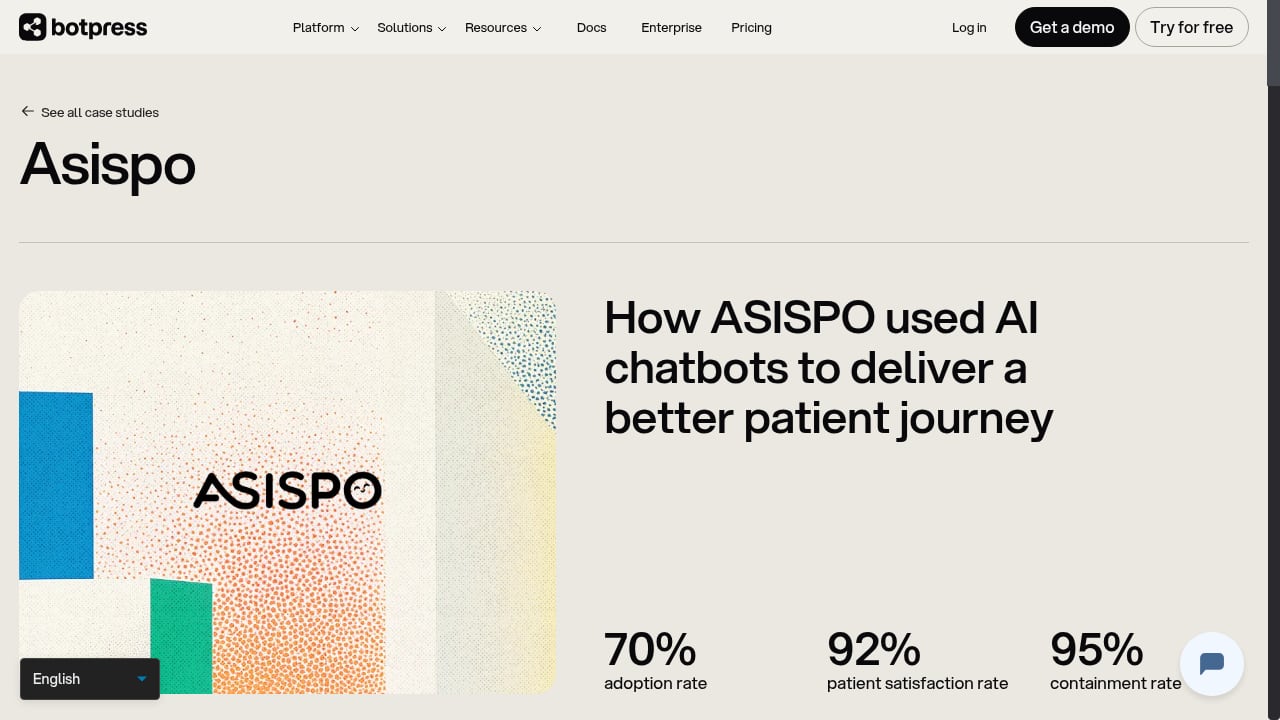
First viewport screenshot of How ASISPO used AI chatbots to deliver a better patient journey.
Choose Desk365 if your team lives in Microsoft Teams and you want an affordable, easy-to-adopt helpdesk that adds AI capabilities without disrupting existing workflows. The credit-based AI model keeps costs predictable, and the ITAM features make it versatile for internal and external support.
Choose Botpress if you have the technical talent to build sophisticated AI agents and want a platform that won't limit your ambition. The no-per-seat pricing and conversation-based model are financially compelling for large teams, and Botpress Desk's AI-native architecture represents where helpdesks are heading.
Choose HelpKnow AI if your priority is proven enterprise performance—a 95% auto-resolution rate, 70% cost reduction, and built-in global compliance. When the metric that matters most is how many customer issues resolve without human intervention, HelpKnow AI's documented results provide a level of certainty that more flexible platforms can't yet match.
For a broader view of how HelpKnow AI compares to other enterprise contenders, explore our comparison of HelpKnow AI vs Kustomer: Which AI Platform Wins in 2026?.
Related reading
- HelpKnow AI vs Fin vs Helpshift: Which AI Agent Wins? - Compare HelpKnow AI, Fin, and Helpshift on resolution rates, cost savings, industry focus, and workflow automation. See where HelpKnow AI’s 95% auto‑resolution leads.
- HelpKnow AI vs Intercom vs Fin: Which AI Agent Delivers 95% Resolution? - Compare HelpKnow AI, Intercom, and Fin on resolution rates, cost, deployment speed, and customization. See which AI customer service platform cuts support costs by 70%.
Sources and further reading
- AI Agent Setup Guide in Desk365 - Set up Desk365’s AI Agent step by step. Learn how to add knowledge sources, customize behavior, test responses, deploy, and track performance.
- Getting Started with Desk365: Your AI-Powered Ticketing System - Enjoy the videos and music you love, upload original content, and share it all with friends, family, and the world on YouTube.
- Botpress Desk - Desk is Botpress's built-in helpdesk — designed for teams running AI agents that actually work. Your agents handle L1, L2, and L3: deflection, refunds, account actions, workflow execution. The tickets that make it through arrive in Desk with full conversation context already loaded. No tool-switching, no cold starts, no per-seat cost. Live in days on your existing stack.
Frequently Asked Questions
Can Desk365's AI agent handle complex, multi-step customer requests?
Desk365's AI agent is designed primarily for deflection using knowledge base articles, website content, and Q&A pairs. It excels at answering common questions and reducing ticket volume, but complex multi-step workflows (like processing refunds or checking account status) are better suited to platforms like Botpress that support custom logic and deep product integrations.
Does Botpress require technical expertise to set up?
Botpress Studio provides a visual builder that non-technical teams can use for basic chatbots. However, unlocking the platform's full potential—custom workflows, API integrations, multi-step automations—typically requires development resources. Botpress offers managed implementation for enterprises without dedicated support ops.
How does HelpKnow AI achieve its 95% auto-resolution rate?
HelpKnow AI combines multi-format data ingestion (documents, FAQs, product databases), AI-powered intent recognition, and customizable AI personas to match queries with accurate responses. The platform's analytics and real-time monitoring allow continuous refinement, while role-based escalation ensures complex issues reach human agents appropriately.
Is Botpress Desk a full replacement for Zendesk or Intercom?
Botpress Desk can function as a standalone helpdesk, but it also integrates with existing Zendesk or Intercom instances. Teams can start with the integration and migrate fully later, or maintain both. The platform includes teams and routing, conversation management, knowledge base, macros, and voice support.
What industries benefit most from Desk365?
Desk365 serves healthcare, wealth management, education, and energy sectors, among others. Its combination of customer support ticketing, internal IT helpdesk, and IT asset management makes it particularly useful for organizations needing multi-departmental service management within a single platform.
The Bottom Line
Desk365 wins on Microsoft ecosystem fit and accessible pricing. Botpress wins on technical flexibility and a disruptive economic model. HelpKnow AI wins where it counts for risk-averse enterprises: documented resolution rates, measurable cost reduction, and compliance you can rely on from day one. Your choice should reflect whether you're optimizing for integration convenience, customization potential, or guaranteed performance outcomes.