
HelpDesk Review 2026: AI Ticketing Fit, Costs & Limits
HelpDesk.com is a ticketing system built by the team behind LiveChat, positioned as a simple way to manage customer communication in one shared place. It starts free, needs no credit card, and deliberately avoids the complexity of enterprise suites. That simplicity is the whole point — and also the main thing to evaluate before you commit.
This review covers who HelpDesk fits, where it works well, where it runs out of road, what the pricing signals suggest, and how to decide between it and heavier alternatives.
What HelpDesk.com actually is
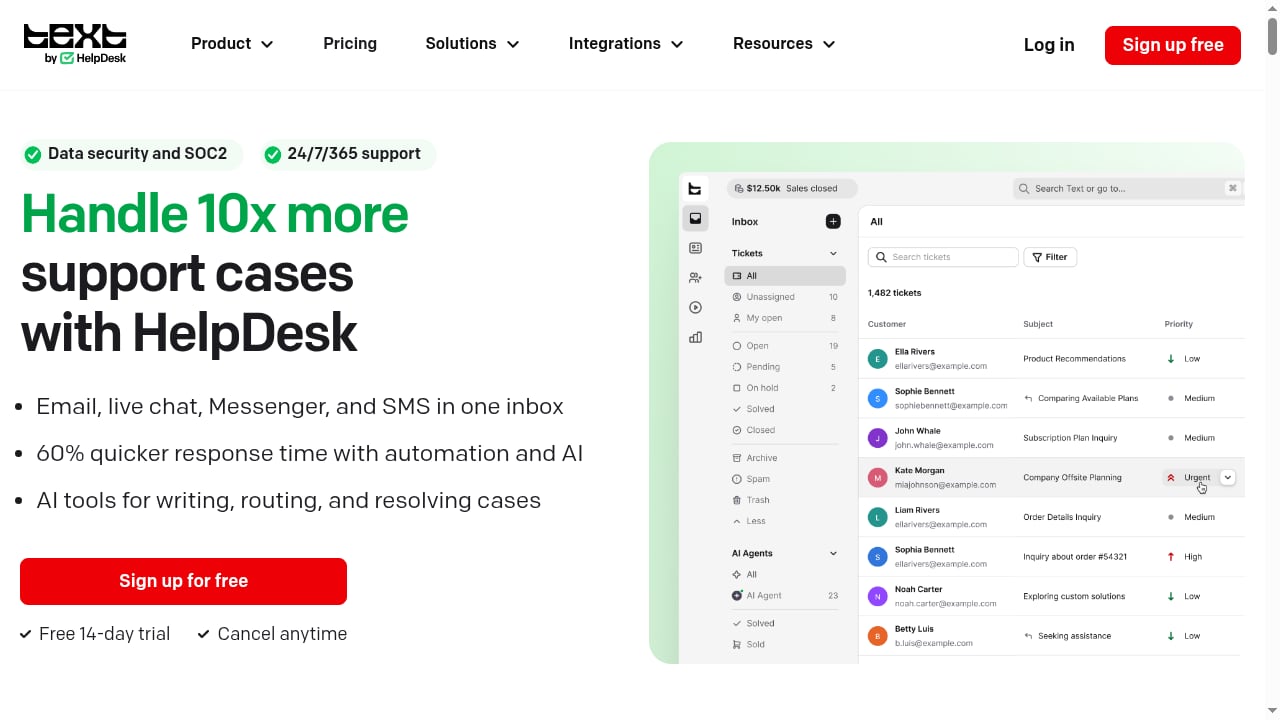
First viewport screenshot of HelpDesk | AI Help Desk Software & Ticketing System for Support Teams.
HelpDesk is a ticket management platform. Customer messages arrive from email and other channels, become tickets, and move through statuses and assignments until resolved. Core building blocks include:
- Ticket management with tags, statuses, and assignment
- A shared inbox so agents see the same queue
- Automation and canned responses for repetitive replies
- Reporting and analytics on team performance
- Integrations with the LiveChat ecosystem, plus standard help desk connections
It is not an AI-first platform in the way Intercom or Crisp are marketed. Independent comparisons consistently note that HelpDesk keeps things lightweight, and that advanced automation and AI are not the center of the product. If your buying criteria is "AI resolves most tickets before a human sees them," this is the wrong shortlist.
Who HelpDesk is ideal for
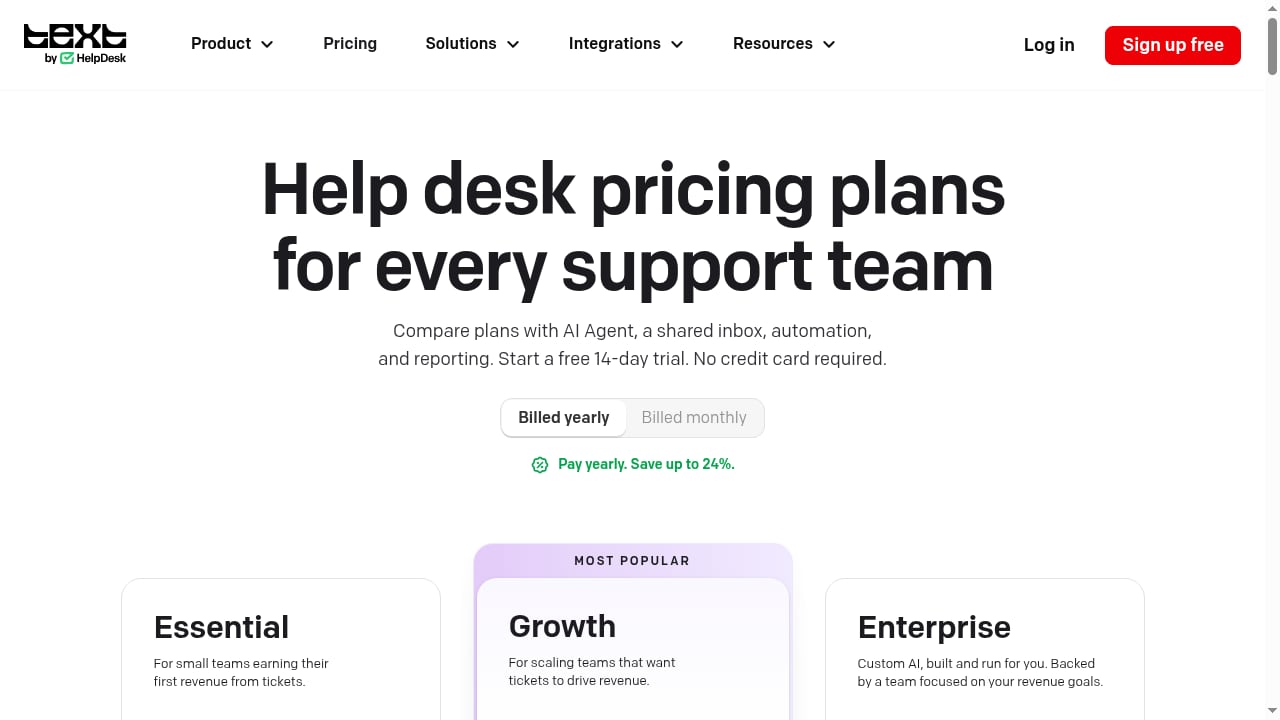
First viewport screenshot of Help Desk Pricing: From $19/User/Mo, Free 14-Day Trial, AI Included.
Small and mid-sized support teams
Teams of roughly 2–20 agents that need structure — one queue, clear ownership, no lost emails — get value fastest. There is little to configure before the tool is usable.
Teams already using LiveChat
If LiveChat already handles your chat conversations, HelpDesk closes the loop by turning chat follow-ups and email into trackable tickets inside the same vendor ecosystem. That reduces tool sprawl and integration work.
Companies that want adoption over capability
The biggest cause of help desk failure is agents refusing to use it. HelpDesk's low learning curve is a genuine operational advantage for teams without a dedicated admin.
Who should look elsewhere
- Enterprise support organizations needing deep customization, complex SLAs, multi-brand hierarchies, and sandbox environments. Zendesk and similar platforms are built for that.
- AI-first support operations that want autonomous agents resolving tickets end to end. See our comparison of enterprise AI agent platforms for customer support for that category.
- Email-first, human-centric teams that prioritize conversation feel over ticket structure — Help Scout is often the better cultural fit, as covered in this HelpKnow AI vs Help Scout comparison.
- Teams needing heavy CRM linkage. If support must read and write deal data continuously, evaluate CRM-native options first.
Strengths, honestly assessed
First viewport screenshot of Help Desk Software by Industry | HelpDesk.com.
Fast setup. Reviews of the broader help desk market repeatedly flag onboarding time as the hidden cost of ticketing software. HelpDesk's minimal configuration is its clearest differentiator.
Affordable entry point. Published comparisons place HelpDesk starting around $29 per agent per month, with a free starting tier and no credit card required. That sits below Zendesk's entry pricing and roughly in line with Help Scout and Front.
Clear ticket hygiene. Tags, statuses, and canned responses cover the majority of day-to-day support work without a workflow builder.
Ecosystem continuity. Teams on LiveChat avoid a second vendor relationship and duplicate billing.
Limitations worth knowing before you buy
AI depth is limited. This is the most consistent criticism in independent reviews. If AI triage, suggested replies, or auto-drafted responses are on your 2026 roadmap, confirm current capabilities directly with the vendor rather than assuming parity with AI-native tools.
Less customization than enterprise platforms. Routing rules, permission granularity, and reporting depth are simpler. Teams with unusual workflows may hit ceilings.
Reporting is functional, not analytical. Expect operational visibility, not the layered dashboards and workforce analytics that large contact centers require.
Scaling path matters. A tool that fits 10 agents may feel constrained at 50. Model your headcount 18 months out before deciding.
Pricing signals
Public comparisons list HelpDesk starting at approximately $29 per agent per month, with a free entry point and no credit card required. Treat these as directional: per-agent pricing, annual billing discounts, and feature gating change frequently. Before committing, verify three things on the vendor's own pricing page:
- Which features sit behind higher tiers
- Whether AI or automation capabilities cost extra
- The per-agent cost at your projected team size, not your current one
For a broader cost-per-seat benchmark across the category, the pricing breakdowns in this Udesk omnichannel review and this Kustomer review show how widely per-agent costs range.
Setup: what to expect
A realistic first-week sequence:
- Connect your channels — email first, then chat and any messaging channels you support.
- Define 4–6 statuses that match how your team actually works. Resist adding more.
- Build canned responses for your ten most common questions. This is where the fastest ROI lives.
- Set assignment rules so tickets land with the right person or queue.
- Turn on reporting and record a baseline for first response and resolution time.
Most small teams can complete this in days, not weeks. That is the core trade: less configuration power in exchange for a much shorter path to a working system.
Decision criteria: how to choose
First viewport screenshot of Help Desk & Ticketing Software for Accounting Firms | HelpDesk.com.
Use these questions to make the call quickly:
| Question | If yes | If no |
|---|---|---|
| Do you need AI to resolve tickets autonomously? | Look at AI-native platforms | HelpDesk is viable |
| Will you exceed ~30 agents within 18 months? | Evaluate enterprise-grade ticketing | HelpDesk scales fine |
| Do you already run LiveChat? | Strong ecosystem fit | Neutral factor |
| Do you need deep CRM read/write? | Prioritize CRM-native tools | HelpDesk is viable |
| Is agent adoption your biggest risk? | Simplicity wins — HelpDesk fits | Feature depth may matter more |
If you are comparing against conversational platforms rather than pure ticketing, this HelpCrunch review covers where live chat and email marketing change the calculus.
Related reading
- How to Use HelpKnow AI with Ferndesk: Setup & Workflow - Connect HelpKnow AI with Ferndesk to keep your help center fresh and automate customer service. Setup steps, workflows, and practical examples.
- HelpKnow AI vs Front: Which AI Customer Service Platform Wins? - Compare HelpKnow AI and Front for AI customer service: automation depth, deployment, plugins, human handoff, and which platform fits your team in 2026.
FAQ
Is HelpDesk.com free to start?
Yes. The product context states you can start for free with no credit card required. Free tiers typically carry agent or feature limits, so check current terms.
Does HelpDesk include AI features?
It includes automation and canned responses. Independent reviews describe its AI functionality as limited compared with AI-native competitors. Verify current AI capabilities with the vendor before making it a deciding factor.
How much does HelpDesk cost?
Published comparisons list pricing starting around $29 per agent per month. Confirm on the vendor's pricing page, since tiers and gating change.
Is HelpDesk good for enterprise support teams?
Generally, no. It is optimized for simplicity and small-to-mid-sized teams. Enterprises needing deep customization, advanced SLAs, and layered analytics should evaluate Zendesk-class platforms.
How long does setup take?
For a small team, channel connection, status design, canned responses, and routing can be done in days. Larger migrations take longer.
Conclusion
HelpDesk.com is a deliberately uncomplicated ticketing system. It wins on setup speed, adoption, and entry cost, and it is honest about not being an AI-first enterprise suite. Choose it if you are a small or mid-sized team that needs structure now and values agents actually using the tool. Look elsewhere if autonomous AI resolution, deep customization, or enterprise-scale reporting are core requirements — in those cases, the extra complexity of a heavier platform is buying you something real.
Sources: Crisp's helpdesk software comparison, Pylon's best help desk software guide, HappyFox's support ticket software comparison.