
Five9 Review 2026: Features, Pricing, and Verdict
Five9 is one of the most recognized names in cloud contact center software, but recognition alone does not tell you whether it fits your operation. This review looks at what the platform actually delivers: where its AI and omnichannel tools excel, where setup and support can frustrate teams, what pricing signals suggest, and which types of organizations should shortlist it or look elsewhere.
What Is Five9?
First viewport screenshot of Call & Contact Center As A Service (CCaaS) Provider | Five9.
Five9 is a cloud-based contact center platform built around voice, digital channels, AI-assisted service, and workforce engagement management. Instead of treating AI as a side feature, Five9 embeds it across routing, agent assistance, analytics, and self-service. The platform is sold through five flexible bundles, so organizations can combine digital engagement, CRM adapters, and workforce tools in different proportions rather than paying for a monolithic suite.
Five9 targets mid-market and enterprise contact centers that want to move beyond basic call handling. Its core promise is practical AI that improves containment and customer satisfaction without requiring a data science team to deploy it.
Who Should Use Five9?
First viewport screenshot of Five9-Preise – CCaaS-Preise – Cloud-Contact-Center-Preise.
Five9 fits best in environments where contact volume is high, channels are multiple, and leadership wants measurable CX improvements tied to operational metrics.
Strong Fit Scenarios
- Enterprise contact centers running hundreds or thousands of agents across voice, chat, email, and social channels.
- Organizations with deep CRM dependencies, especially Salesforce, ServiceNow, or Microsoft Dynamics, where screen pops and guided workflows reduce handle time.
- Teams ready to adopt AI now, including virtual agents, real-time transcription, sentiment analysis, and next-best-action prompts.
- Businesses that need workforce engagement management such as forecasting, scheduling, quality management, and coaching inside the same platform.
Weaker Fit Scenarios
- Small teams under roughly 20 agents that need a lightweight helpdesk rather than a full contact center suite.
- Organizations with simple phone-only workflows that do not plan to use digital channels or AI in the near term.
- Teams with limited IT or telephony resources, since initial configuration and ongoing optimization often require dedicated administrators.
Key Features and Capabilities
Omnichannel Voice and Digital Engagement
Five9 brings voice, chat, email, SMS, and social messaging into a unified routing engine. Agents work from a single interface, and customer context follows the interaction across channels. This reduces the disjointed experience that happens when a customer starts in chat and then calls in.
AI-Powered Customer Experience
The platform includes Five9 Intelligent Virtual Agents, real-time transcription, sentiment and intent detection, and agent-assist recommendations. These tools are designed to be deployed quickly rather than requiring long model training cycles. For example, a virtual agent can handle password resets or order status checks while human agents focus on complex billing disputes.
Workforce Engagement Management
Five9 bundles forecasting, scheduling, quality management, and performance coaching. Supervisors can monitor interactions, score conversations against custom criteria, and push coaching tips directly to agents. This closes the loop between what customers experience and how teams improve.
CRM and Business Tool Integrations
Five9 offers prebuilt adapters for major CRMs and supports APIs for custom integrations. The Salesforce integration is particularly mature, with click-to-dial, automatic call logging, and screen pops that show customer history before the agent answers.
Strengths and Limitations
What Works Well
- Practical AI deployment: Virtual agents, transcription, and agent assist are available out of the box rather than as experimental add-ons.
- Scalability: The platform handles seasonal spikes and large agent populations without requiring on-premises hardware.
- Deep CRM integration: Teams that live in Salesforce or ServiceNow typically see faster adoption and lower handle times.
- Flexible packaging: Five bundles let buyers avoid paying for modules they will not use.
What to Watch For
- Setup complexity: Initial configuration, IVR design, and routing rules can take weeks for complex environments. Organizations should budget for professional services or a dedicated administrator.
- Support variability: User feedback on third-party review sites points to inconsistent support response times, especially for non-critical issues. Larger accounts with dedicated success managers tend to report better outcomes.
- Cost at scale: While the digital-only entry point is accessible, full voice plus AI plus WEM bundles can become expensive per seat.
- Learning curve for supervisors: Workforce engagement tools are powerful but require training to use effectively.
Pricing Signals
Five9 publishes a starting price of $119 per seat per month for digital-only channels. Voice-inclusive plans, AI features, and workforce engagement modules are sold through custom quotes. In practice, most organizations pay more than the entry price once they add voice, advanced routing, and analytics.
Key pricing considerations:
- Bundle selection matters: Digital-only pricing is lower, but most contact centers need voice, which moves them into higher tiers.
- AI and WEM are often separate modules: Expect line items for virtual agents, quality management, and forecasting.
- Contract terms vary: Annual commitments are standard, and discounts typically increase with volume and multi-year agreements.
- Implementation costs are separate: Professional services, telephony configuration, and CRM integration work are usually quoted independently.
For teams evaluating adjacent tools, our HelpSite review covers a lighter-weight knowledge and support option, while eGain review examines an AI knowledge platform with a different deployment model.
Setup and Implementation
Five9 is cloud-native, so there is no on-premises hardware to install. However, setup involves more than flipping a switch.
A typical implementation includes:
- Telephony configuration: Number porting, call routing, and carrier setup.
- IVR and flow design: Building self-service menus and routing logic.
- CRM integration: Connecting Five9 to Salesforce, ServiceNow, or other systems.
- Agent onboarding: Training on the agent desktop, softphone, and AI tools.
- Workforce engagement setup: Configuring schedules, quality forms, and coaching workflows.
Simple deployments can go live in a few weeks. Complex enterprise rollouts with custom integrations and AI virtual agents often take two to three months or longer.
Decision Criteria: Is Five9 Right for You?
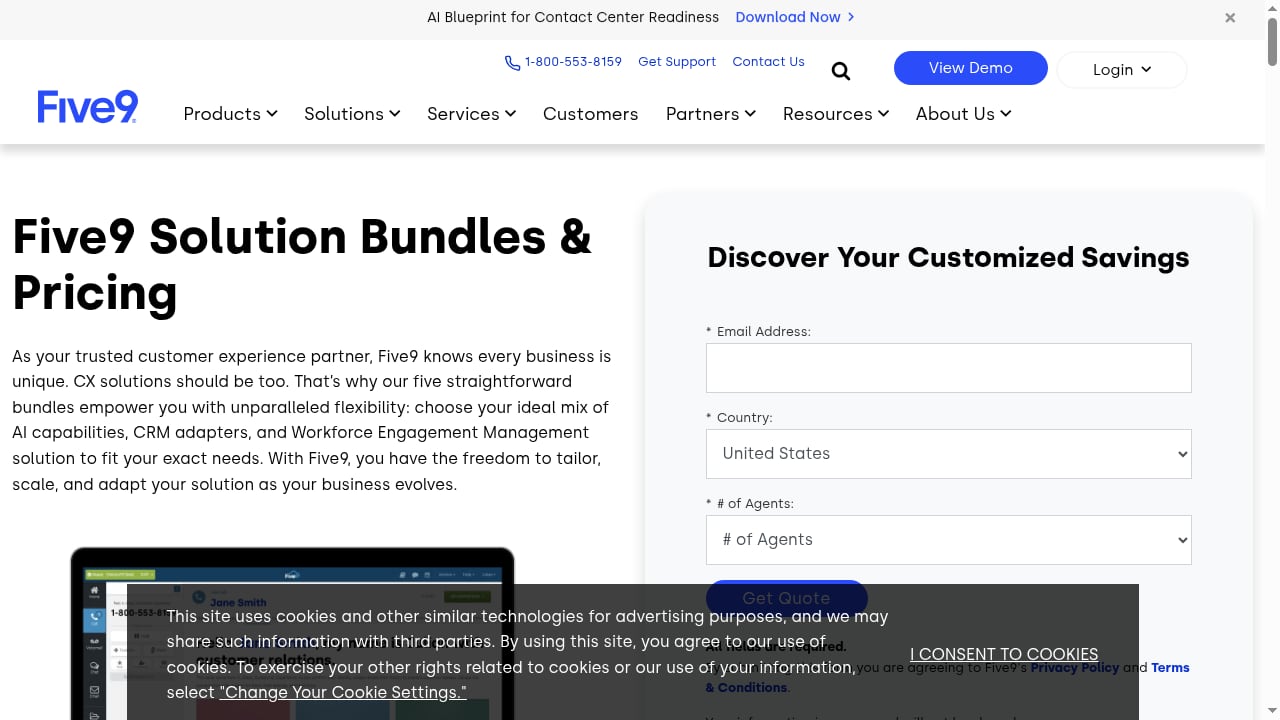
First viewport screenshot of Five9 Pricing - CCaaS Pricing - Cloud Contact Center Pricing.
Use these questions to evaluate fit:
- Do you run a multi-channel contact center with 20 or more agents? Five9 is built for this scale. Smaller teams may find the platform more than they need.
- Is your CRM central to daily workflows? If yes, Five9's deep integrations can reduce handle time and improve data accuracy.
- Are you ready to invest in AI? The platform's value increases when you use virtual agents, agent assist, and analytics. Buying Five9 without using AI leaves money on the table.
- Do you have implementation resources? Budget for setup time, training, and ongoing administration. Teams without this capacity often underutilize the platform.
- What is your total budget per seat? The $119 starting price is a floor, not a ceiling. Get a detailed quote that includes voice, AI, WEM, and implementation.
If your needs are closer to an AI-first support platform than a full contact center suite, compare Five9 against options like HelpKnow AI vs Zendesk or HelpKnow AI vs Enjo to see how different deployment models stack up.
Sources and further reading
- Read Customer Service Reviews of www.five9.com - Trustpilot - Contact info · 4000 Executive Parkway, Suite 400, 94583, San Ramon, United States · 1 800 553 8159 · info@five9.com · www.five9.com.
- Thoughts on Five9? : r/callcentres - Reddit - May 22, 2024 ... Easy instant fixes will turn to a whole shift issue because their bad customer service probably forgot to look at emergency outage/bug ...
- Five9 Reviews (760): Pros & Cons of Working At Five9 - 760 Five9 reviews. A free inside look at company reviews and salaries posted anonymously by employees.
Frequently Asked Questions
Is Five9 good for small businesses?
Five9 can work for small businesses, but it is optimized for mid-market and enterprise contact centers. Teams under roughly 20 agents may find the platform's complexity and pricing harder to justify compared to lighter helpdesk or support tools.
How much does Five9 actually cost?
Five9 advertises digital-only plans starting at $119 per seat per month. Most voice-inclusive deployments with AI and workforce engagement tools cost more, and implementation services are typically quoted separately. Request a detailed quote for your specific channel and feature mix.
Does Five9 integrate with Salesforce?
Yes. Five9 has a mature Salesforce integration with click-to-dial, automatic call logging, screen pops, and guided workflows. It also supports ServiceNow, Microsoft Dynamics, and custom API integrations.
How long does Five9 take to implement?
Simple deployments can go live in a few weeks. Enterprise rollouts with custom IVR flows, CRM integrations, and AI virtual agents often take two to three months or longer.
What are the main alternatives to Five9?
Common alternatives include NICE CXone, Genesys Cloud, Talkdesk, and Amazon Connect. The best choice depends on your channel mix, AI requirements, CRM ecosystem, and budget. For AI-focused support rather than full contact center operations, platforms like HelpKnow AI or eGain may also be worth evaluating.
Final Verdict
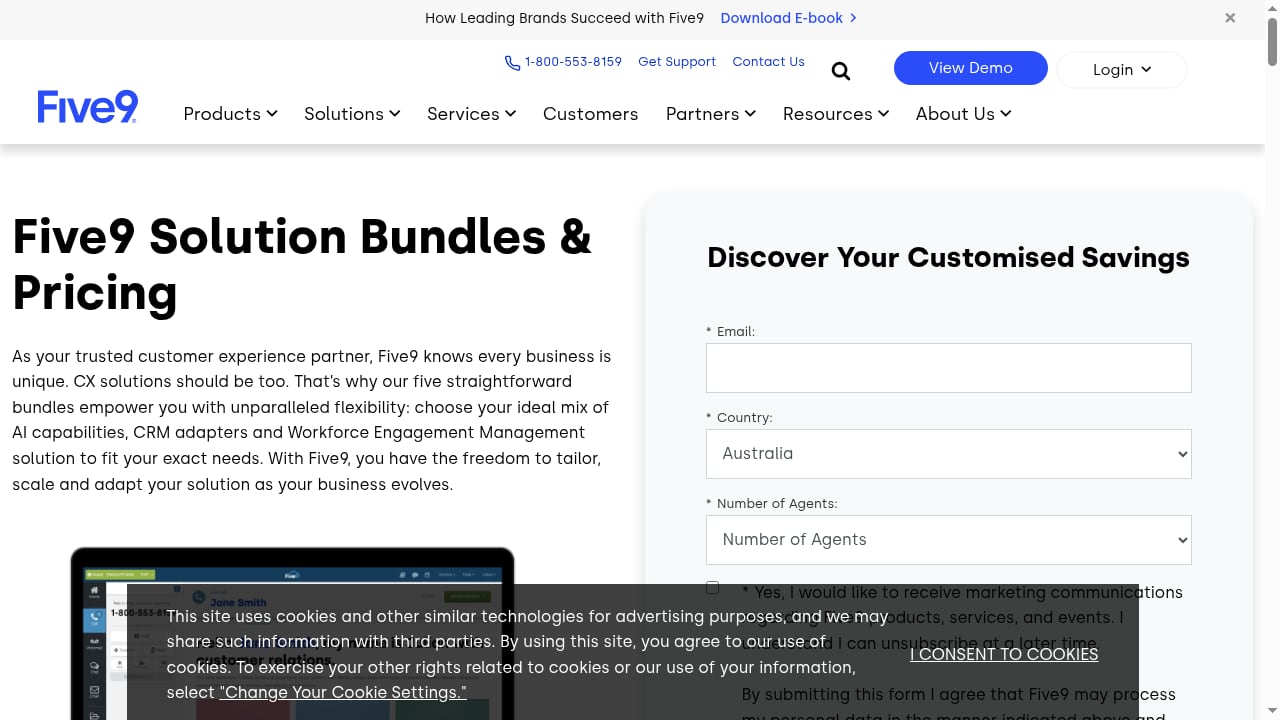
First viewport screenshot of Five9 Pricing – CCaaS Pricing – Cloud Contact Center Pricing.
Five9 earns its position as a leading cloud contact center platform for organizations that need omnichannel routing, practical AI, and workforce engagement tools at scale. Its strengths are clear: flexible packaging, deep CRM integrations, and AI capabilities that can be deployed without a data science team.
The trade-offs are equally clear. Setup requires meaningful investment, support quality can vary, and the true cost per seat usually exceeds the advertised starting price. Small teams and phone-only operations may find the platform oversized for their needs.
Choose Five9 if you run a multi-channel contact center with 20 or more agents, depend heavily on a CRM, and plan to use AI to improve containment and customer satisfaction. If your needs are simpler or your budget is tighter, explore lighter support platforms or AI-first alternatives before committing. For additional context on how Five9 compares to other support ecosystems, see our Slack review for team communication workflows or Desk365 review for a Microsoft Teams-integrated helpdesk option.